
Setup Monitor
Live worktree setup progress and logs from a button in the Paseo top bar.


该插件的概览尚未翻译为你的语言,因此以英文显示。
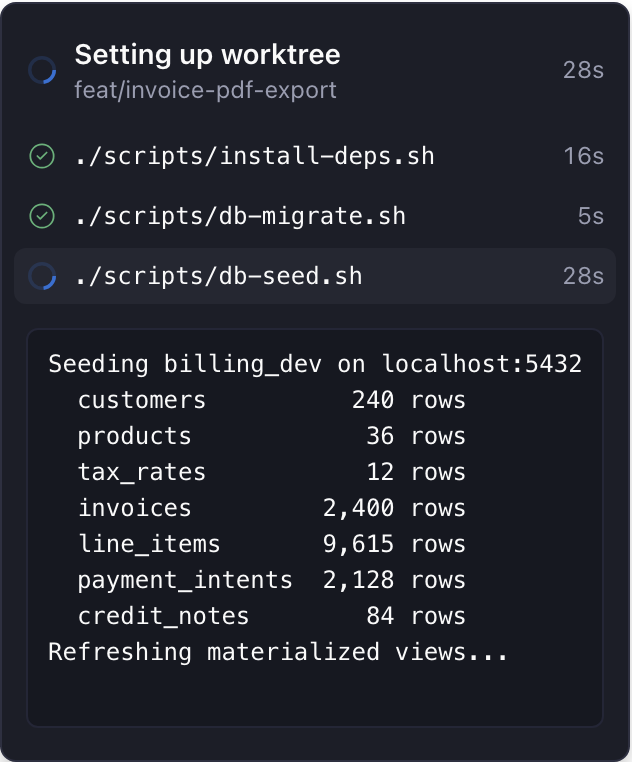
Setup Monitor shows your worktree's setup commands while they run, so a long dependency install is no longer silent. These are the commands under worktree.setup in paseo.json. Needs Paseo 0.11 or later.
While setup runs, a button in the workspace header shows a spinner and a timer, even before the worktree has an agent. The timer counts from when setup started, in every window. Click it for a popover with the live log. When setup has more than one command, each gets a row with its status and how long it took. Click a row to see that command's log.
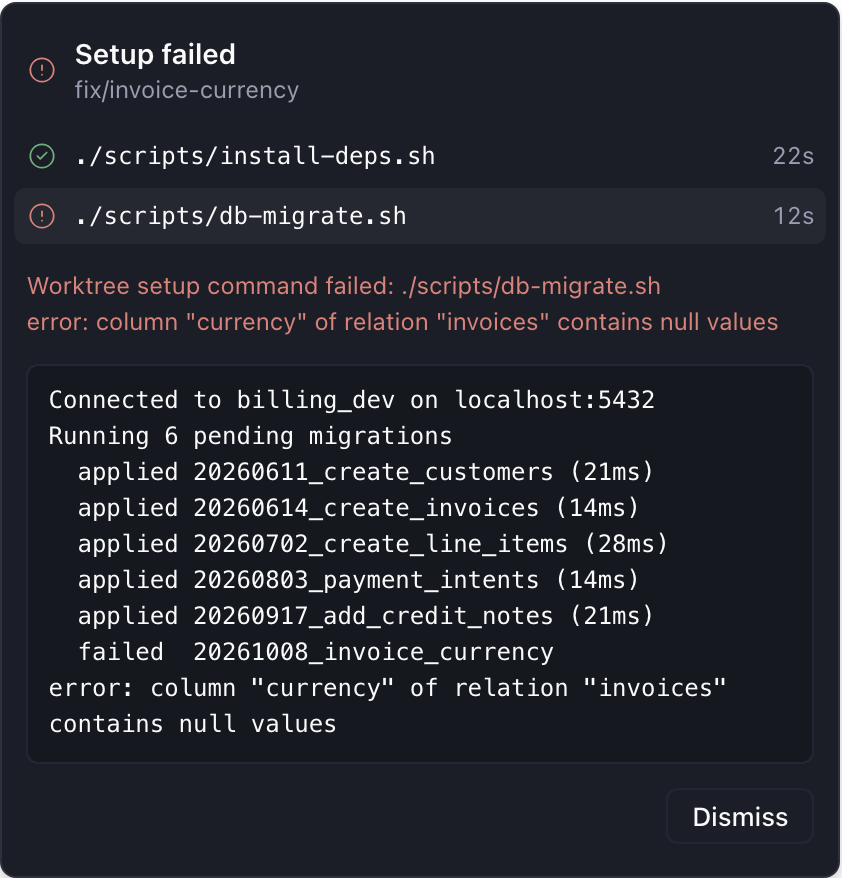
When setup finishes, the button turns into a green check with the total time and stays until you dismiss it. If setup fails, the button turns red and the popover shows the failed command's log. That includes failures from before you opened Paseo. A failure you dismissed comes back after Paseo reloads, and a rerun brings the button back too.
Paseo holds back setup for a pull request from another repository until you choose to run it. Setup Monitor shows that as an amber button. Its popover says where the pull request comes from and has a Run setup button.
The plugin reads setup status from the Paseo daemon. The only thing it starts is a setup Paseo held back, and only when you press Run setup. It can't rerun or cancel setup, and it sends nothing anywhere else. The log shows everything your setup prints, secrets included, and keeps only the last 8,000 characters. The plugin checks every two seconds, so a setup that finishes faster may never appear. There are no settings.