steno spec
Shorthand specs in your agent panel: spec-driven development that is agent-agnostic and token-efficient.


该插件的概览尚未翻译为你的语言,因此以英文显示。
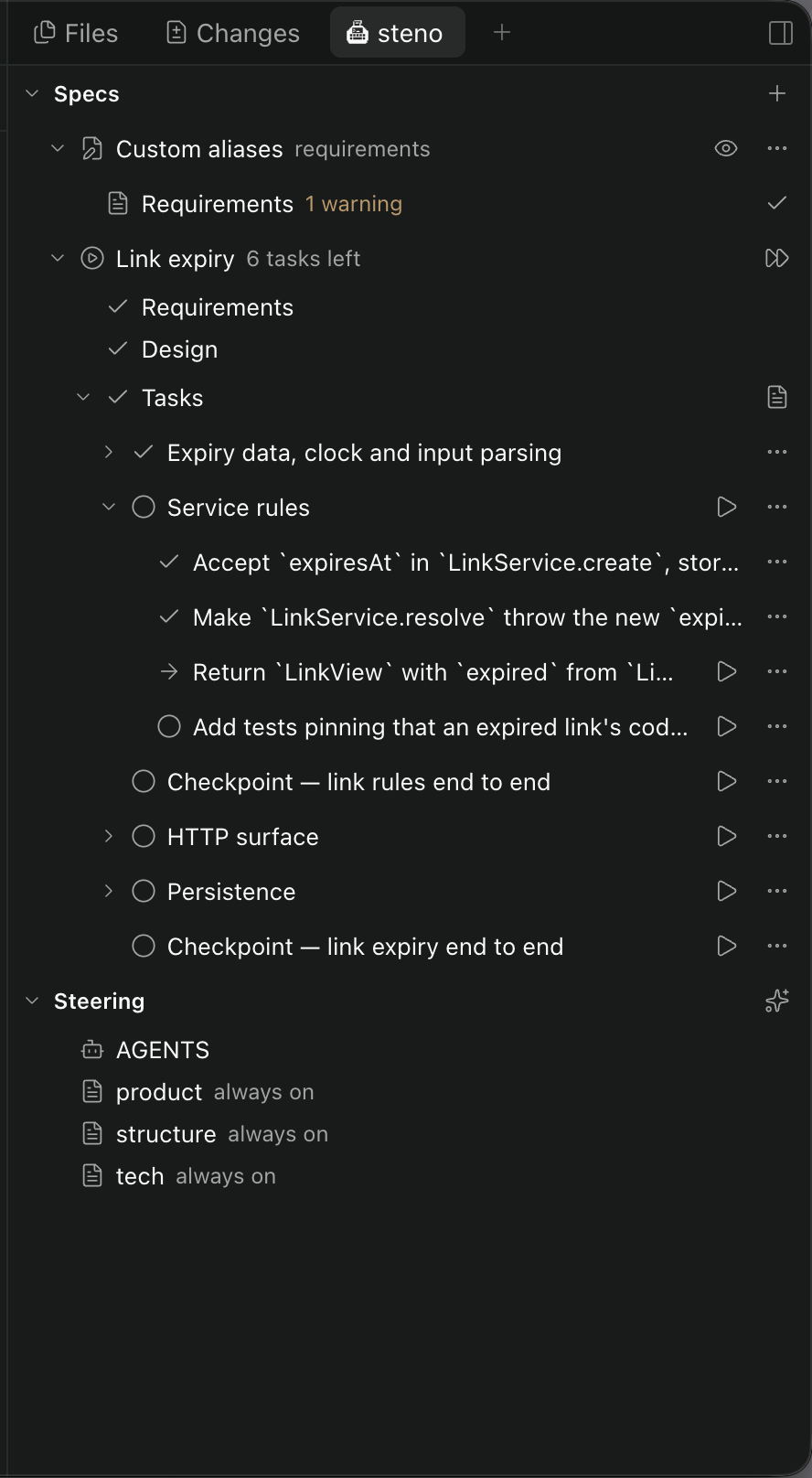
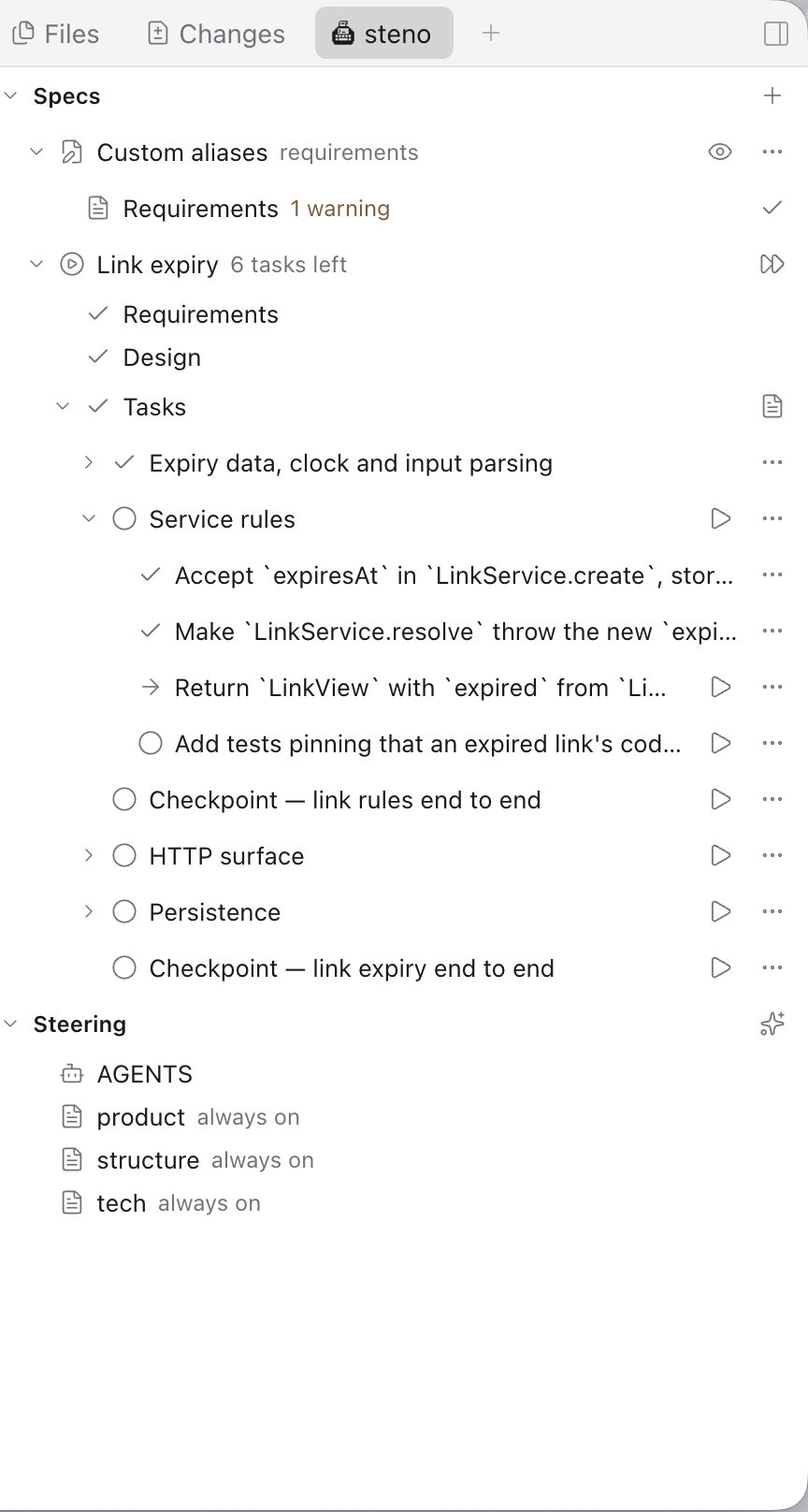
steno adds a panel for spec-driven development to each workspace. You and your agents work through a feature in four stages, requirements, design, tasks and then code, each one a plain Markdown file in the repository. Each stage is checked by steno's lint and approved by you before the next one starts. The steno tab in Explorer shows where every spec stands and gives you the approvals. The agents in Paseo do the writing.
How it works
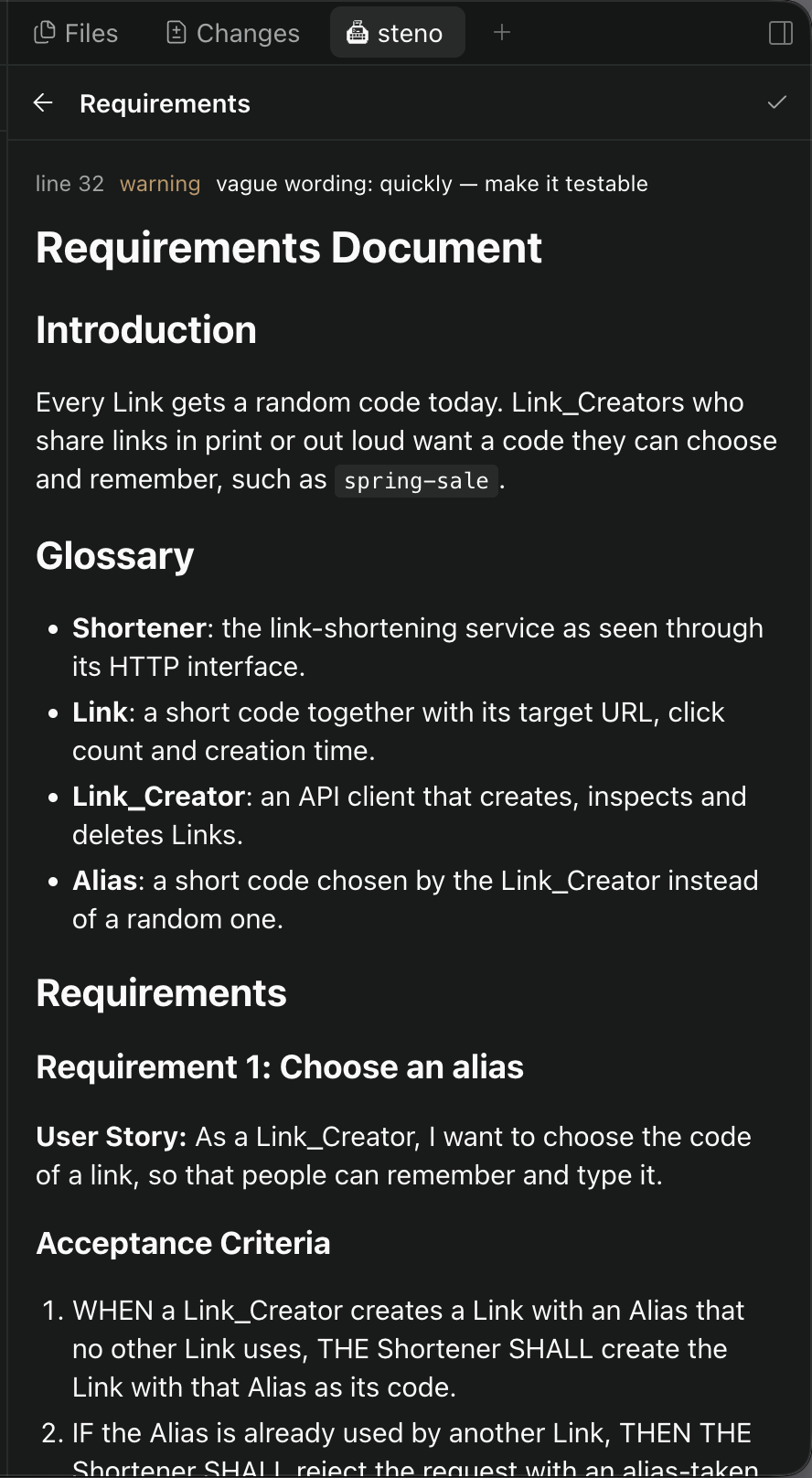
Specs live in .steno/specs/ in the workspace, one folder per feature with requirements.md, design.md and tasks.md. The panel lists each spec with its documents and tasks, marks the next task, and shows the lint problems of each document above its text. Documents open read-only: an agent edits them, and you approve.
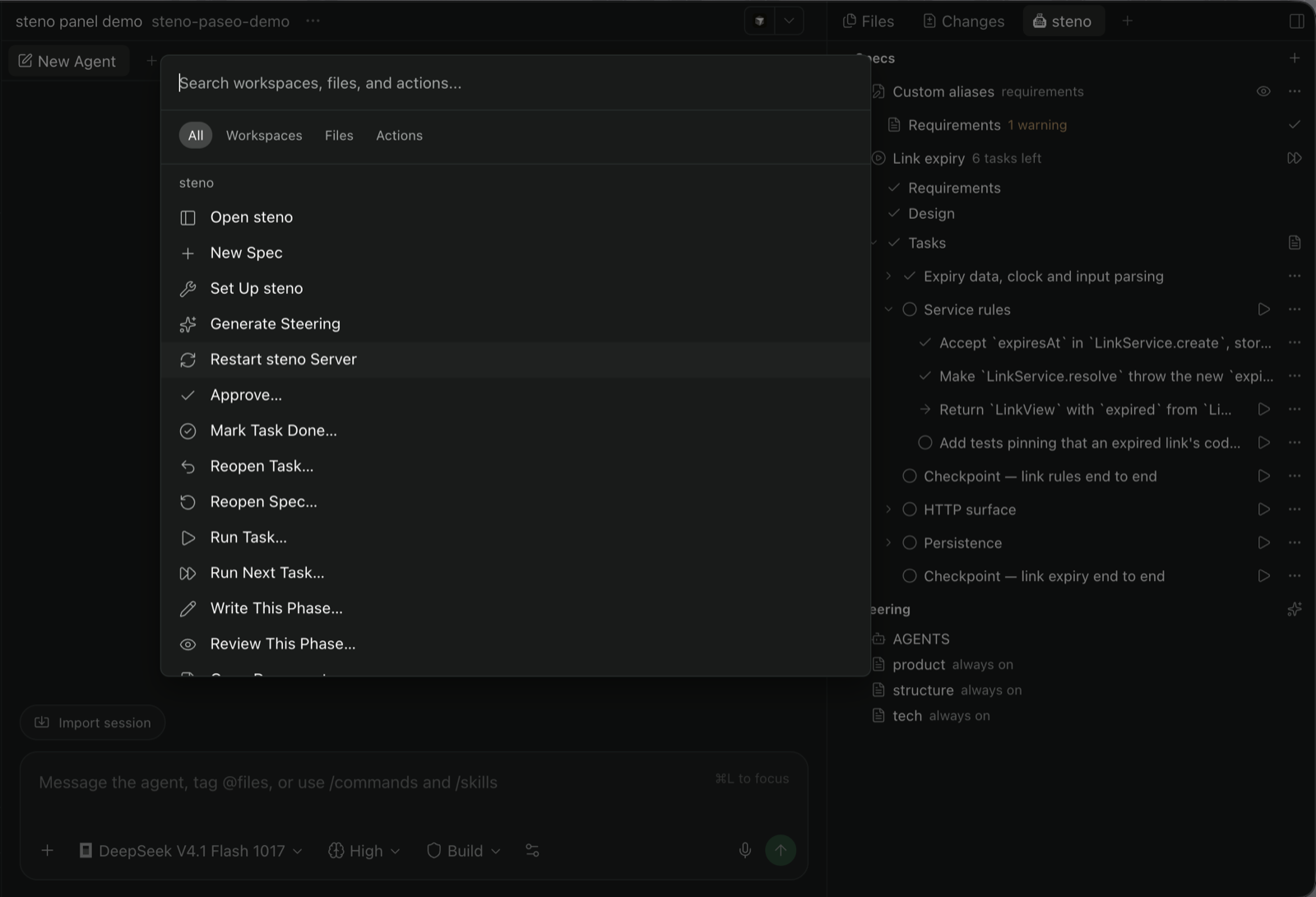
Run Task, Run Next Task, Write, Review and Revise hand the work to an agent. The plugin puts a short skill call, such as /steno-run T2.1 link-expiry or Use the steno-run skill with: T2.1 link-expiry depending on the agent, in the composer of the agent you have open, else an open New Agent screen, else the most recent agent. It never sends it: you read it and press send. With no agent, the call is copied to the clipboard. Approve, Mark Done and Reopen change the spec directly and need no agent. Every action is also in the Command Center under "steno".
Setup
Paseo 0.16 or later on macOS, Linux or Windows, with plugins turned on. For a folder without steno, Set Up steno in the panel adds the .steno/ folder and the steno skills for the coding agents you choose.
The panel needs nothing else. Your agents, though, run the steno command from the daemon's PATH when they follow the skills, so install the steno-spec npm package globally on the computer running the daemon. If that command is missing or older than the plugin's copy, the panel shows a warning bar with the exact command to run.
What it reads, writes and runs
- It reads the workspace's specs, steering files and agent instruction files such as
AGENTS.md. - Approve, Mark Done and Reopen write
spec.yamlandtasks.mdin the spec's folder. New Spec creates a spec folder. Set Up steno writes.steno/, the skills folders of the agents you pick, a short steno section inAGENTS.mdand, for Claude Code, its read-only reviewer agents in.claude/agents/. - The plugin carries its own steno command and language server. It writes them to
~/.paseo/plugin-data/steno/, one folder per version, and runs them from there. Removing the plugin leaves that folder in place. - It runs
steno --versionfrom the daemon'sPATHonce per panel to check the copy your agents use. - It makes no network requests and calls no model. The only text it puts in front of an agent is the skill call, never file contents. What the agent then reads and sends to its provider is up to the agent.
Limits
The panel is a view and a set of gates, not an editor: write and revise documents through an agent. Each workspace's panel shows the specs of that workspace's folder only. If the language server crashes five times in a row, the panel stops it and offers Restart steno Server.