
Cafe
Browse the official Paseo plugin directory inside Paseo and install plugins without leaving the app.

该插件的概览尚未翻译为你的语言,因此以英文显示。
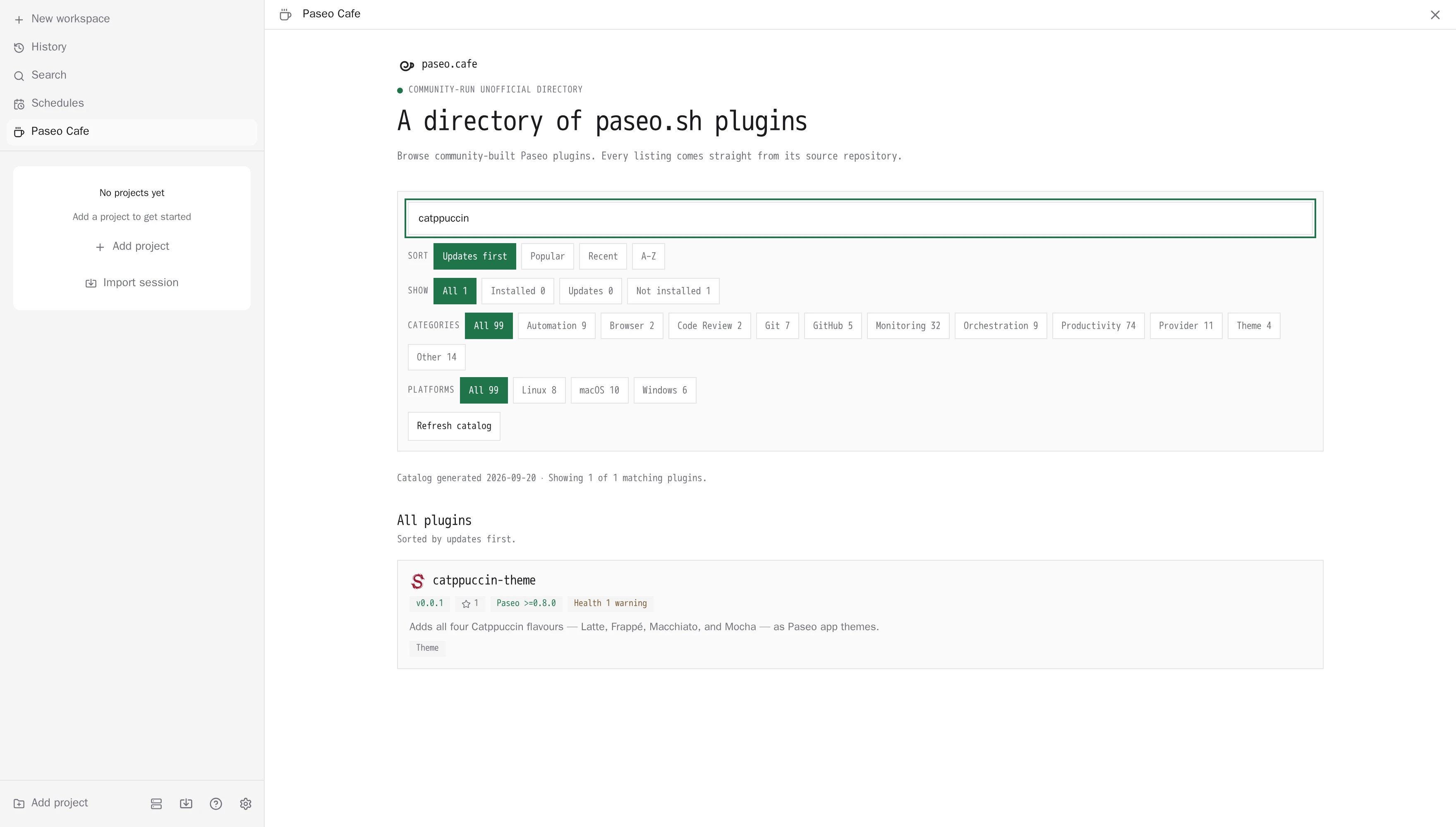
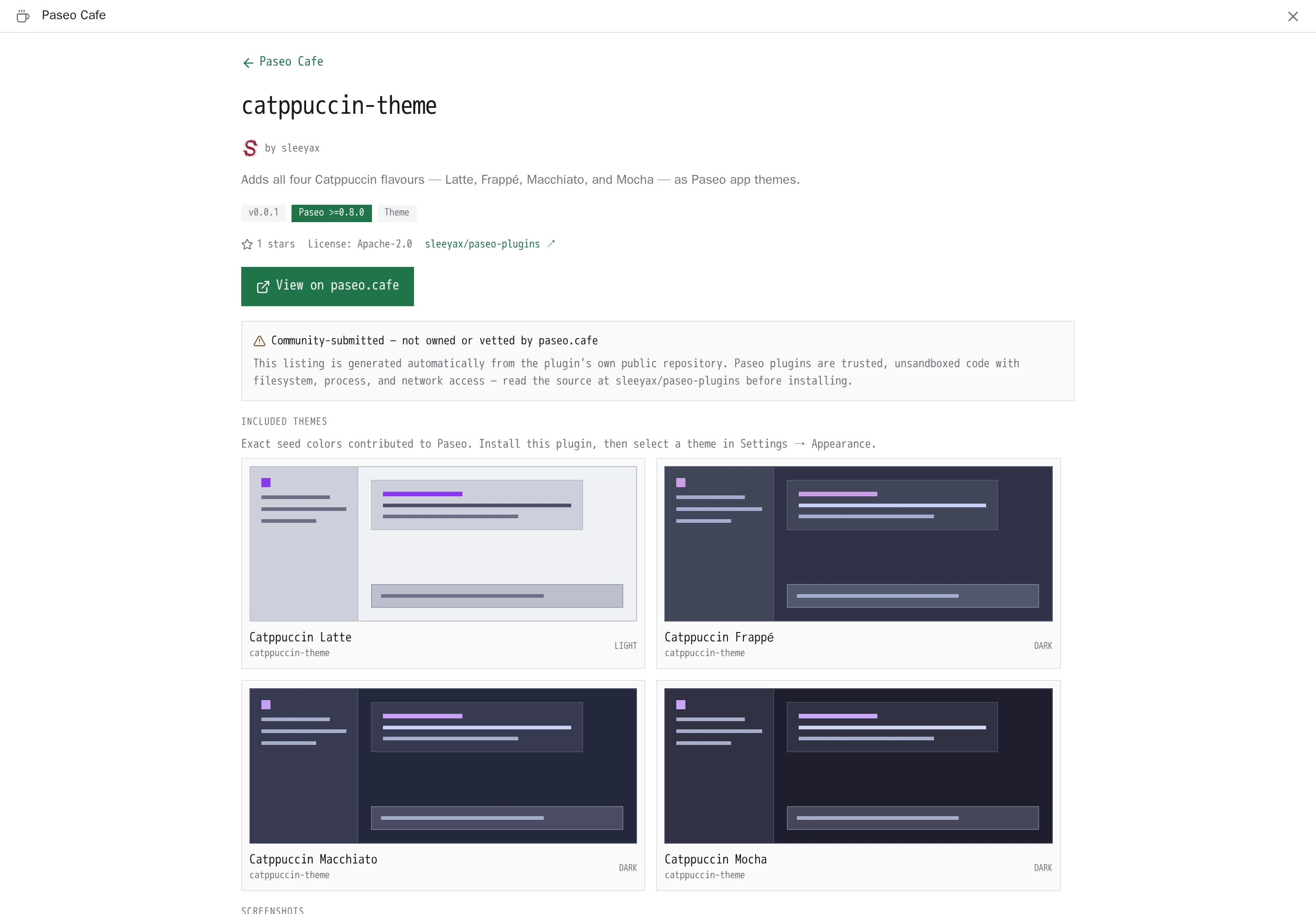
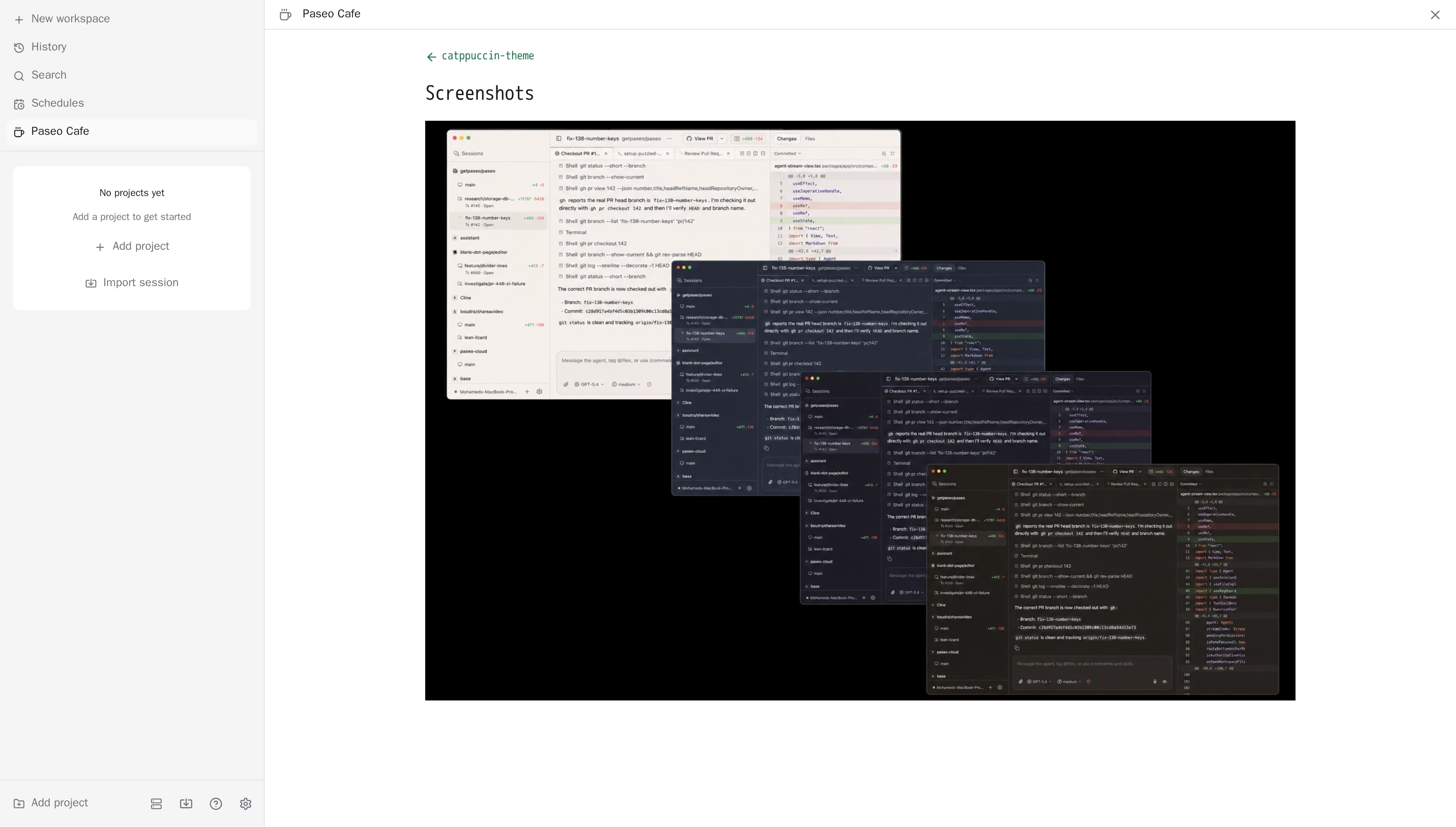
Paseo Cafe is a screen inside Paseo for browsing the official plugin directory and managing the plugins you installed from it. A sidebar item opens the directory, where you can search, filter by category, switch between plugins and themes, and open any listing to read its overview, see its screenshots and review exactly which artifact it would install.
Themes have their own tab, shown as a grid of screenshots. Plugins show an icon, a short description, the author and the install count reported by the directory, with a badge when you already have them installed or an update is waiting.
How it works
The daemon downloads the directory index from plugins.paseo.sh and caches it for five minutes. A listing's overview is fetched from the same registry when you open it. Screenshots and icons are loaded by your Paseo app straight from the URLs each listing declares, which are usually GitHub or a package CDN, so those hosts see your request.
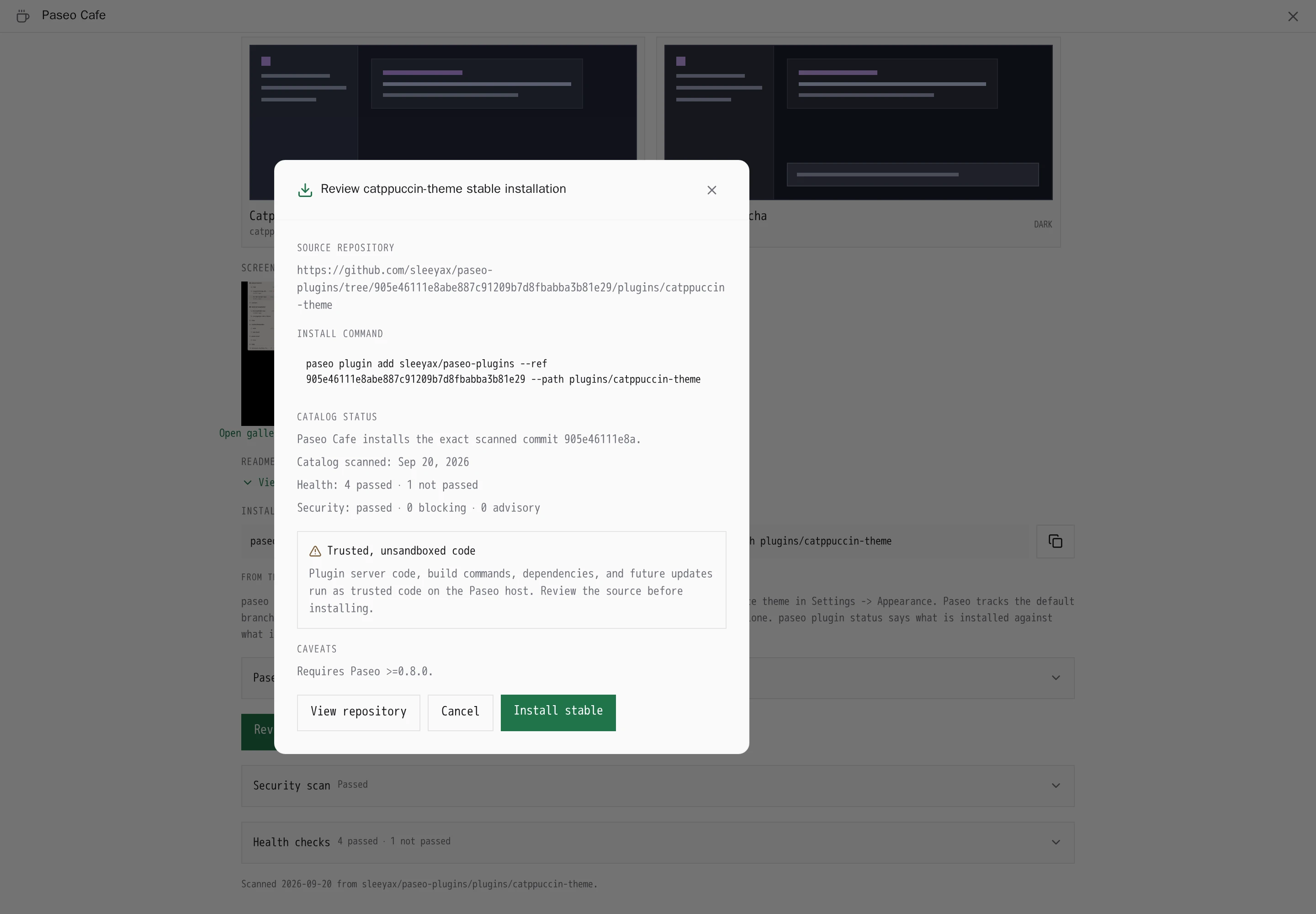
Installing and updating run the paseo command line on the daemon host. Before an install, the app shows the pinned npm version or Git commit and the repository it comes from, and you confirm. The daemon then installs exactly that reviewed artifact. If the directory moves the pin after you opened the review, the install is refused.
Setup
Cafe needs Paseo 0.11.0-beta.4 or later and the paseo command on the daemon's path. In Settings, under Plugins and then Paseo Cafe, you can point it at another registry that follows the Paseo registry protocol. A custom registry must use HTTPS, or HTTP on localhost. The directory entry for a plugin decides what gets installed, so only use a registry you trust. For a registry the daemon cannot install from directly, such as one served under a path prefix, Cafe shows the command to run yourself instead of an install button.
Capabilities and limits
- Automatic updates are on by default for every installed plugin, including Cafe. The daemon checks 30 seconds after it starts and then every six hours, moves each plugin to its current directory pin, or to the latest release of the npm package or Git source it was installed from, and keeps going if one plugin fails. Turn them off for a single plugin from its detail page, or run the check immediately from Cafe's settings.
- The sidebar item shows the number of plugins with an update available.
- A composer attachment source lets you attach a plugin's listing to a prompt, so an agent can review it before you install.
- Cafe stores your registry URL, your last search and filters, and the list of plugins excluded from automatic updates in its Paseo settings. Cafe itself contacts only the registry; installs and updates fetch the artifact from npm or Git the way the
paseocommand normally does. - Plugins installed from npm or Git before the directory existed are recognized by package name or repository, and shown as installed.
- Listed plugins are community submissions that the directory maintainers review. They still run unsandboxed on your daemon host, so read a plugin's source before installing it.