
OMP
Paseo integration for OMP, including its direct provider and workspace tooling.

该插件的概览尚未翻译为你的语言,因此以英文显示。
OMP adds an agent provider for the OMP coding agent, plus an OMP sidebar and workspace panel for configuring it. Choose OMP Plugin when creating an agent, and Paseo runs OMP on the daemon host and maps its prompts, images, steering, tool permissions, subagents, session history and conversation rewind into Paseo. It runs alongside Paseo's bundled omp provider without changing it or migrating existing omp agents. Sessions created by an earlier alpha preview may need to be re-imported after an upgrade.
Setup
- Paseo ^0.14.0 || ^0.15.0 || ^0.16.0.
- OMP 18.1.15 or newer on the daemon host, speaking RPC protocol v2. Older runtimes are rejected.
- Provider options let you change the OMP command, set environment values, choose an output redaction mode and set a session directory and timeout. Named OMP profiles appear as separate
OMP · <profile>providers.
What the sidebar and panel do
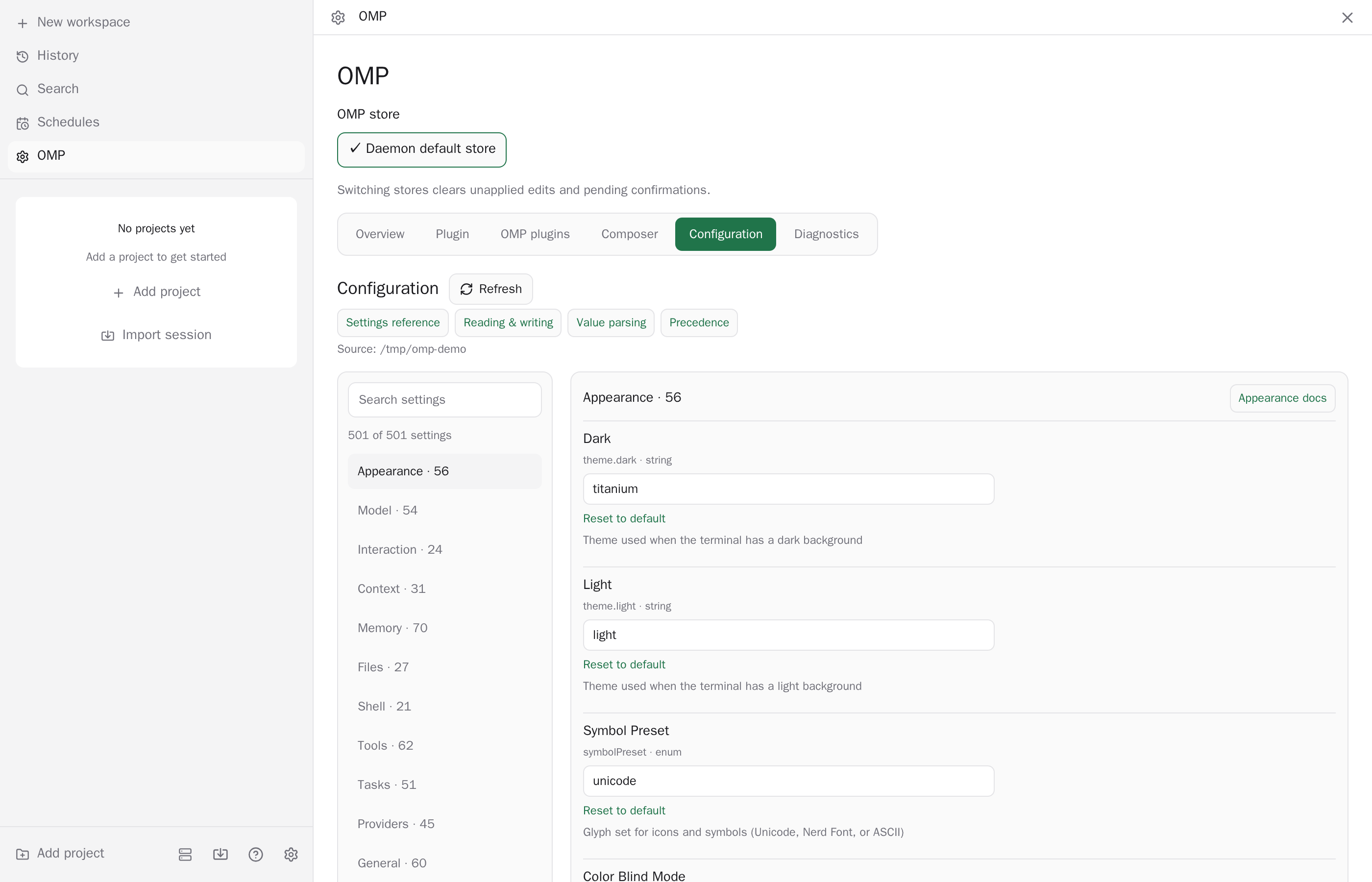
- Edit OMP settings and project configuration for the default store or a named profile.
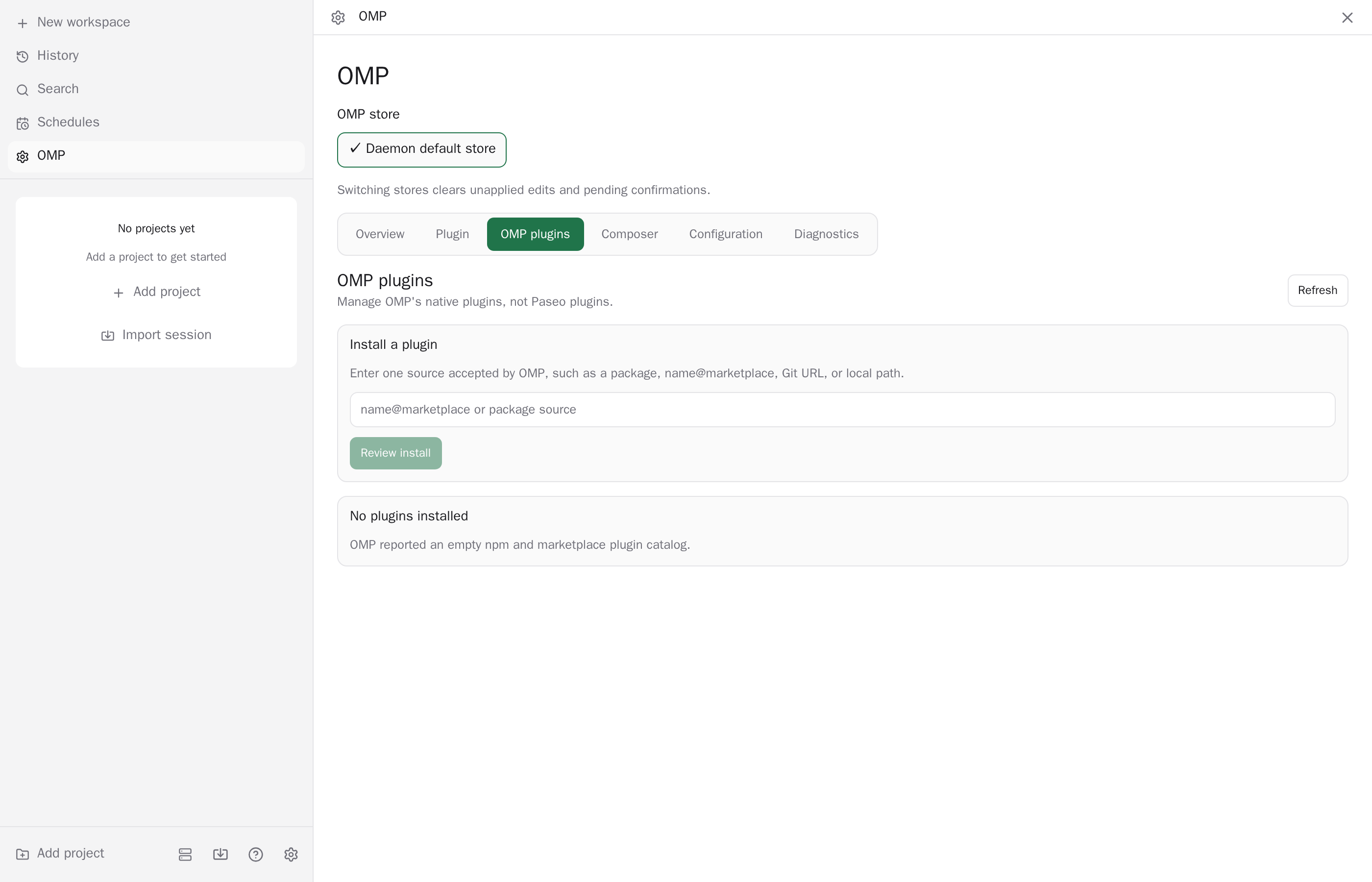
- Manage OMP's own plugins, and view quota history, memory, hub processes and a support report.
- List the logins in OMP's own credential store, add or sign one out, spend a banked reset, and steer how OMP balances agents across them, from the Accounts tab.
- List the MCP servers OMP connects to, add, test, enable, disable or remove them, and authorize a remote server through your browser, from the MCPs tab.
- See which OMP rules apply (watch, always applied, rulebook, turned off) and the file each comes from, from the read-only Rules tab.
- An MCP composer control runs OMP's MCP management in the current session, with authorization prompts shown in the chat.
- While OMP subagents run, a row under each
taskcard in the conversation lets you steer one with a message or stop it after confirmation. It needs OMP 18.4.9 or newer. - When an OMP rule fires during a turn of an agent on Paseo's bundled
ompprovider, a notice under that turn names the rule and the text it matched. The plugin reads this, best effort, from the end of the agent's OMP session file, which that provider does not report. - When an agent on Paseo's bundled
ompprovider calls OMP'slsptool for diagnostics, the call shows as a card grouped by file with an icon per severity. Output the plugin does not recognize keeps the original row. - When an agent on Paseo's bundled
ompprovider generates an image with OMP'sgenerate_imagetool, the row shows the image with a Download button on web and desktop. The plugin reads the savedomp-image-*file from the daemon host's temp directory, so the image is gone once the host cleans that directory. - When an agent on Paseo's bundled
ompprovider previews an OMPast_editrewrite, the call shows as a read-only diff card per file. It is built from the preview text and does not apply or discard anything; OMP's follow-upxd://resolveorxd://rejectwrite stays a separate row. A preview the plugin cannot parse keeps the original row. - When an agent on Paseo's bundled
ompprovider takes screenshots in anevalcell, a Screenshots row under that turn shows them. The bundled provider keeps only the text ofeval, so the plugin reads the screenshot blobs from the end of the agent's OMP session file after the turn, copies them into its image cache, and shows them once the turn ends, not live. Rows do not survive a daemon restart. - OMP agents can call Paseo's orchestration tools with the optional
serverIdargument andlist_hoststo delegate work to other connected Paseo hosts.
Reads and sends
- Runs the OMP command as a process on the daemon host. Its output is passed to Paseo as produced, apart from validation and length limits.
- Reads OMP's settings, configuration, session transcripts, quota history, memory and hub state on the host, and writes OMP's settings file when you edit settings in the panel.
- Reads the accounts in OMP's credential store, and signs logins in or out and spends banked resets, only by running the
ompcommand. It never reads a credential file or sees a token. - With the default output redaction, nothing is redacted, so do not put credentials in prompts or tool output. The optional
configured-valuesmode replaces configured credential values on a best-effort basis. - Opens only http and https links, through Paseo.
Limits
Structured output schemas, archive and unarchive, revert of files, and exact MCP tool pre-approval are not supported, and requests for them fail visibly. Changing the approval mode of a running session needs a new session.