
Bots
Personal bots for Paseo: instructions, a model, memory, routines, teams, skills, MCP tools and connected apps.

该插件的概览尚未翻译为你的语言,因此以英文显示。
Personal bots for Paseo. Each bot has its own standing instructions, provider and model, memory, routines, skills and tools, and chats in its own background workspace, separate from the coding sidebar. Existing chats remain available in Bots; older visible workspaces keep their original visibility. Start a bot blank, from a role such as Email triage or Researcher, or ask a bot to set one up for you.
What a bot has
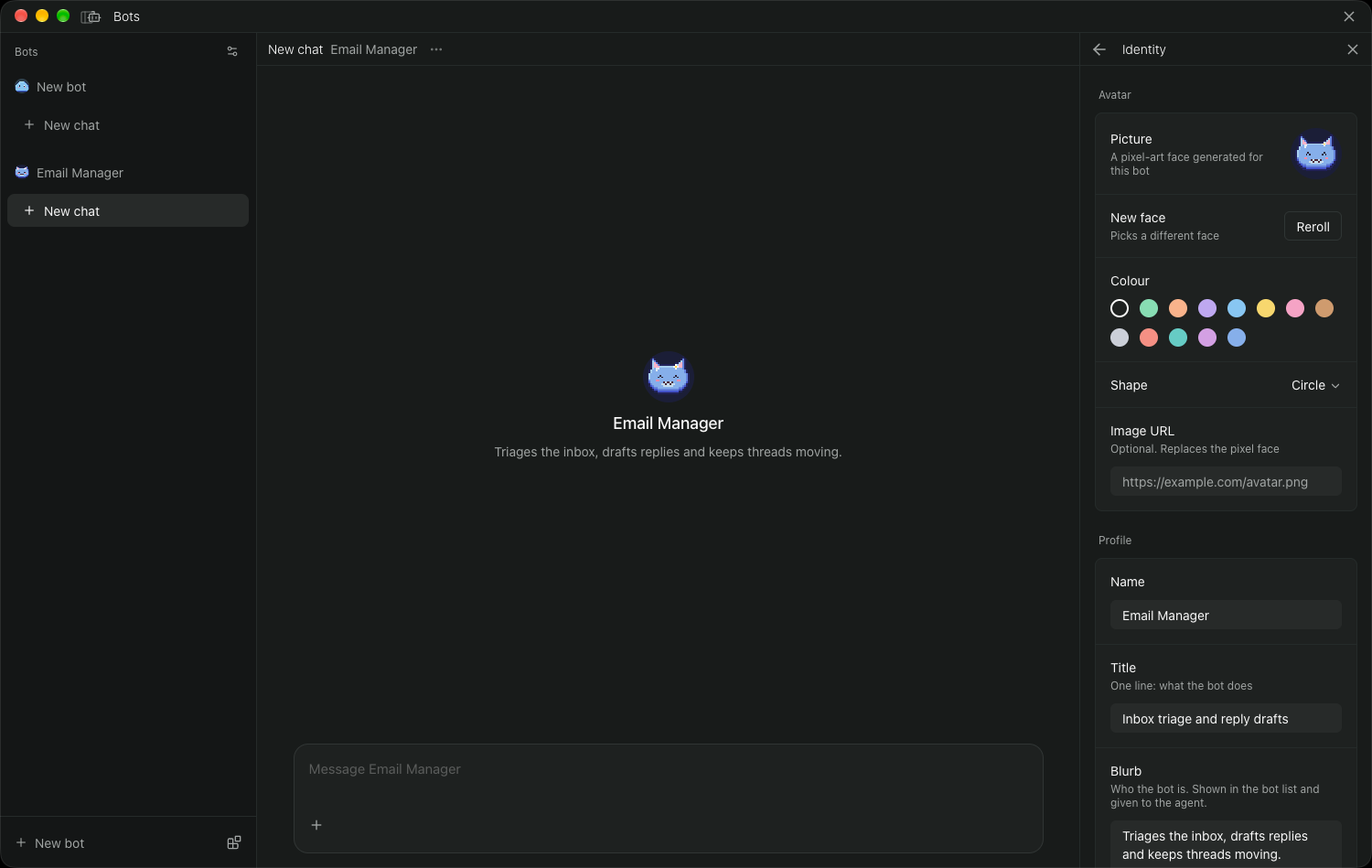
- Identity and soul: a name, an avatar, a voice and the standing instructions it follows in every chat.
- Memory: a MEMORY.md the bot updates as it learns, topic files and a daily log of its chats. Settings show the 200-line/24 KB chat budget, protect edits against newer changes, and let you undo recorded changes.
- Routines: prompts that run on a schedule, such as every weekday at 9:00, at a fixed interval, or when their webhook is called from this computer. Results can be collected in one chat. Inspect run history, run a routine now or stop an active run from settings, or ask the bot to do it.
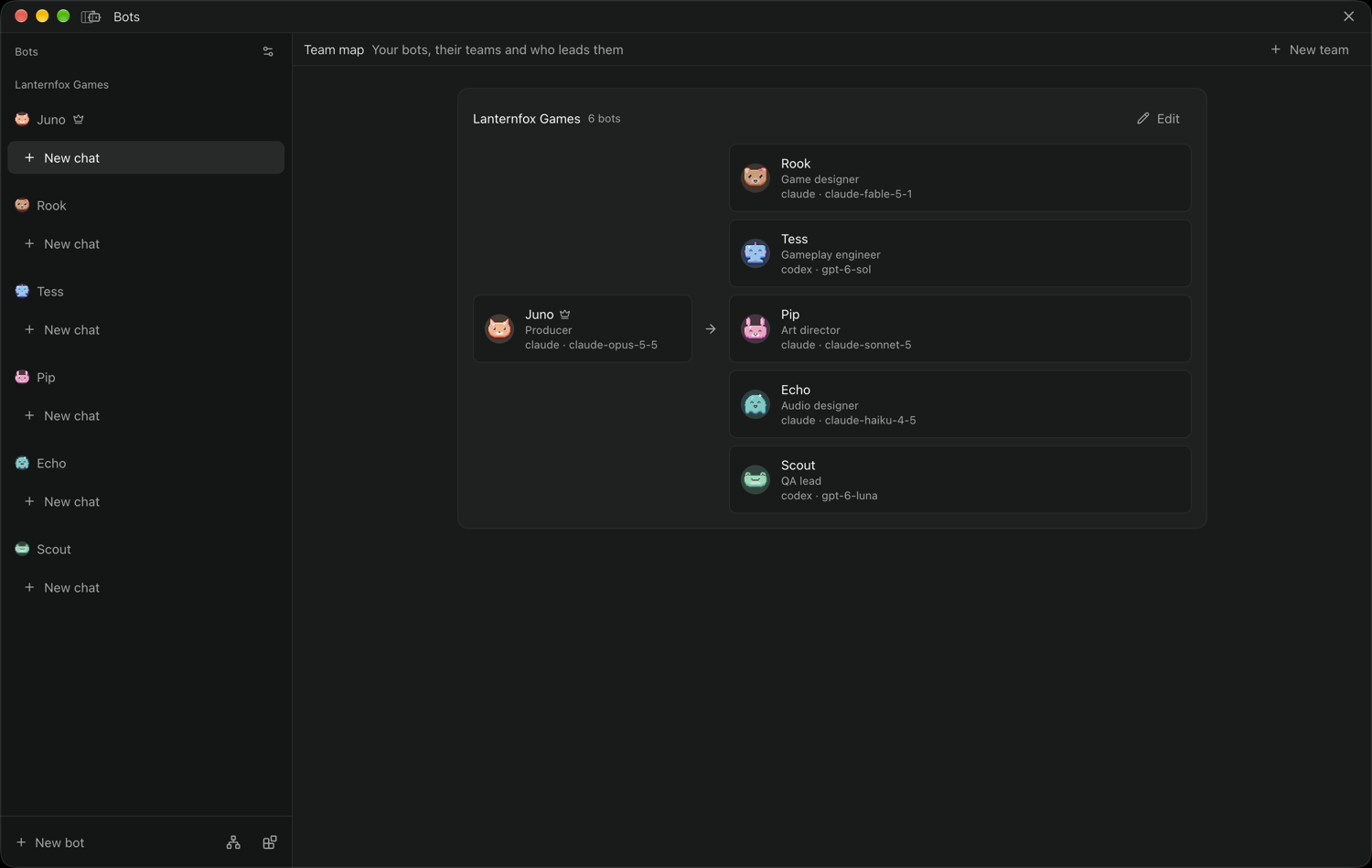
- Teams: bots grouped under a Chief of Staff who takes your requests and hands parts of the work to the others.
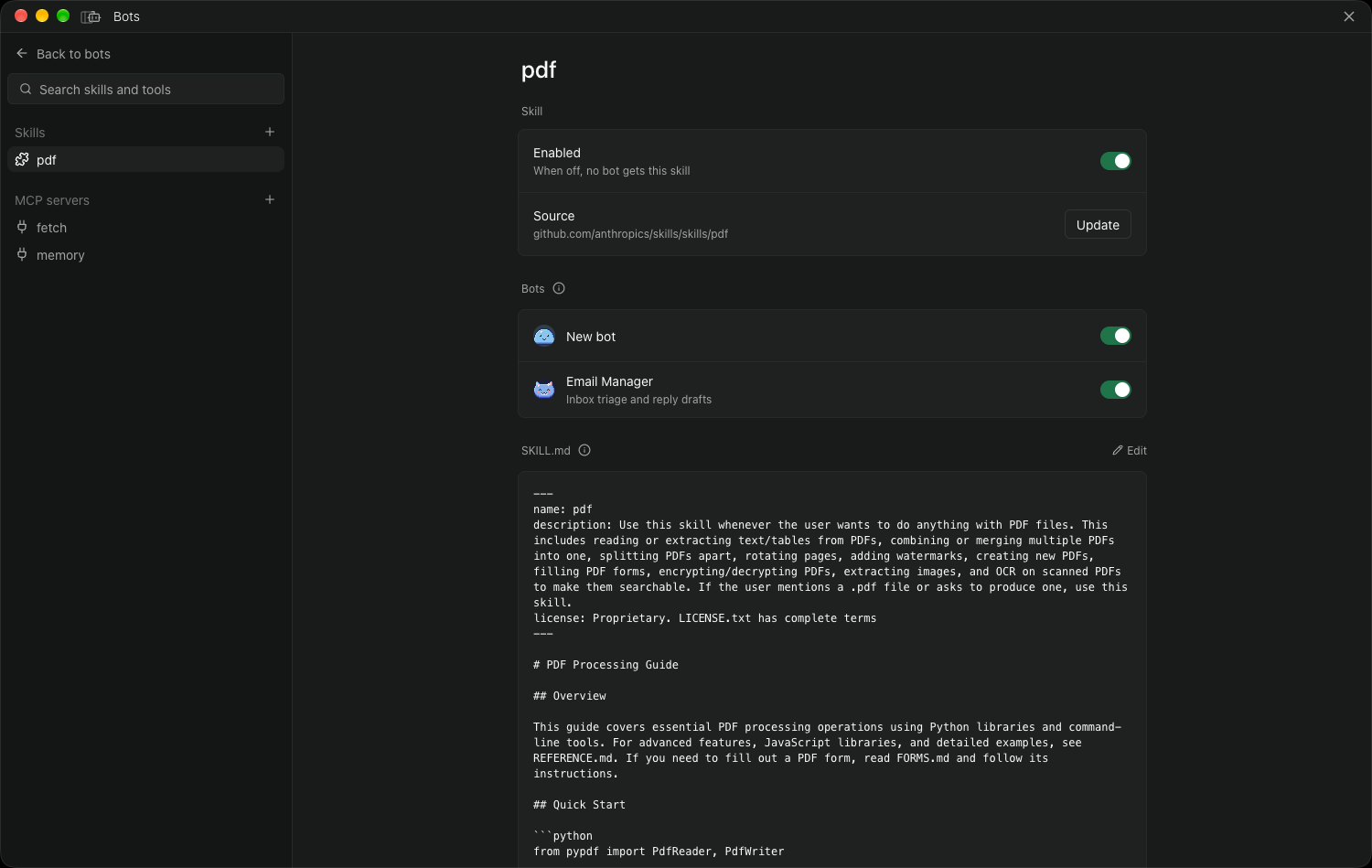
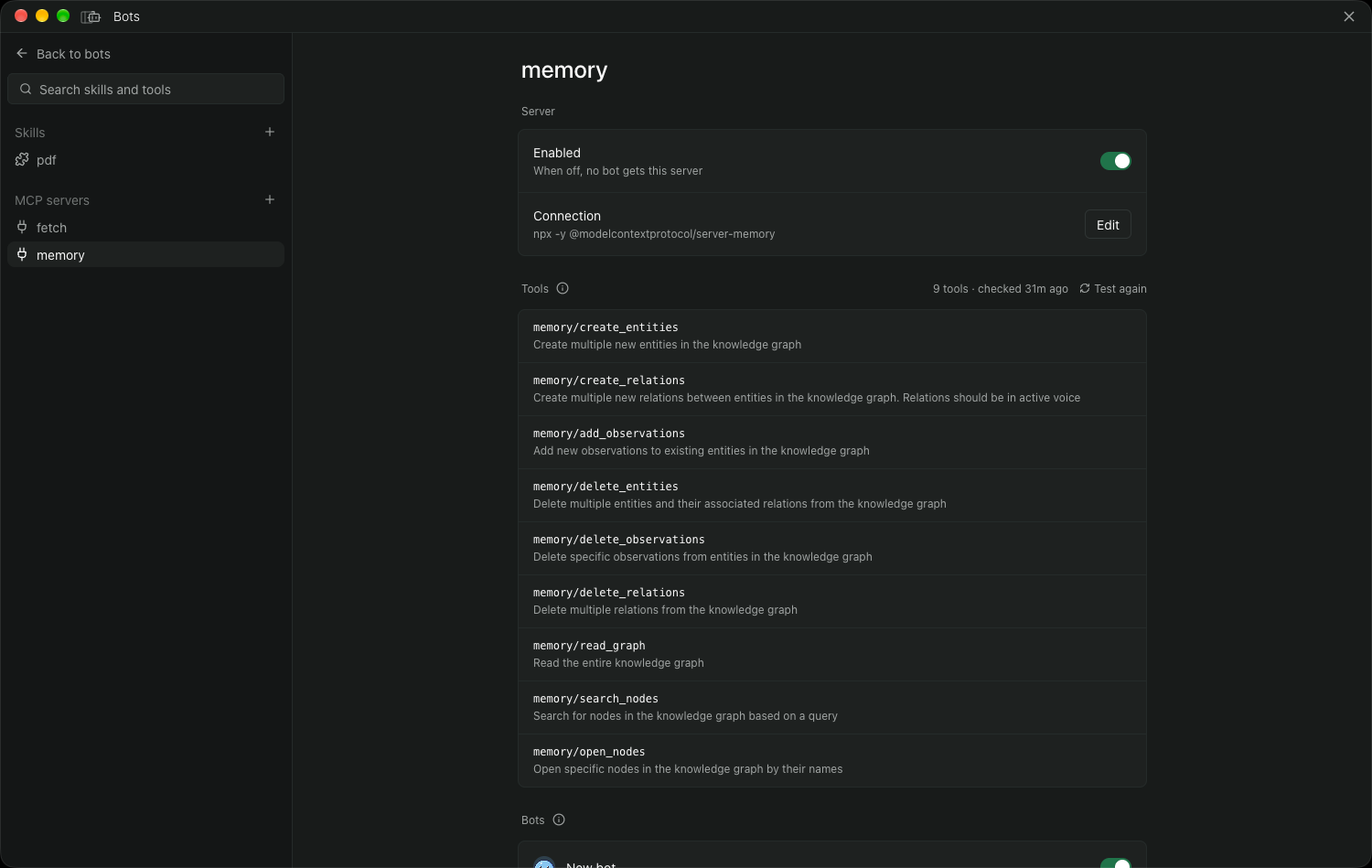
- Skills and tools: one library of skills and MCP servers, switched on per bot. Skills can be imported from GitHub and MCP servers from Claude Code, Claude Desktop or Cursor. Send /learn after a task and the bot writes up what worked as a skill.
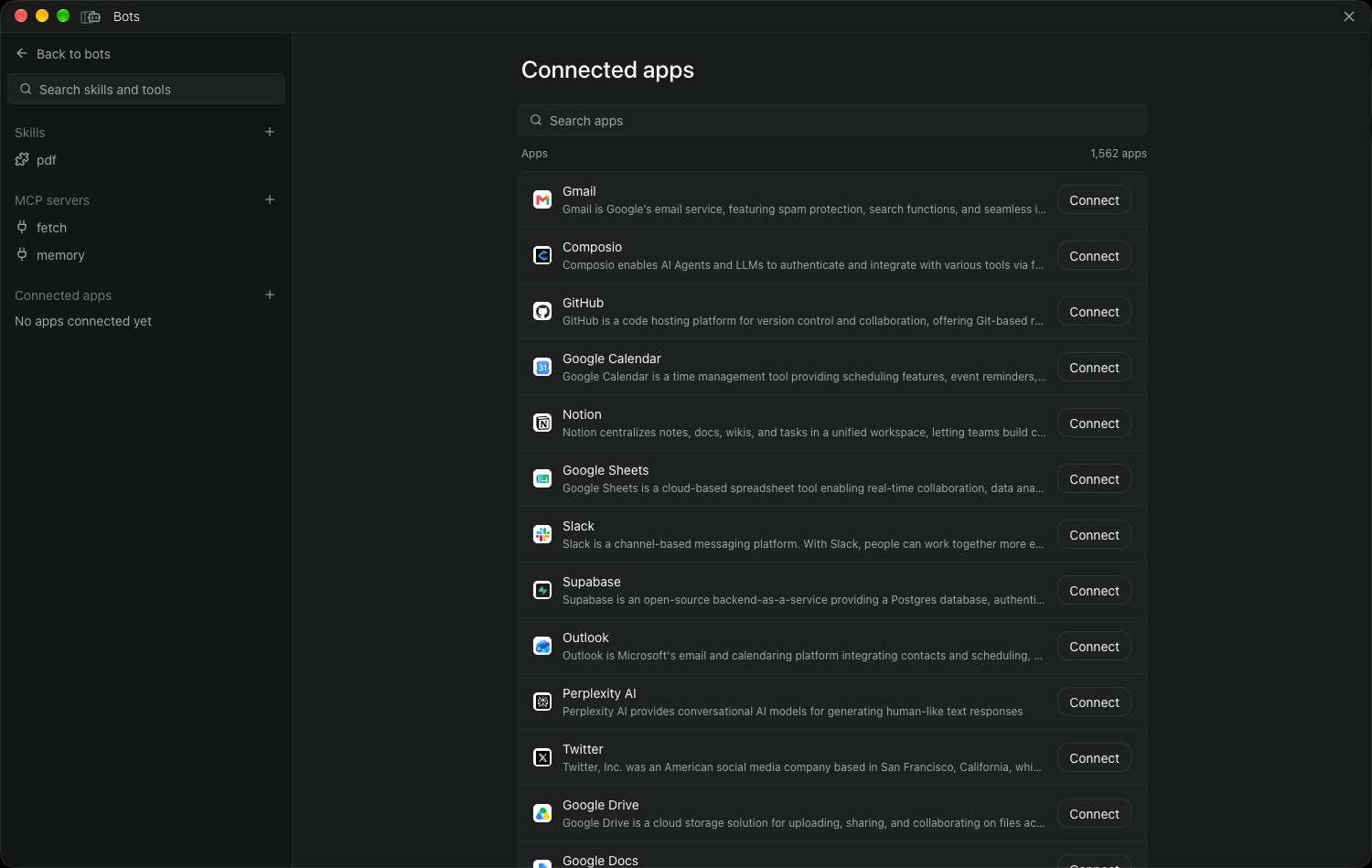
- Connected apps: Gmail, Slack, Notion and other apps from Composio's catalog, with several named accounts per app and per-bot limits on which tools a bot may use.
- Paseo tools: bots can start other agents, open workspaces and terminals, set up schedules and use the browser.
- Interactive chat: editable drafts, confirmation cards, choices and forms return answers to the original chat. Completed tool steps collapse together, search results show source cards, and handoff cards show another bot's progress with a link to its conversation. Quote messages into a reply or save them for later.
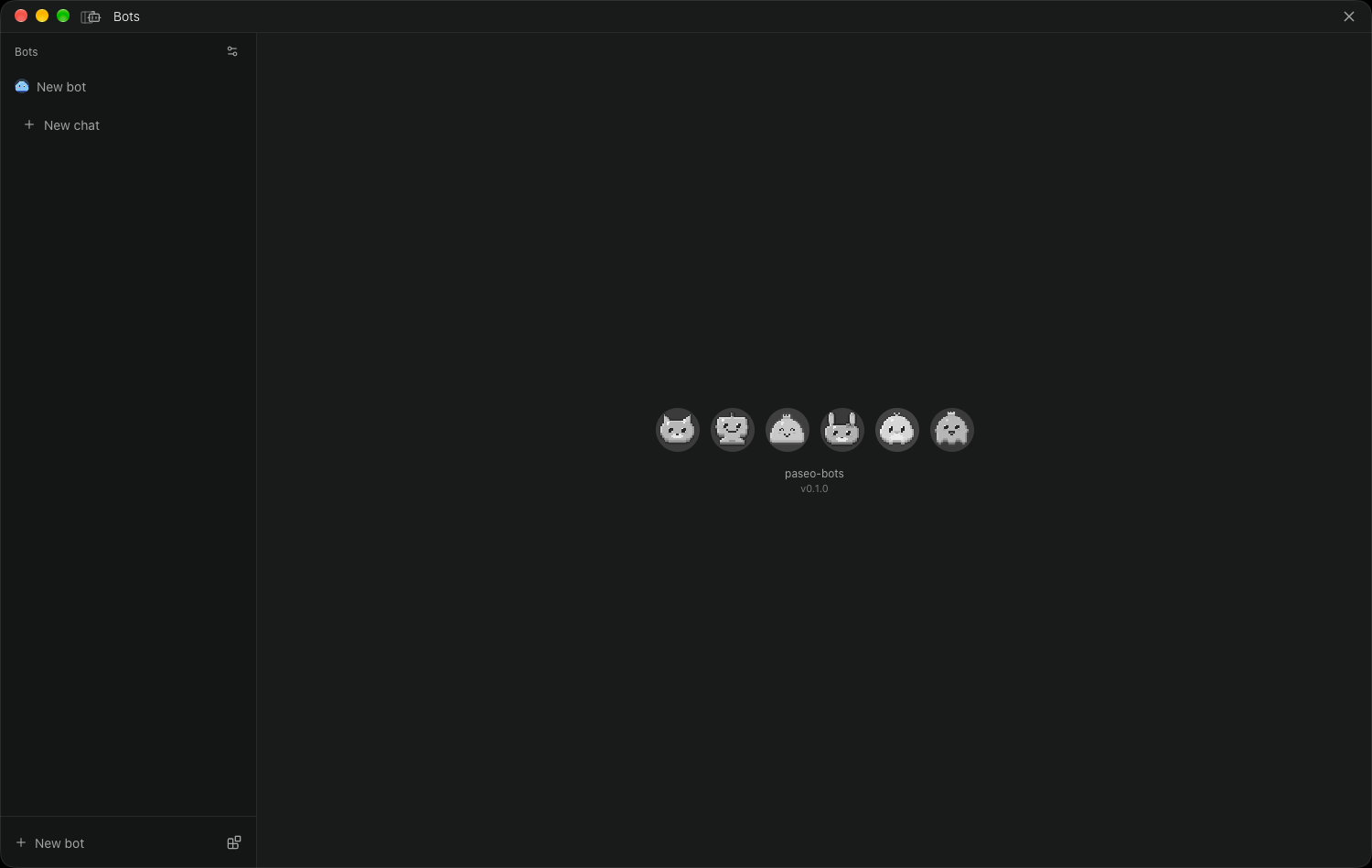
- Avatars: choose a built-in pixel, modern or orbital generator and customize its seed, palette and shape, use an image URL, or upload a picture on web clients. No image service or API key is needed.
- Navigation: one Bots entry in Paseo's sidebar, with search and pinned bots inside the Bots list. Bot list options includes Manage routines. New bot contains defaults and preset management; Team map offers Team file import/export; Skills & Tools holds the shared library and apps.
Setup
Requires Paseo 0.16.0 or later. Bots run on the agent providers already set up on the host, such as Claude Code or Codex. Scheduled routines run while the daemon is running, even when the app is closed, and support explicit time zones.
For connected apps, open Skills & Tools in the Bots screen and sign in to Composio in your browser. Bots uses your personal Composio project and its app connections. Credentials stay on the Paseo host: bots reach Composio through a local relay that only allows the apps and tools you switched on for each bot.
Remote MCP servers support browser OAuth sign-in, automatic token refresh and optional pre-registered client credentials. Choose OAuth in the server's Authentication setting, then Connect. Credentials stay on this host; Disconnect removes them and blocks the connection. A full callback URL can finish sign-in when the browser is on another device.
Data and permissions
Bot settings, memory, logs, skills and MCP server definitions are stored on the Paseo host. A bot's instructions, memory, prompts and tool results go to the agent provider it runs on, and app tool calls go to Composio. A bot can create, edit and delete bots, teams, routines, skills and MCP servers once you apply the changes it proposes. Shell commands you have allowed for a bot run again in the same folder without asking.
Built-in avatars are generated locally.