
Solarized
Solarized light and dark themes for Paseo.

该插件的概览尚未翻译为你的语言,因此以英文显示。
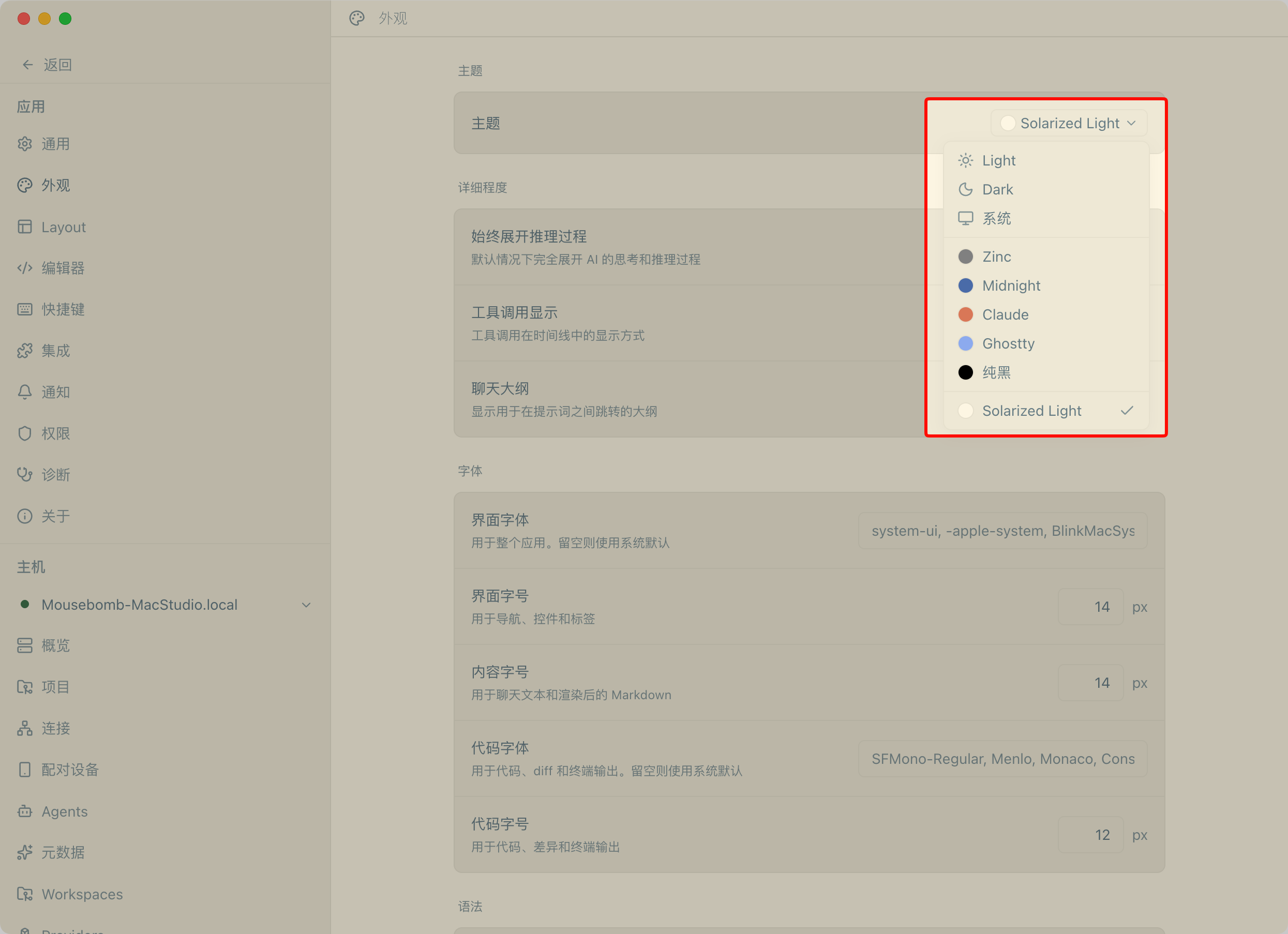
Solarized adds two themes to Paseo, Solarized Light and Solarized Dark. One plugin provides both, so you can switch between a warm cream interface and a deep teal one under Settings → Appearance → Theme.
The themes use the eight color values Paseo exposes to plugins: background, foreground, raised, control, border, accent, mutedForeground, and ring. Paseo derives the remaining interface colors from them. The plugin does not modify Paseo's own files, so app updates keep the themes in place.
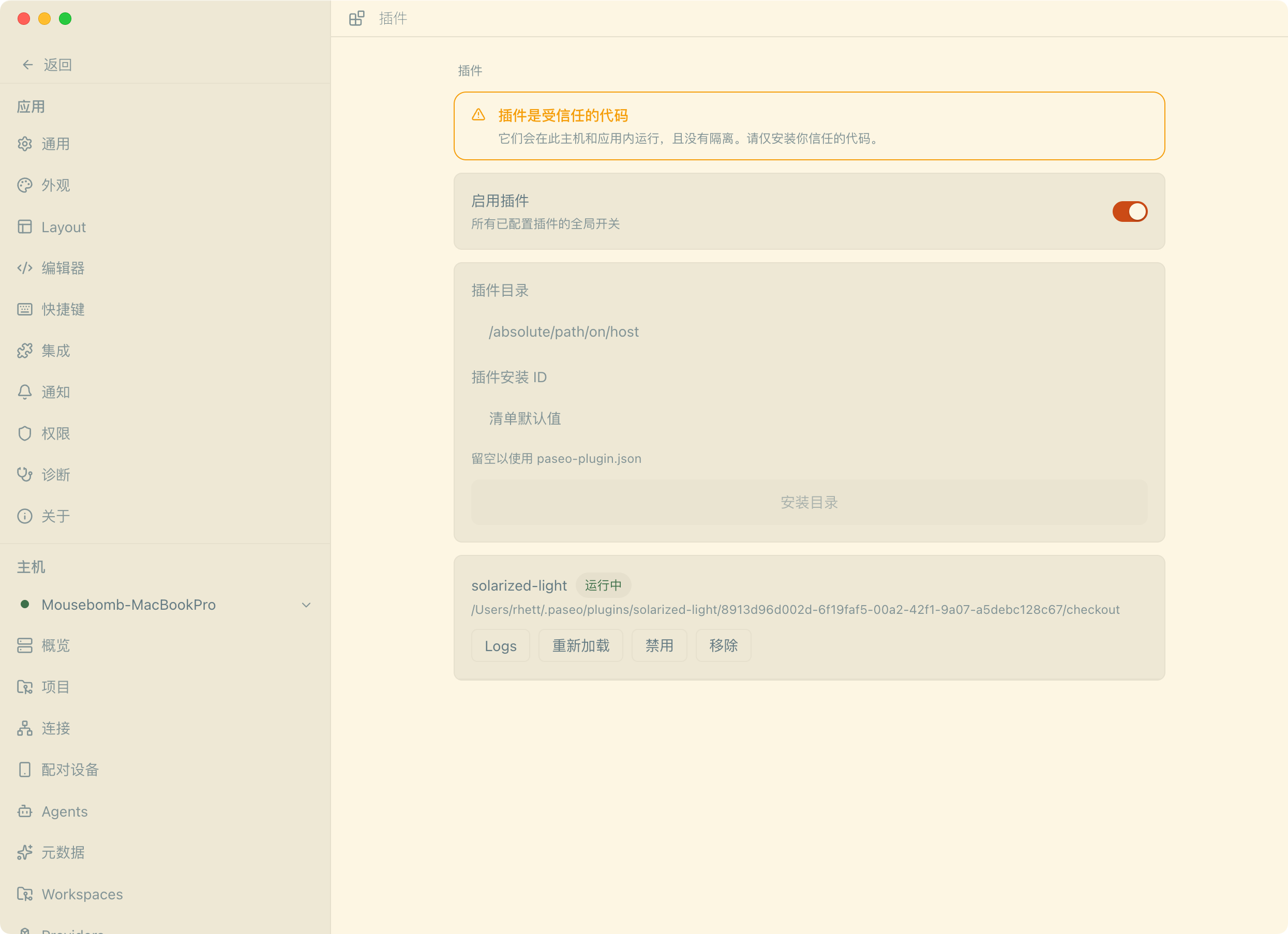
Turn the plugin on under Settings → Plugins, then select either theme under Settings → Appearance → Theme. It needs no account, network access, or extra configuration, and it reads or sends no data.
The plugin can set only those eight values. Other surfaces and colors that Paseo derives internally, including code syntax highlighting, are not controlled by this palette. On the dark theme, body text uses base0 and accents use cyan so text and accent contrast stay readable on the base03 background.