
Chat Polish
Customize Paseo's chat timeline, rich text, themes and fonts from a live preview dashboard.

该插件的概览尚未翻译为你的语言,因此以英文显示。
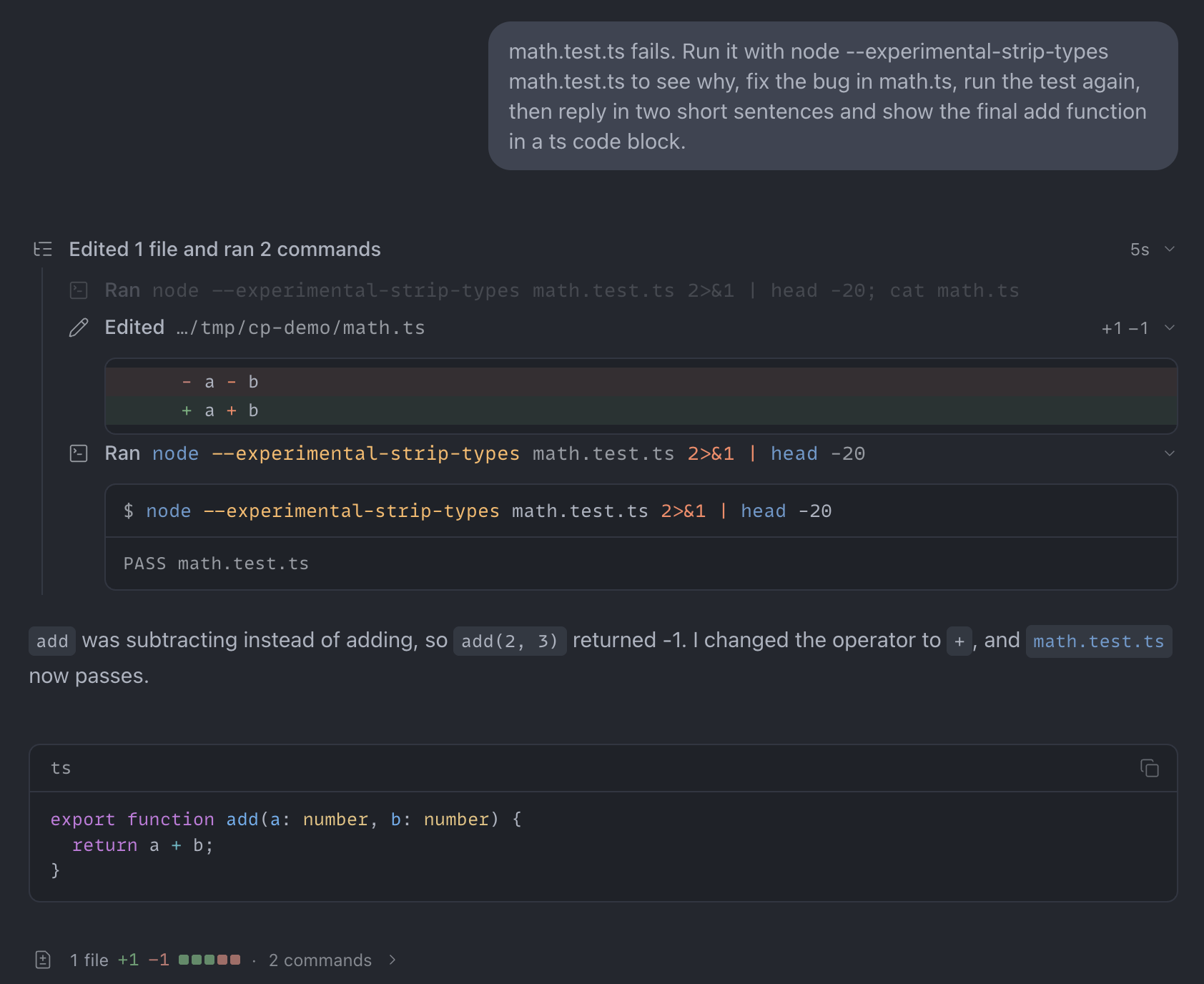
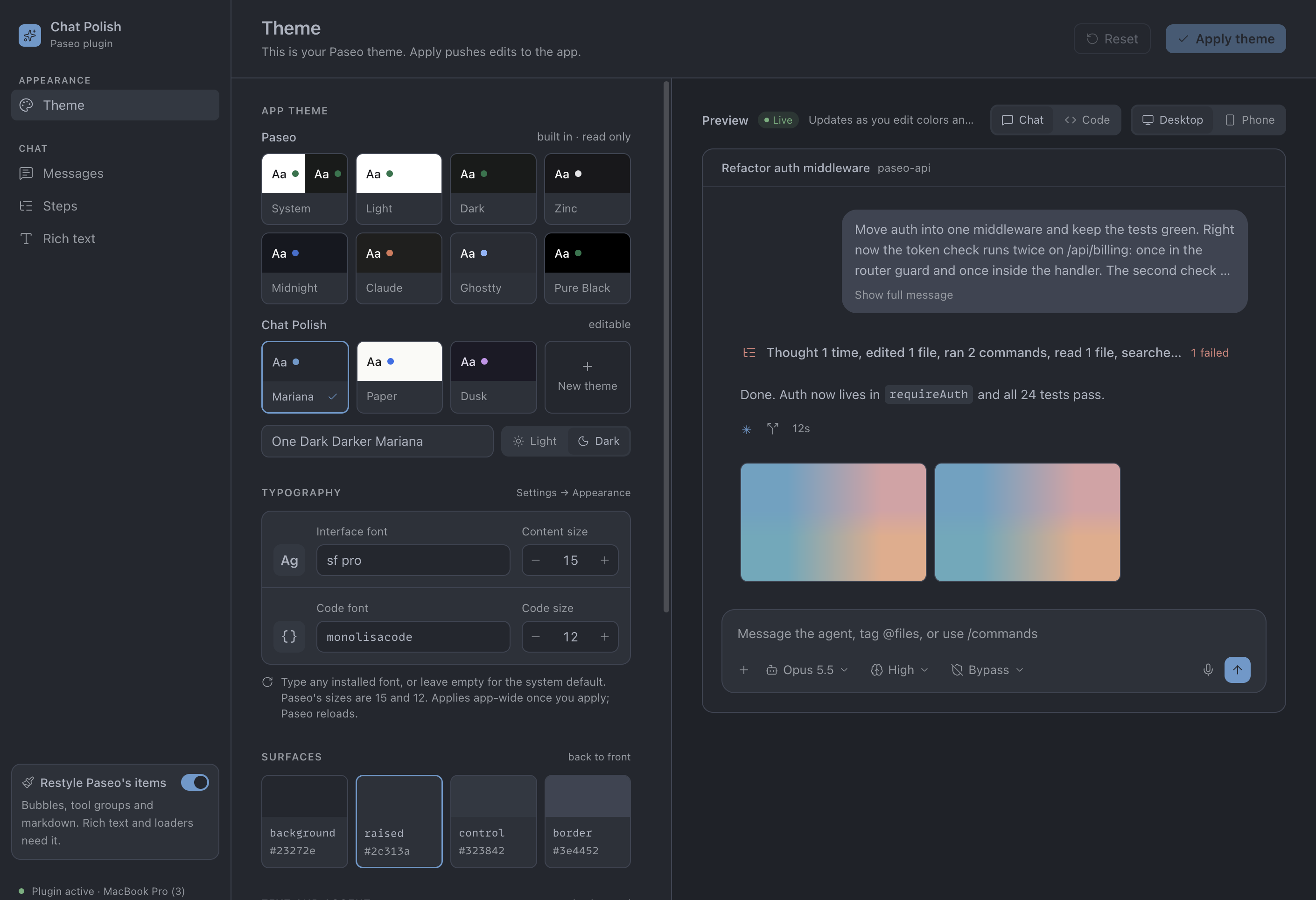
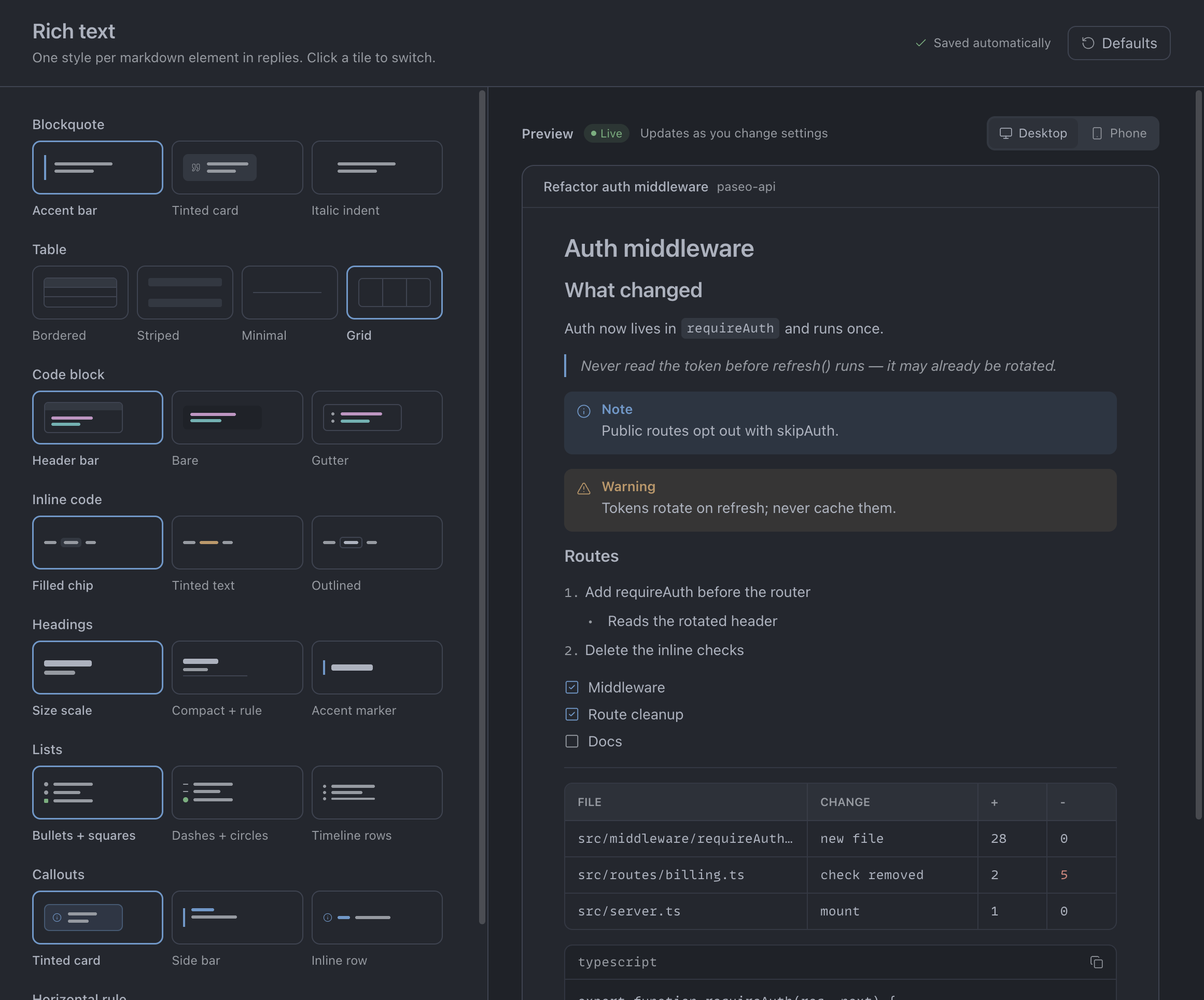
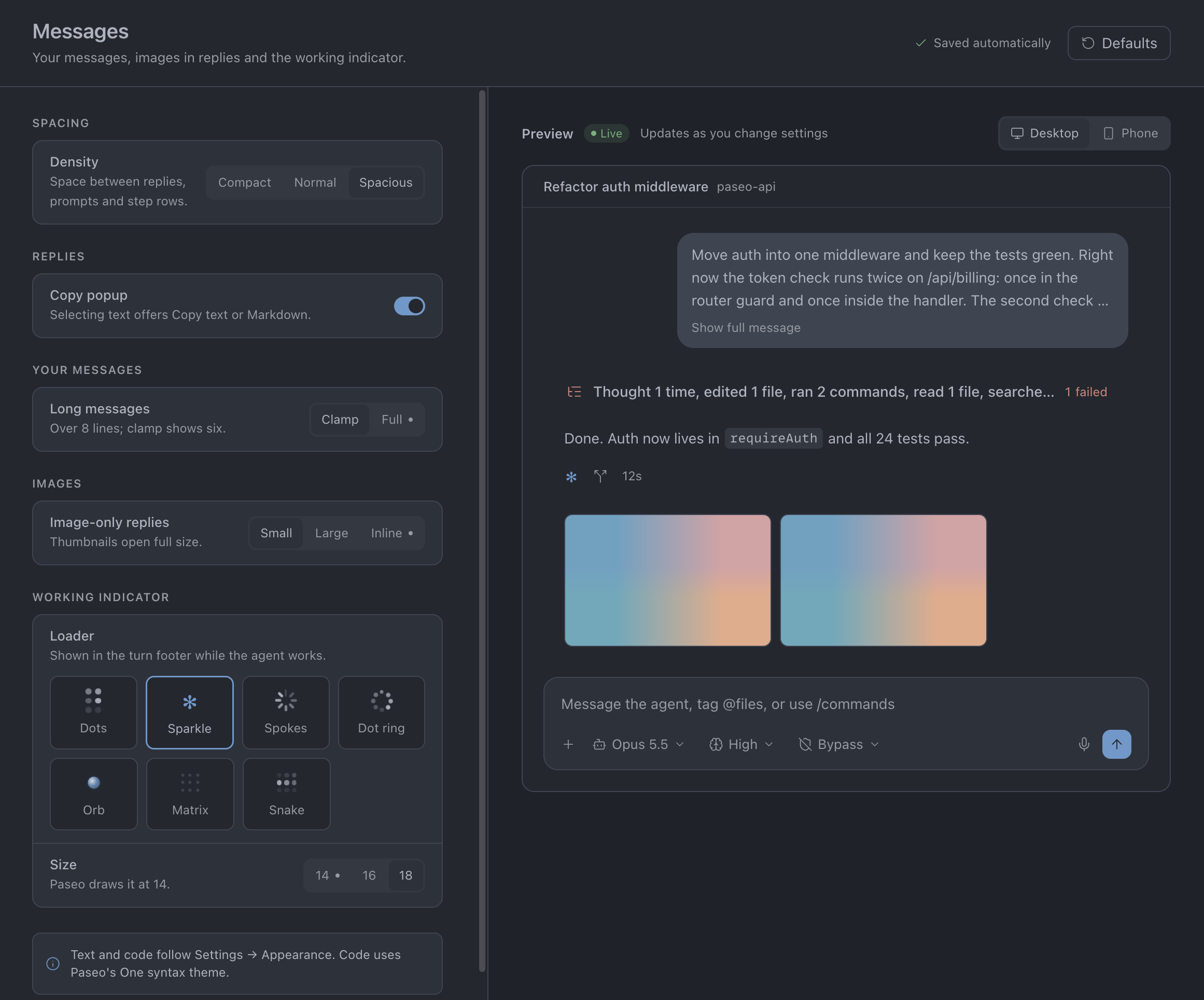
Chat Polish customizes Paseo’s chat timeline, rich text, themes and fonts from a live preview dashboard. It can display tool calls as compact rows, merge thoughts and tool calls between replies, show image previews, and add turn recaps.
Requires Paseo 0.12.0 or newer, Node.js 20.9+ and npm on the daemon host for its locked dependency preparation. Open Chat Polish in the sidebar to configure themes, messages, steps and rich text. Individual tool rows require Settings → Appearance → Tool call display set to Detailed.
The plugin reads agent timelines, provider and model metadata, and app appearance settings. It stores plugin preferences on the daemon; appearance changes also update local app settings. On desktop and web it uses Paseo app DOM internals to restyle chat, composer, permission cards and diagrams, so Paseo app updates can affect these integrations. Mermaid diagrams are drawn on the daemon with Pele when that renderer is chosen, and the redraw button hands a Pele drawing to Paseo's diagram component for a source it didn't draw, including one its safety check rejected (the drawing stays in a sandboxed frame); the dashboard's Mermaid preview reads Paseo's diagram runtime from the app's own script. It reads image files referenced in replies and HTML pages from the daemon filesystem; image paths are not restricted to a workspace, and files over 12 MiB are skipped. Local thumbnails are resized on the daemon with Sharp (up to 640 × 400, with a 40-megapixel input limit); originals are sent when the image viewer opens. Client image reads are limited to three at a time and the cache to 24 MiB of estimated string storage. Remote image URLs are loaded by the client. Turn recaps append changed-file summaries and failed-command excerpts to the agent timeline. When HTML pages are turned on (off by default), new agents get an html_render MCP tool and a system prompt section; the plugin serves the tool and pages opened in the browser from a local server on 127.0.0.1 (the tool behind a token), and pages run in a sandboxed frame without access to the app. Before a page is accepted, the daemon opens it in a headless Chrome-family browser already installed on its host (a temporary profile, removed afterwards) to report script errors and layout problems back to the agent. The plugin presents tool commands from the timeline but does not run them.