
DeepSeek balance
DeepSeek official balance as a Paseo usage source, with an optional budget percentage.

该插件的概览尚未翻译为你的语言,因此以英文显示。
Shows what is left on your official DeepSeek account inside Paseo's usage surfaces, so you can see the balance next to the quotas Paseo already tracks for Claude, Codex and the rest.
What it reads
The plugin reads an existing DeepSeek API key from the stores a DeepSeek tool on the same machine already wrote, and calls GET https://api.deepseek.com/user/balance with it. It never writes to those files. Stores, in preference order:
DEEPSEEK_API_KEYin the daemon's environment~/.dsh/.credentials.yaml, the DeepSeek Harness credential file~/.config/opencode/opencode.json, the OpenCode provider entry fordeepseek~/.deepseek/config.toml, the older DeepSeek CLI config
A store pointed at a host other than api.deepseek.com is skipped, because a gateway that speaks the chat API has no balance contract.
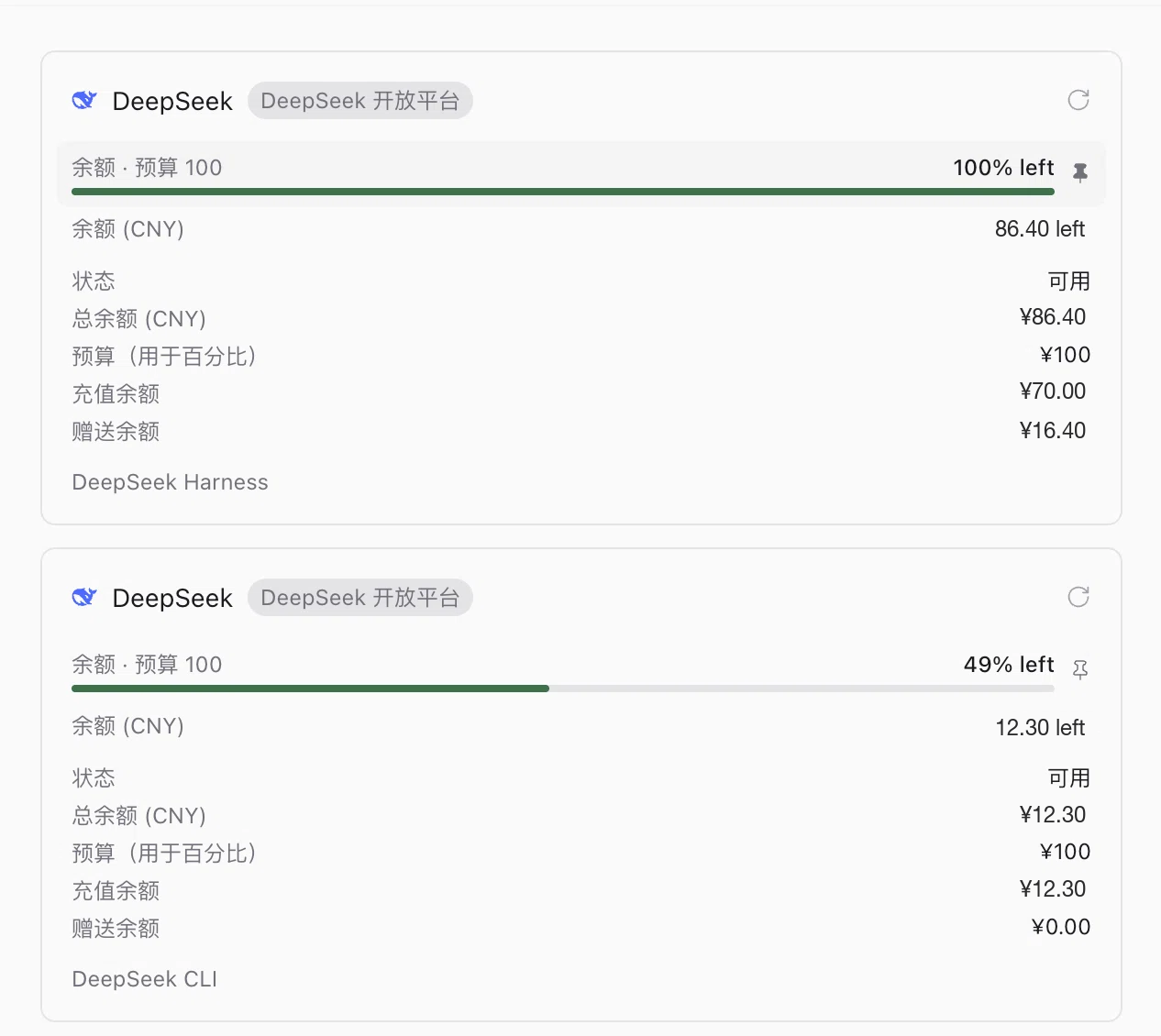
Each key becomes one account card. The same key found in two stores is one account, so nothing is double counted. A card is identified by a hash of its key, never by the key itself. The key is sent only to api.deepseek.com, as the authorization header of the balance request, and is never part of a report or of anything Paseo sends back to a client.
Setup
Install the plugin and open Usage in Paseo. If no key is found, export DEEPSEEK_API_KEY for the daemon or sign in once with one of the tools above.
The budget percentage
The balance endpoint reports money, not a quota, so it has no percentage of its own. Paseo's sidebar summary only shows windows that carry a percentage, which is why the plugin offers a gauge measured against a budget you set.
Set the denominator in Settings, Plugins, DeepSeek budget: one field for CNY and one for USD. Leave a field empty to skip the gauge for that currency, in which case the exact balance still appears. The gauge turns yellow at 70 percent used and red above 90 percent, using the same thresholds Paseo applies to provider quotas.
The percentage is always relative to your own number, never presented as a provider limit. Change it and the card picks it up within five minutes, or immediately after pressing Refresh on the card.
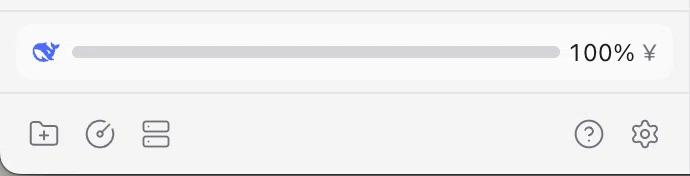
To keep the gauge in the sidebar footer, turn on Summary in sidebar in the Usage screen and pin the window.
Limits
- Balance only. DeepSeek does not expose per-request spend through this endpoint, so there is no usage history or burn rate.
- Two accounts on one machine show as two cards. Pins are stored per source and window, so each account has its own window and can be pinned separately.
- Changing the API key changes the account hash, which retires the old card and its pins.