
Antigravity Cli
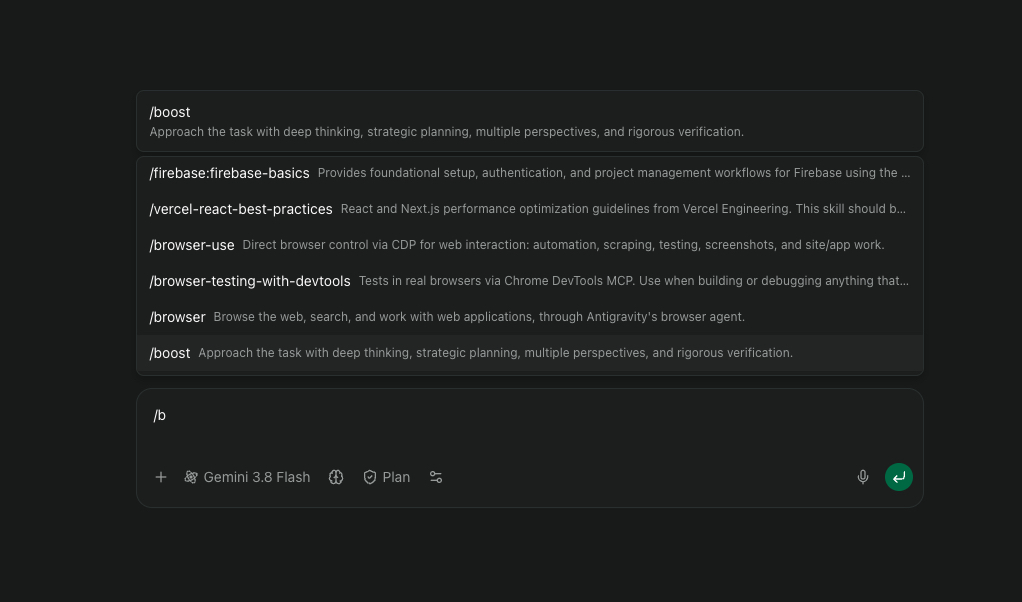
Antigravity CLI (agy) as a Paseo provider: streaming turns, tool rows with diffs, images, structured output, skills and slash commands, question cards for ask_question, conversation import, opt-in MCP sharing, and multiple accounts with per-account usage

该插件的概览尚未翻译为你的语言,因此以英文显示。
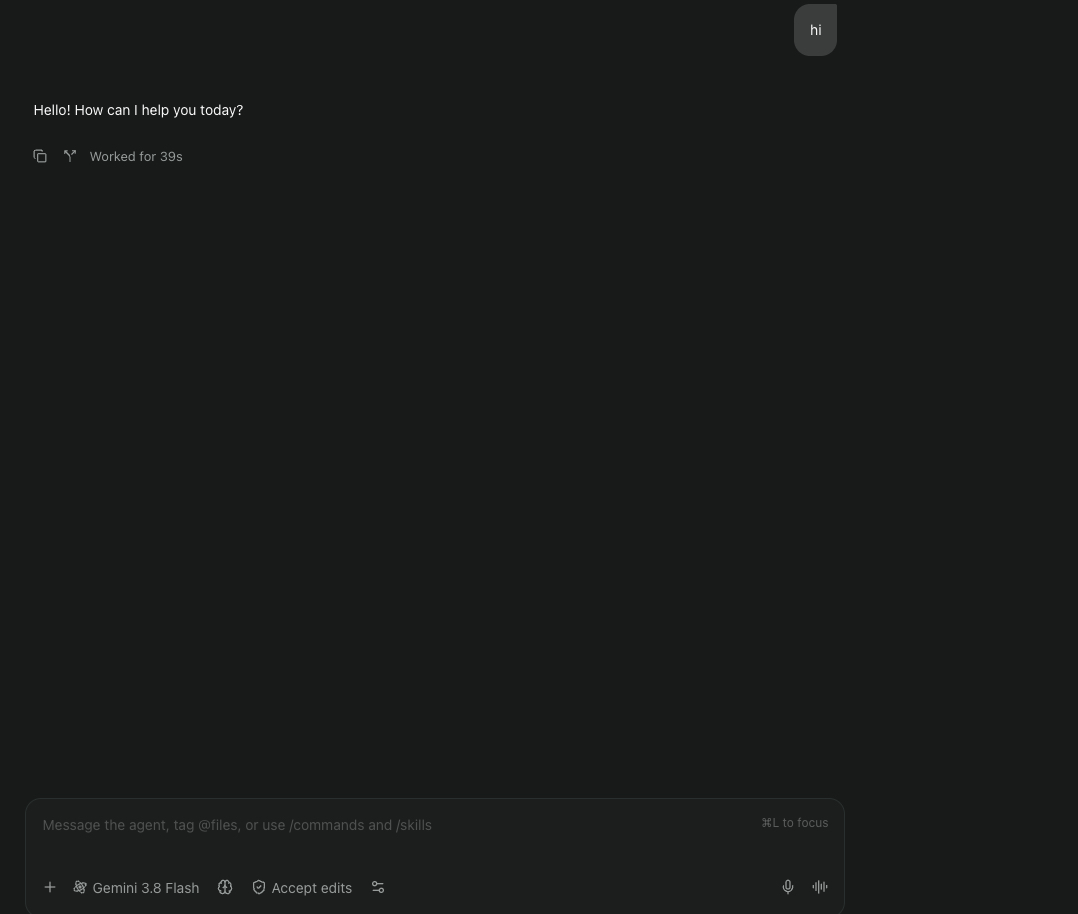
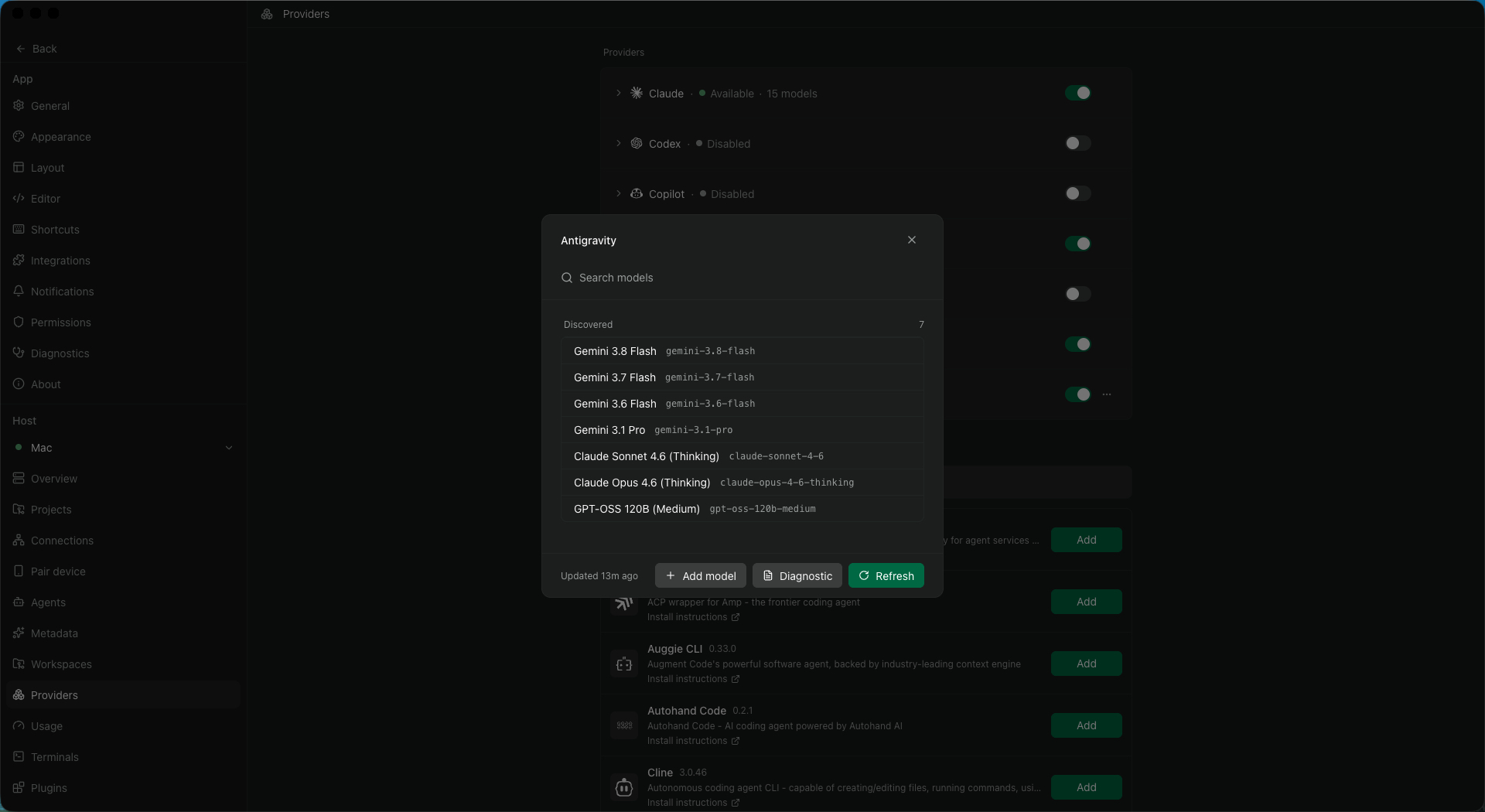
Antigravity CLI adds Antigravity as a Paseo agent provider. By default, each Paseo session runs Google's agy command over its Agent Client Protocol server (agy acp, requiring agy ≥ 1.5.0), with the legacy stream-json NDJSON driver available as a fallback. The work happens in the agy already installed and signed in on the daemon machine, and Paseo shows its turns, tool calls, and edits. Described for agy ≥ 1.5.0 on ACP (or 1.2.9 to 1.3.5 on legacy NDJSON), Paseo 0.9.1 or later on daemon and app, and Node 24 for the plugin process.
Setup
agy must be installed and signed in on the daemon machine. Pick Antigravity when you start an agent. The plugin's own code makes no network requests, and it does not read or write agy's stored sign-in. New sessions default to the ACP driver; if agy is older than 1.5.0, sessions automatically fall back to the legacy NDJSON driver with an informational notice.
Permissions and modes
- Tool approval is decided by
agyfrom its owntoolPermissionsetting. Paseo cannot show approval prompts. A session setting can skip all permissions with--dangerously-skip-permissions. - Plan mode is an instruction the plugin adds to the model's prompt (investigate read-only, end with a plan). It is not a sandbox, and a model that ignores it can still write files. The Sandbox setting passes
--sandbox, which the plugin's notes say did not stop a write outside the workspace in testing. - Auto mode approves edits and safe commands and asks before irreversible actions. Accounts without it run in the default mode, and the plugin switches the selector back to Default with a notice.
- Steering: Supported over ACP: user messages sent while a turn is running are steered directly into the active turn. Over the legacy NDJSON driver, steering is not supported and replaces or queues after the running turn.
- Auto-continue: When a subagent or backgrounded command completes after the parent's turn has ended, Paseo automatically prompts the parent with the output so work continues without manual user intervention.
- Structured output: Runs as an isolated one-shot turn under ACP.
Shared MCP servers (off by default)
With Share Paseo tools with Antigravity on:
- Under ACP, MCP servers configured in Paseo are passed directly to
agy acpduring session initialization without touching the filesystem. - Under legacy NDJSON, the plugin writes Paseo's MCP servers into
<working directory>/.agents/mcp_config.jsonaspaseo-<name>entries. In a git work tree the plugin adds the file to.git/info/exclude. When the last session closes, it cleans up its entries.
Transport setting
Sessions include a per-agent Transport setting:
- ACP (default): Native agent connection supporting steering and direct MCP sharing. Requires
agy≥ 1.5.0. - NDJSON (legacy): The original headless
stream-jsondriver. The environment variablePASEO_ANTIGRAVITY_TRANSPORT=ndjsonforces legacy NDJSON as the default for all new sessions. Persisted sessions without a transport field continue resuming on NDJSON.
Multiple accounts (optional)
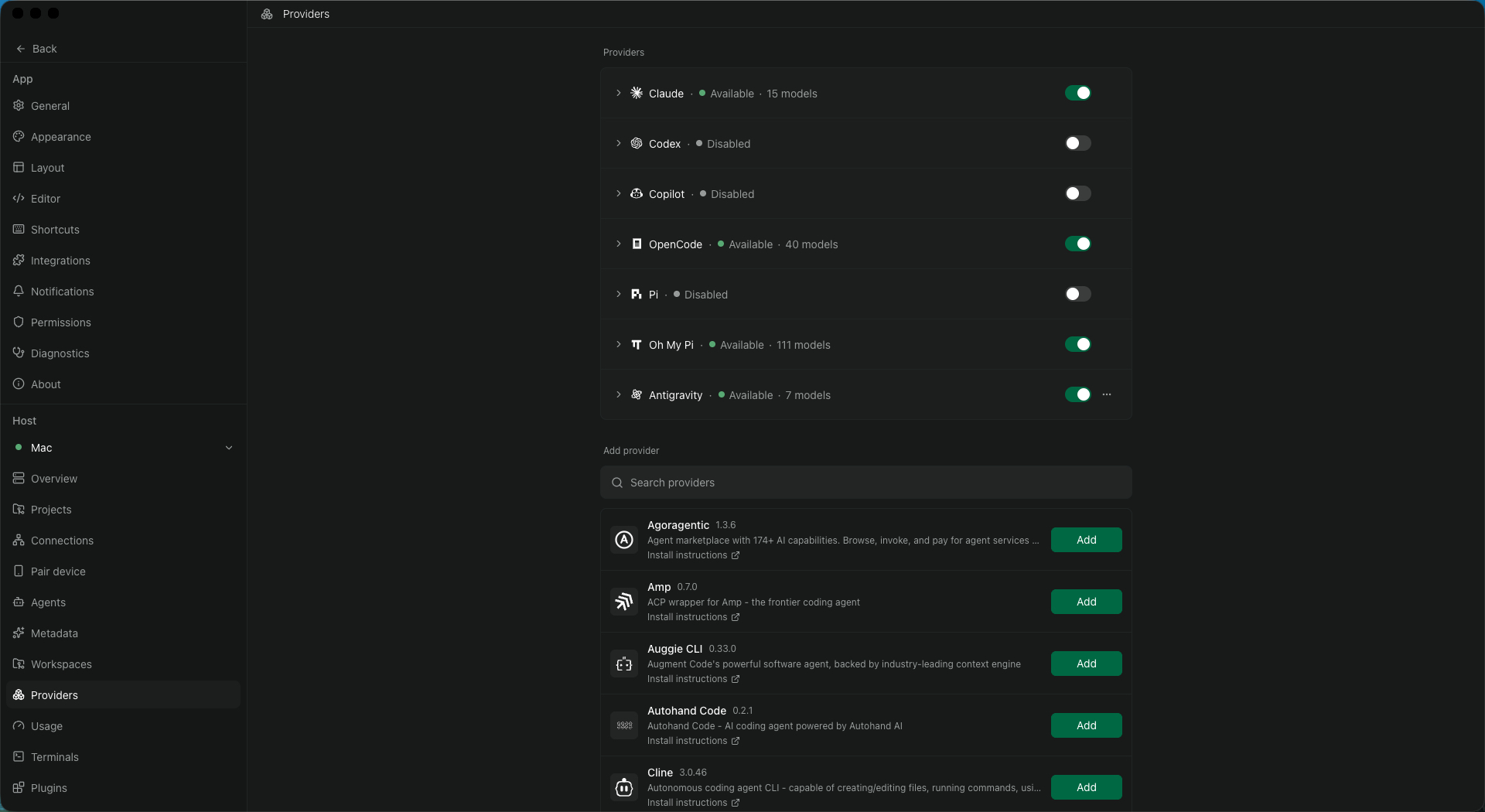
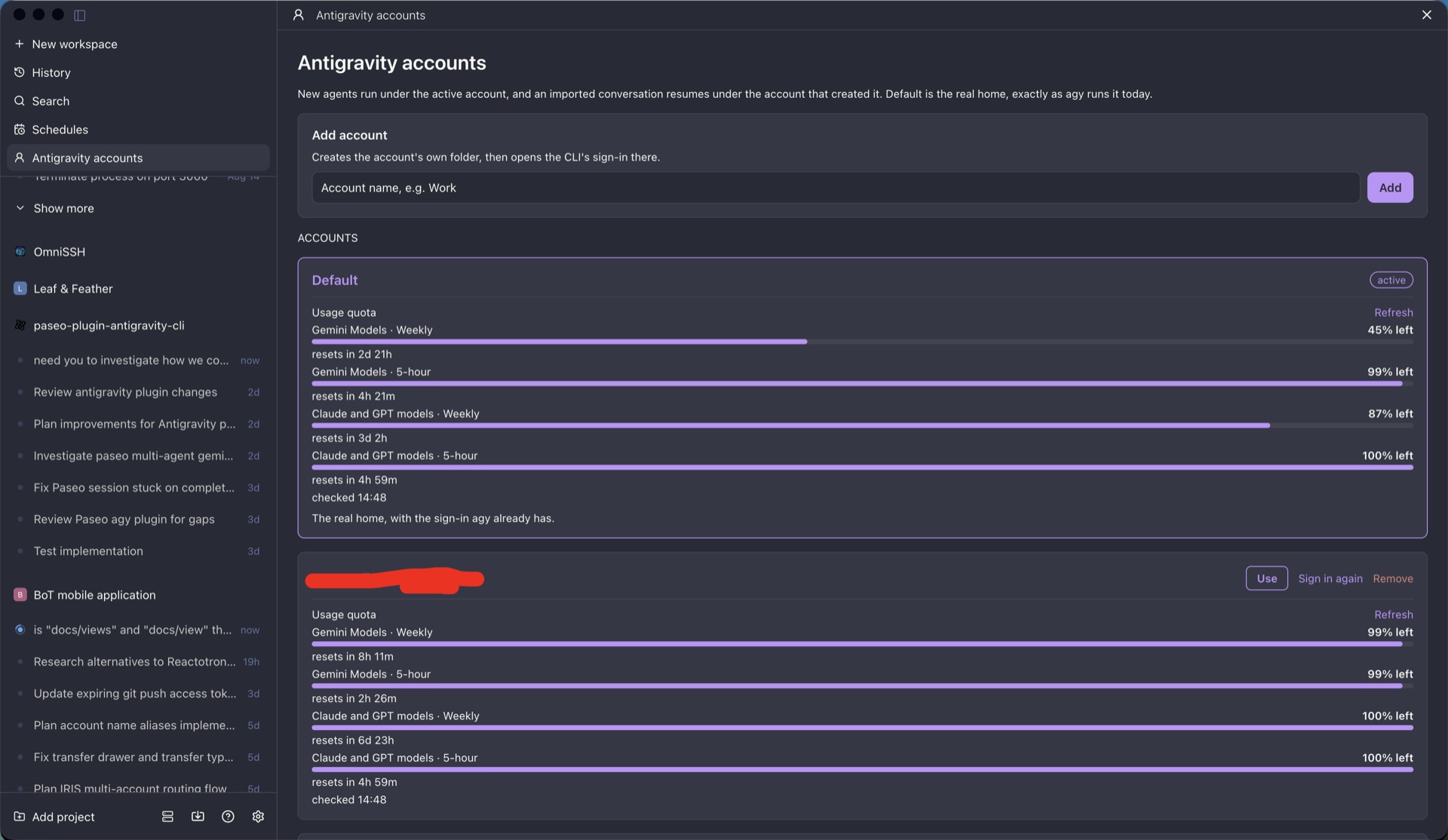
The default account is the sign-in agy already has. You can add accounts from the Antigravity accounts page, and new agents use the active one. Each added account is a separate home directory under the plugin's data folder:
- Its top-level entries are symlinks into your real home directory, and
~/.gemini/config(MCP servers, plugins, skills) is shared by link. The first launch of a new account may add plugin entries to the shared~/.gemini/config/config.json, the same file the default account already writes. It keeps its ownagyhistory and a copy ofsettings.json. - On macOS it gets its own keychain with an empty password, set as that home's default and unlocked before each launch, and
agystores that account's sign-in there. The plugin does not read it. - Adding an account opens
agy's sign-in, in a Terminal window on the daemon machine on macOS or as a command to run elsewhere. Removing an account deletes its home directory, including its sign-in and history, and not your real home. Windows supports only the default account. - The page shows each account's quota by running
agy -p /usageunder that account when you open or refresh it.
Files
Under the Paseo home directory in plugin-data/antigravity-cli/: saved conversation timelines, temporary attachments and schema files for a session, the account list, and account homes. The plugin reads each account's agy settings, conversation index, and subagent transcripts.
Limits
- Edit diffs are reconstructed from file snapshots and may be missing.
- Subagent sessions are read-only and depend on
agy's undocumented transcript format. - Imported conversations resume but earlier turns are not replayed.