
Generative UI
Paseo plugin: agents answer with charts, diagrams, maps, plans and forms rendered inline in the chat.

该插件的概览尚未翻译为你的语言,因此以英文显示。
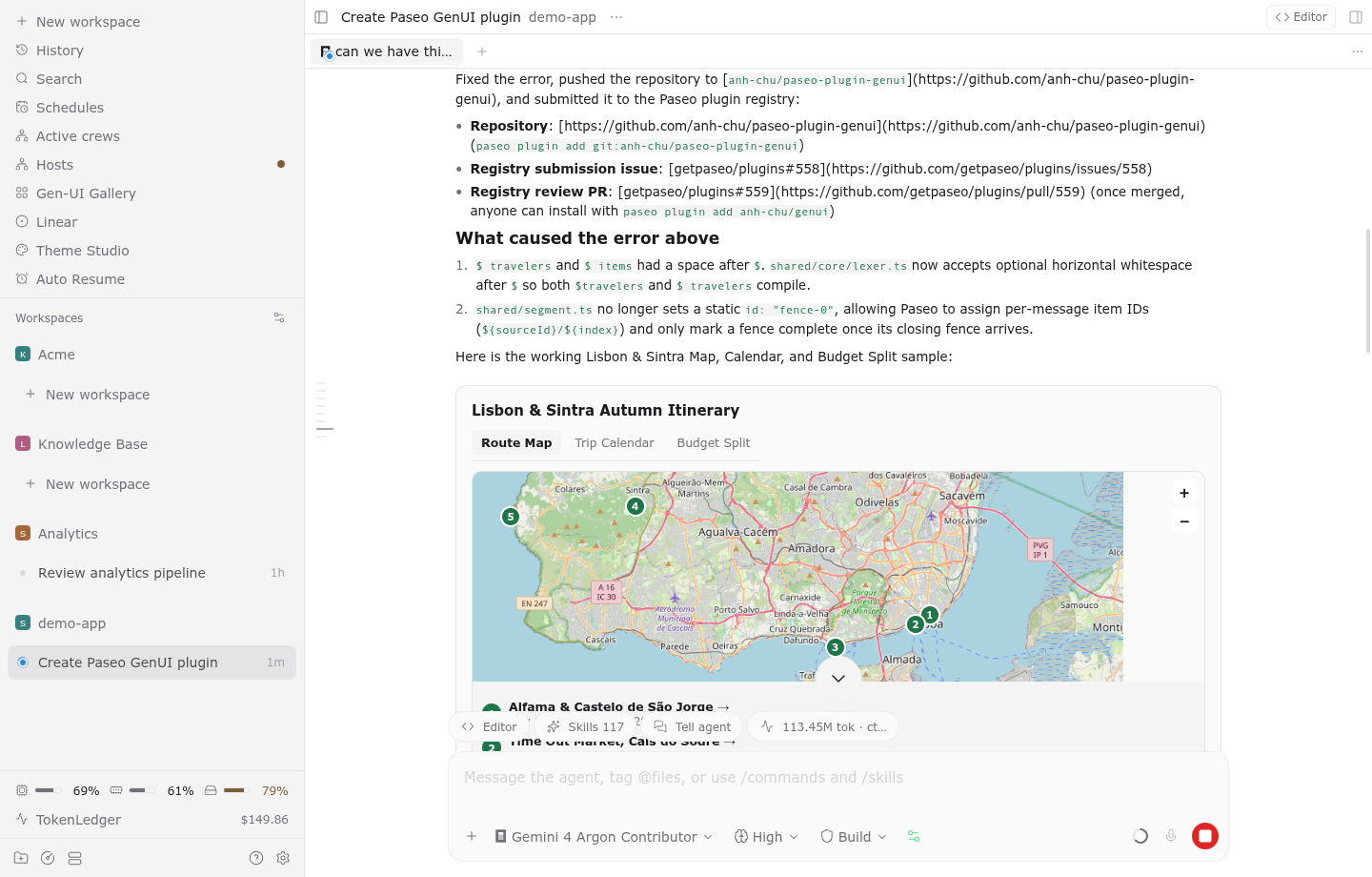
Generative UI lets agents answer with interactive charts, diagrams, maps, plans, tables, and forms rendered inline in the Paseo chat timeline.
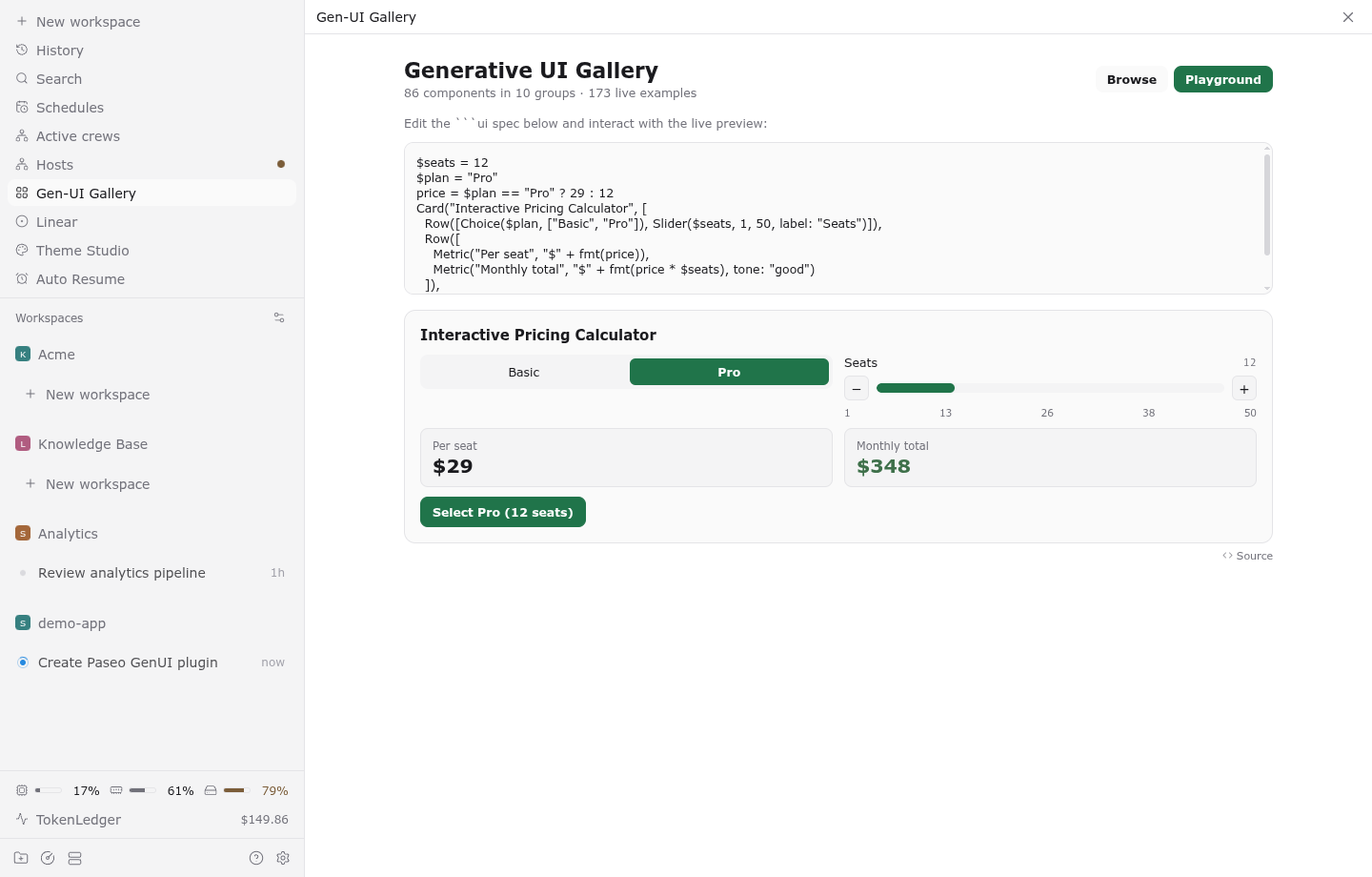
Instead of replying only with plain Markdown tables or pasted command output, agents write ui and app code blocks in their replies. The plugin compiles and renders those blocks live while the reply streams. Sliders, toggles, editable tables, and decision weights recompute locally in the app without extra model calls. Buttons and forms send your choice back to the agent as your next message through Paseo.
Setup
Requires Paseo 0.11.2 or later on both the daemon and the app. Git and the GitHub CLI (gh) on the daemon host are optional and used only when a block includes Changes(), Commits(), or PullRequest().
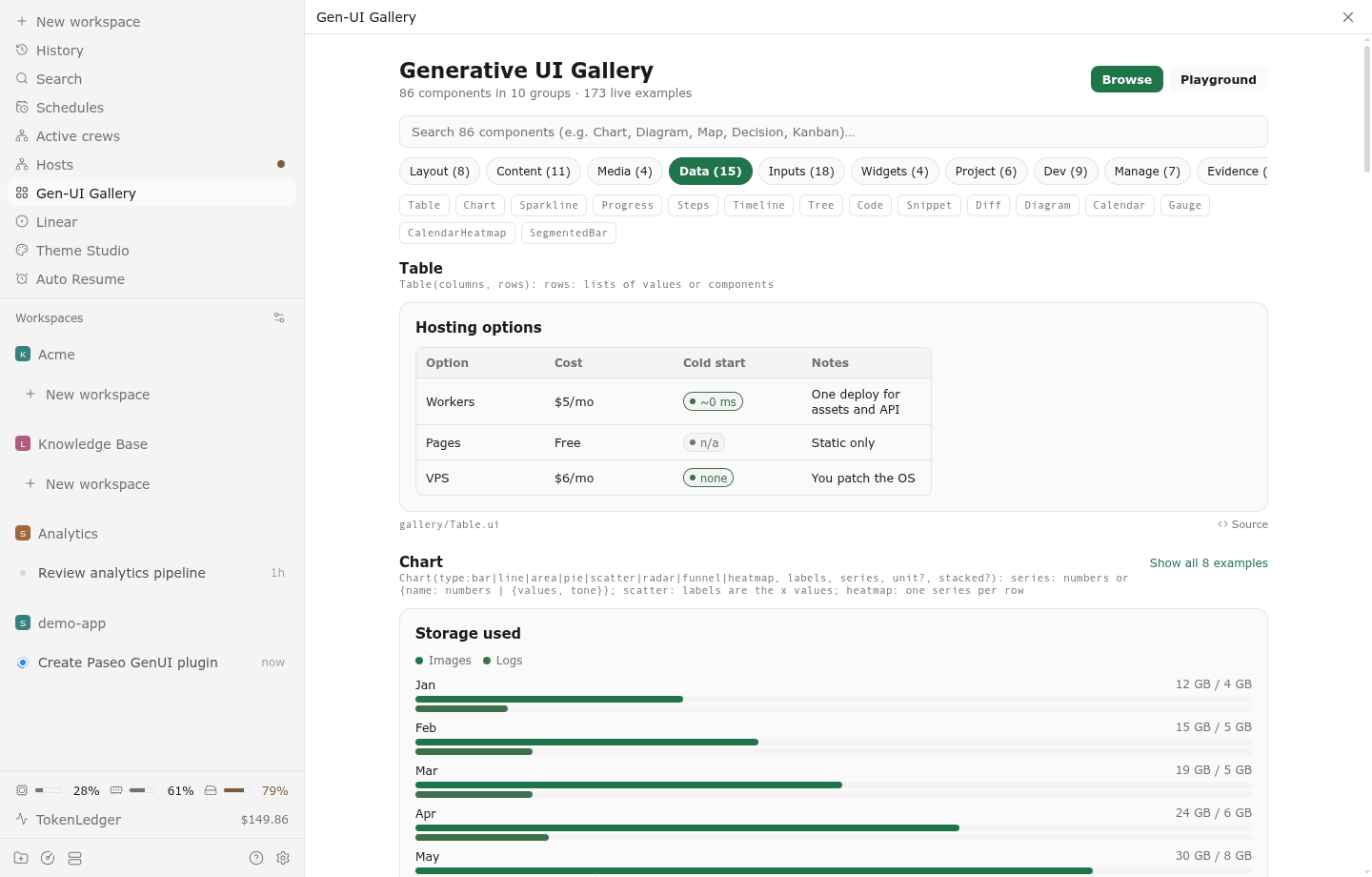
When automatic instructions are enabled, new agents receive the Generative UI component reference in their system prompt when created. For an existing agent, run /genui in the composer to send it the component reference, or /genui-demo to append an interactive sample block to the timeline. Open the Gen-UI Gallery from the sidebar or workspace panel to browse all 86 components across 10 groups with 170+ live examples and an interactive spec playground.
Capabilities and data access
- 86 components in 10 groups: Layout, Content, Data, Media, Inputs, Widgets, Project, Dev, Manage, and Evidence.
- Confined file reading:
Load(path),Snippet(path, from, to), andImage(path)read JSON, CSV, TSV, logs, test reports (Vitest, Jest, JUnit), coverage (lcov, Istanbul,coverage.py, Go), lint and typecheck findings (ESLint, SARIF,tsc, Ruff), HAR traces, and benchmarks. Reads are strictly confined to the agent's workspace directory, its per-agent thread storage directory (/tmp/opencode/genui-storage/<agentId>), and/tmp. - Live workspace and git state:
Changes(),Commits(),PullRequest(),Threads(), andEnvironments()read the workspace's git diff, commits, pull request status, subagents, and worktrees on the daemon host. - Sandboxed mini-apps:
appblocks run self-contained HTML and JavaScript inside a sandboxed iframe (sandbox="allow-scripts") with a network-blocking Content Security Policy on desktop and web clients. - Settings and web lookups: Under Settings -> Plugins -> Generative UI, you can toggle automatic agent instructions for new sessions and toggle server-side web lookups. When web lookups are on, the daemon fetches photo searches from Wikimedia Commons (
commons.wikimedia.org/upload.wikimedia.org), geocoding from Photon (photon.komoot.io), map tiles from OpenStreetMap (tile.openstreetmap.org), and HTTPS images through an address-checked proxy that rejects loopback, private, and link-local IP addresses. No cookies, credentials, or conversation text beyond the specific search query or place name are sent. Turning web lookups off disables all external network requests.
Limits
File reads outside the agent's workspace, thread storage, and /tmp are refused. Sandboxed app blocks require a desktop or browser client; mobile clients display the block's source code.