
Title style
Rename Paseo workspaces with a configurable LLM prompt — Chinese titles by default
$ paseo plugin add zwmmm/title-style

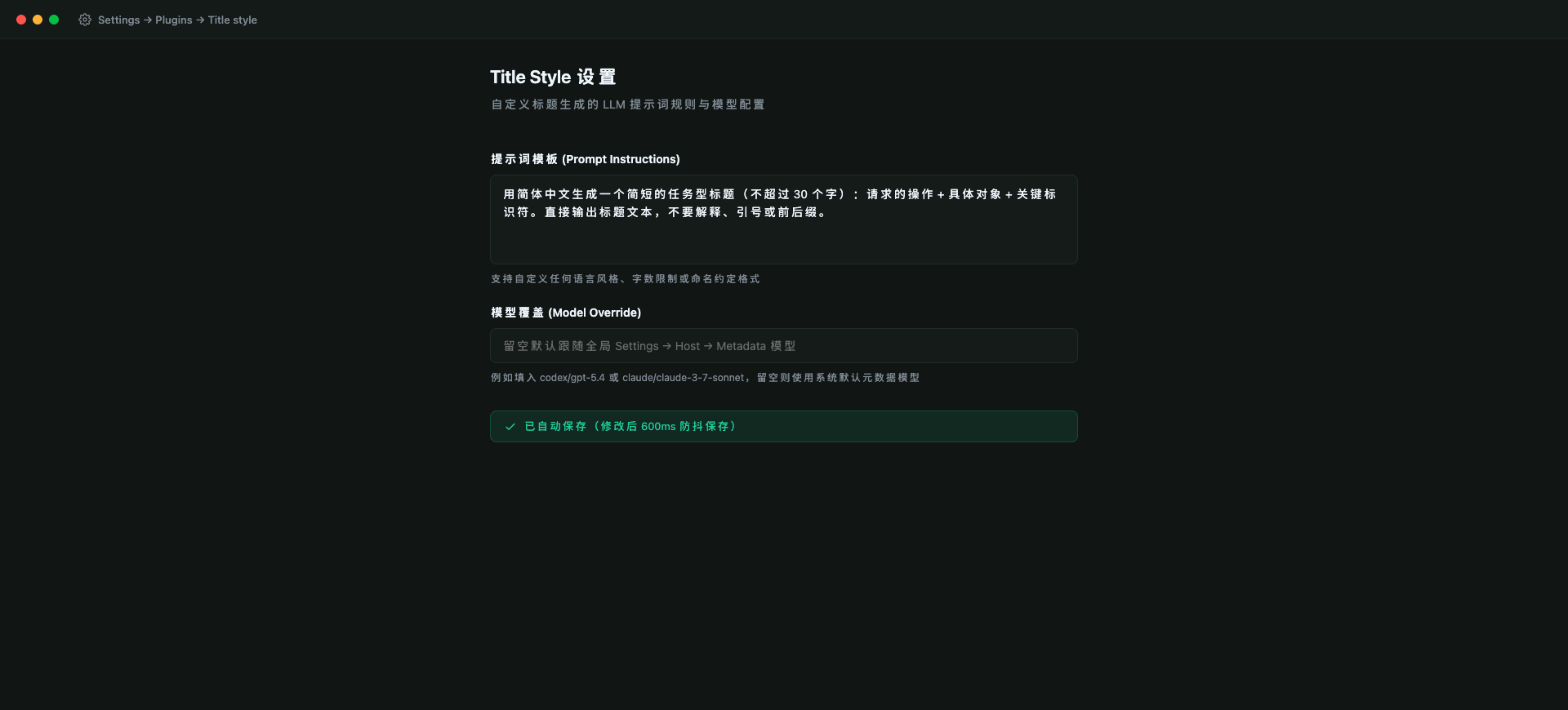
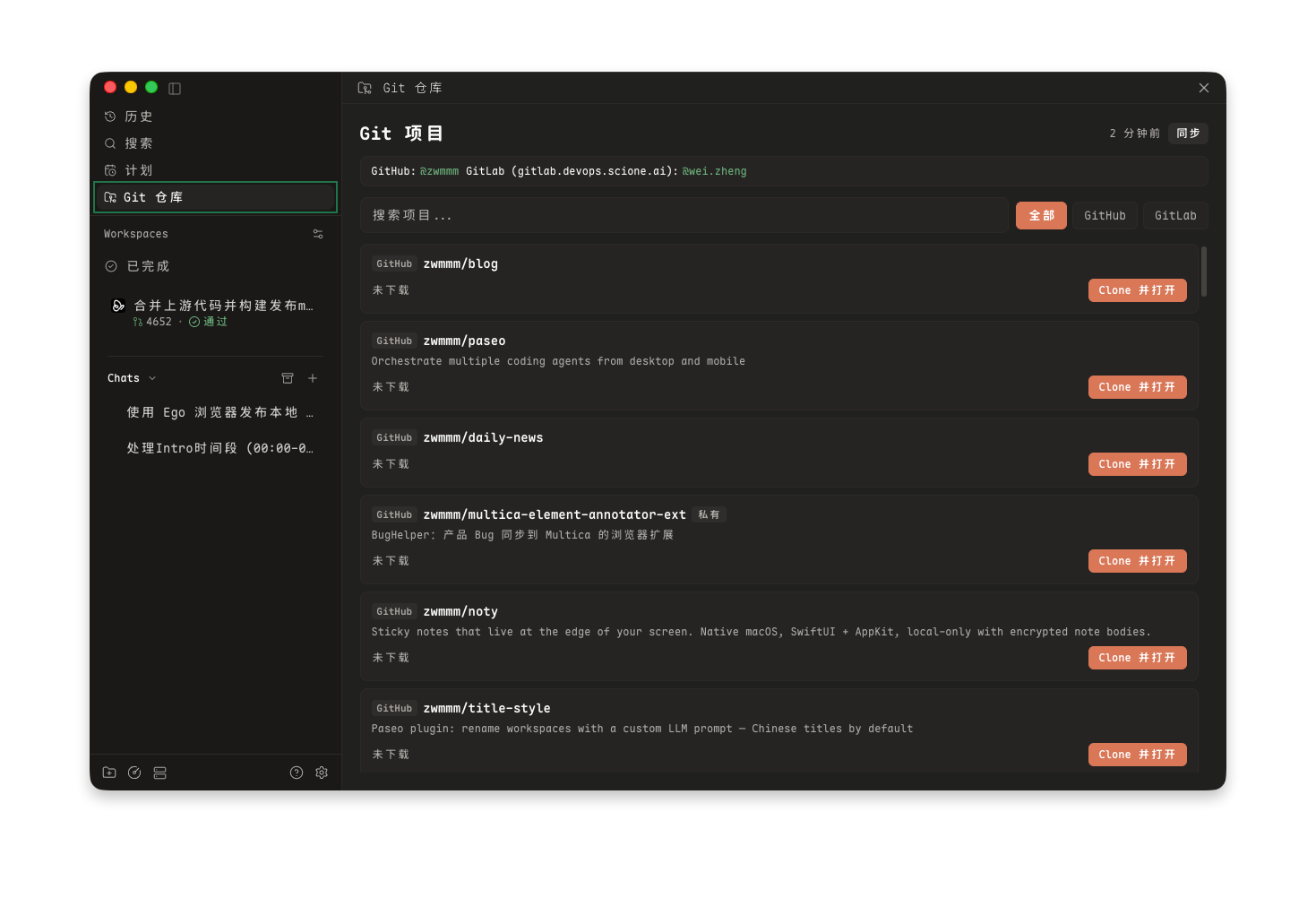
Title style generates descriptive workspace titles in Paseo automatically using a configurable LLM prompt. By default, it produces concise Simplified Chinese titles, but the prompt can be customized for any language or naming style.
How it works
When a new workspace is created and its first agent starts, the plugin runs a lightweight background agent to summarize the initial prompt into a clean, task-focused title. The generated title updates the workspace name in the sidebar. The background agent is delegated and archived immediately after completion, running quietly without generating notifications.
Configuration
Open Settings → Plugins → Title style to configure the plugin:
- Prompt: Customize the prompt used to generate titles. You can specify language, format, character limits, or naming conventions.
- Model override: Leave blank to follow the default metadata generation model in Settings → Host → Metadata, or specify a provider/model identifier (such as codex/gpt-5.4).
Limits
- Only newly created workspaces are renamed. Existing workspace titles are preserved.
- Workspaces manually renamed by the user are preserved (except during the initial 60-second creation window while background title generation resolves).
- The first prompt (up to 600 characters) is sent to the selected model provider to generate the title.
- Each title generation issues a single LLM request billed according to your configured metadata model.