
Top
Live host system resource monitor and telemetry provider for [Paseo](https://github.com/getpaseo/paseo).
$ paseo plugin add xpufx/top

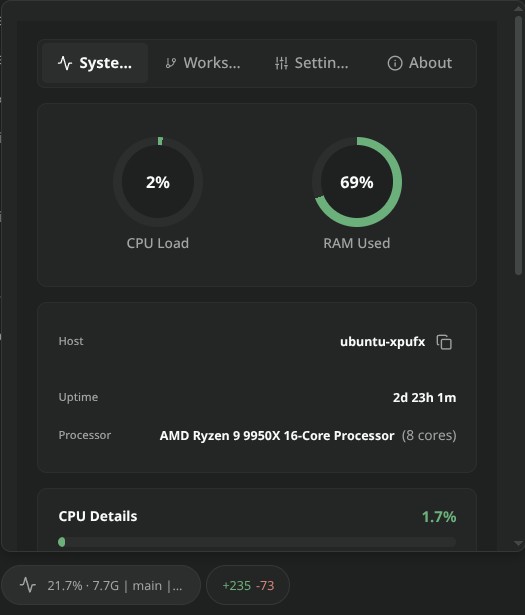
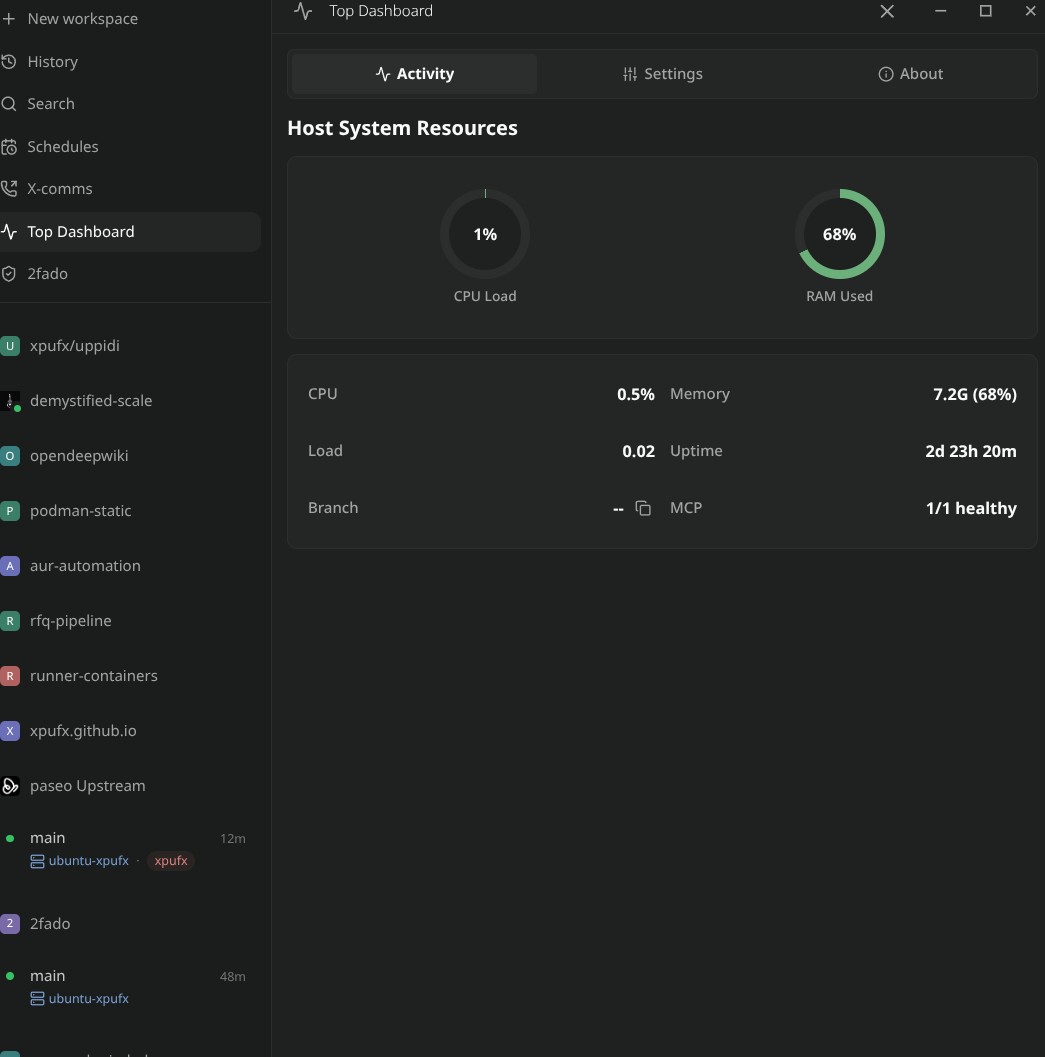
Top brings real-time system and session monitoring to Paseo across three core surfaces: live composer pills, session timeline turn summaries, and an interactive telemetry dashboard.
The plugin displays live CPU and memory utilization, system load averages (1m, 5m, 15m), active agent turns, token consumption, and cost telemetry. An interactive dashboard modal provides visual resource gauges, multi-host fleet telemetry, workspace context, and configurable metric routing.
Capabilities and Data Access
- Host Resource Telemetry: Samples CPU usage, memory utilization (including Linux
/proc/meminfoavailable memory), load averages, host uptime, and core counts via local OS interfaces. - Agent and Turn Telemetry: Monitors active agent session metadata (model, provider, turn counts, input/output/cached tokens, execution error counts) and can stamp a summary card into the session timeline upon turn completion.
- Display Modes: Supports Cycle Mode (rotates through metrics on a configurable interval), All-in-One Mode (unified ticker), and Multiple Mode (side-by-side pills).
- Multi-Host Telemetry: When configured with multiple daemon hosts, queries registered hosts bounded to one probe per host on a 15-second cadence with a 4-second timeout to report online/offline status and host latency.
- Custom Metrics: Supports user-defined metrics via declarative
.jsoncdefinitions in~/.paseo/top/pillswith optional periodic command execution and threshold status mapping. Executed commands inherit the daemon environment. - Local Audit Log: Persists turn-end tool inputs, execution results, and permission decisions to a local JSONL audit log queryable through the Top dashboard and RPC interfaces.
Setup and Requirements
- Runs on the Paseo daemon and requires Paseo 0.9.0 or later.
- Telemetry sampling runs locally on the daemon host (Linux, macOS, Windows).
- All plugin persistent configuration and audit logs are stored locally on the daemon host.