Heartbeats
Shows a session's heartbeats in its composer, and lets you edit, pause, run, and review them in the side panel.


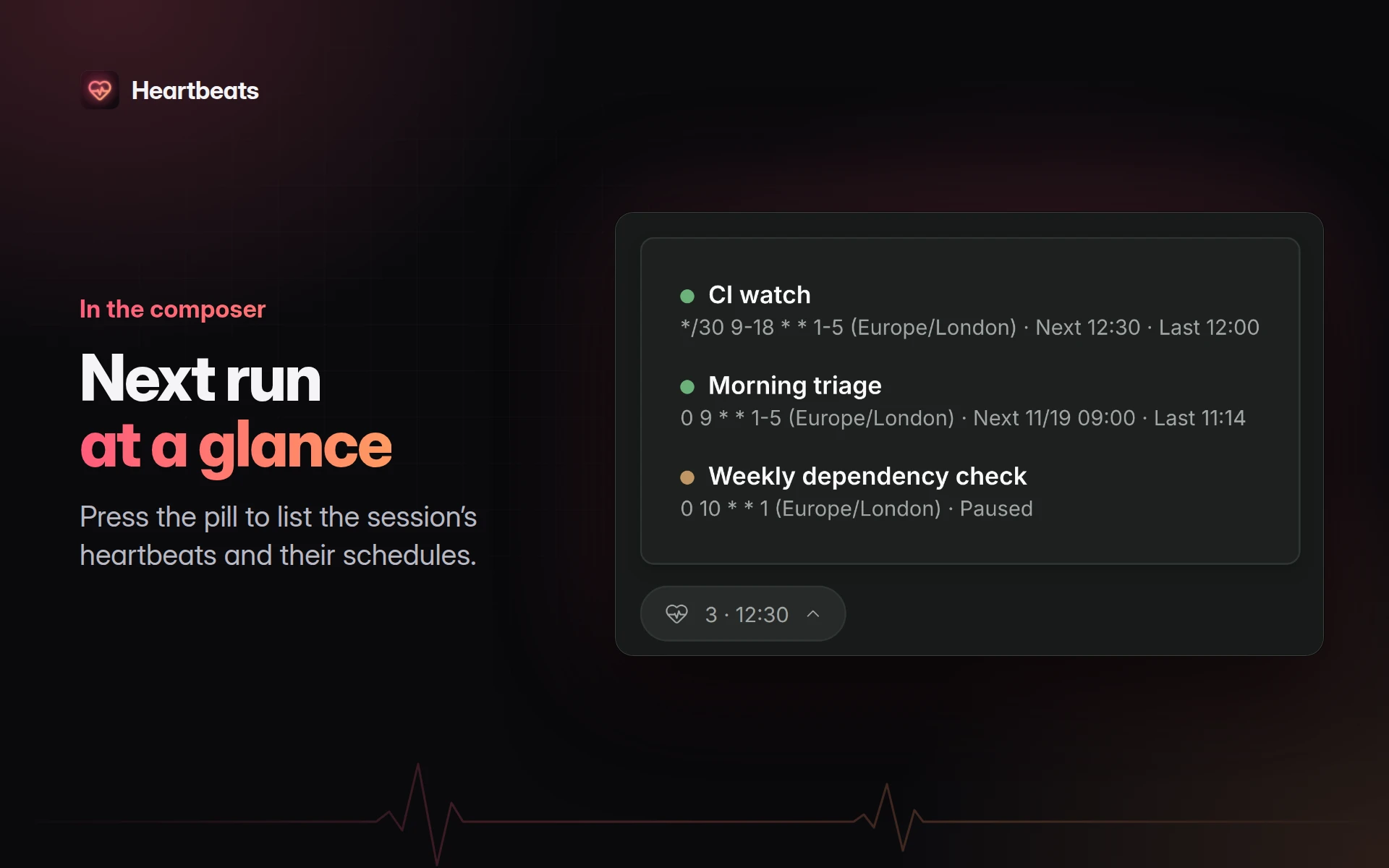
Heartbeats shows the heartbeats attached to a session where you work with it. A heartbeat is a recurring prompt that Paseo sends to an existing agent on a cron schedule.
Sessions that have heartbeats get a pill in the composer, next to Tasks and Subagents. The pill shows how many heartbeats the session has and when the next one runs. Pressing it lists them, with their cadence, next run, and whether the last run failed. Choosing one opens it in the Explorer, where you can:
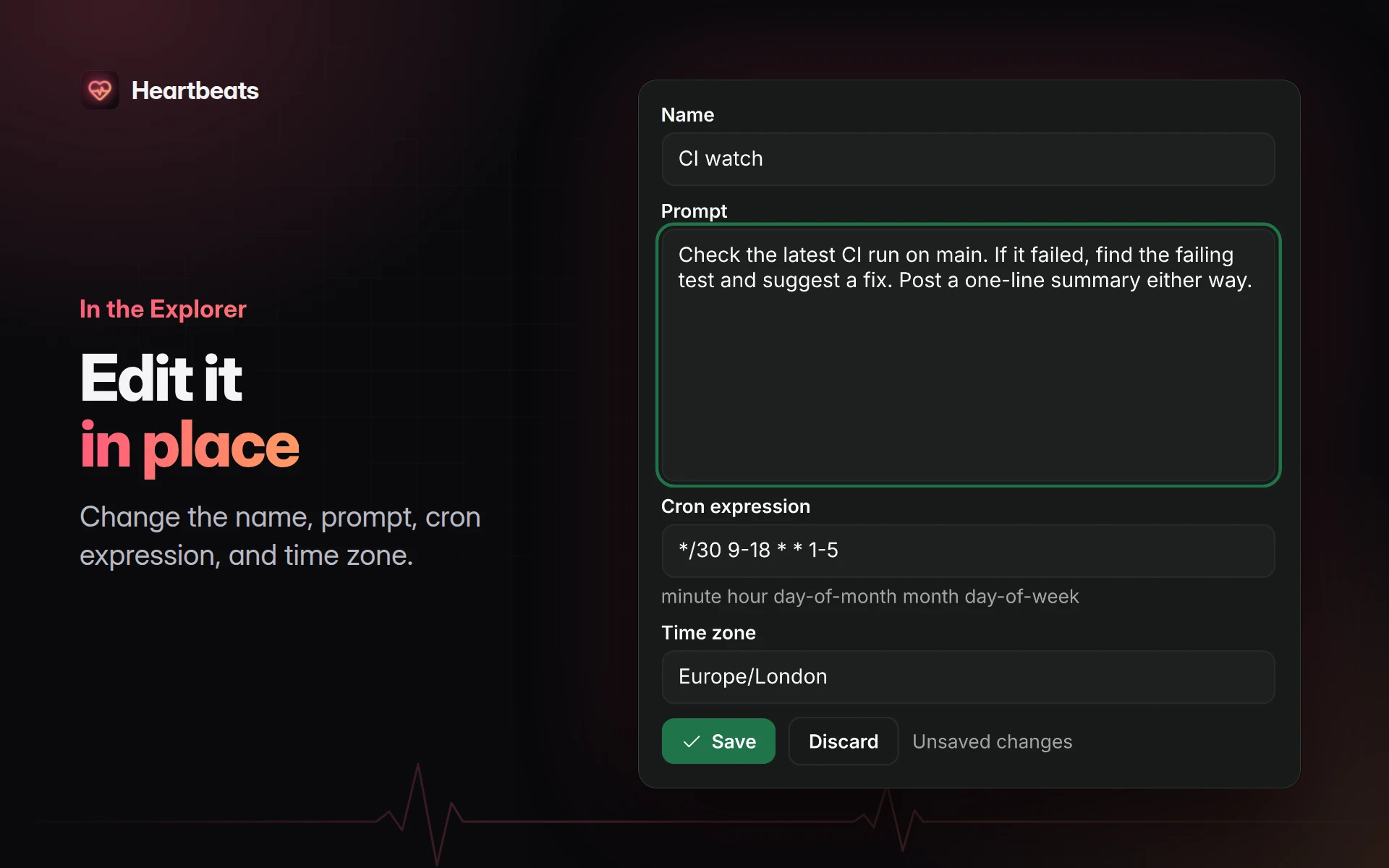
- read and edit the name, prompt, cron expression, and time zone
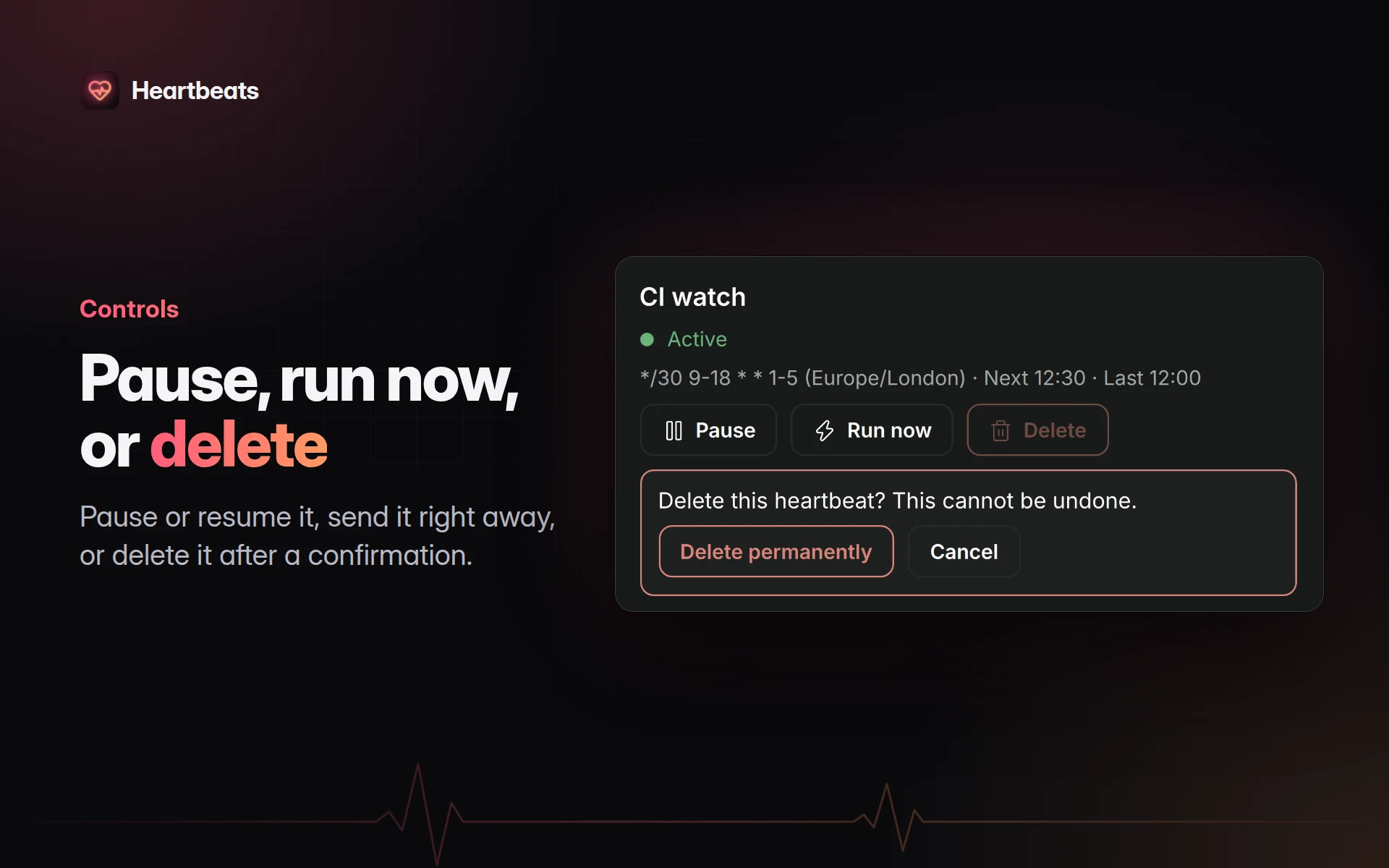
- pause, resume, or run it once now
- delete it, after a confirmation
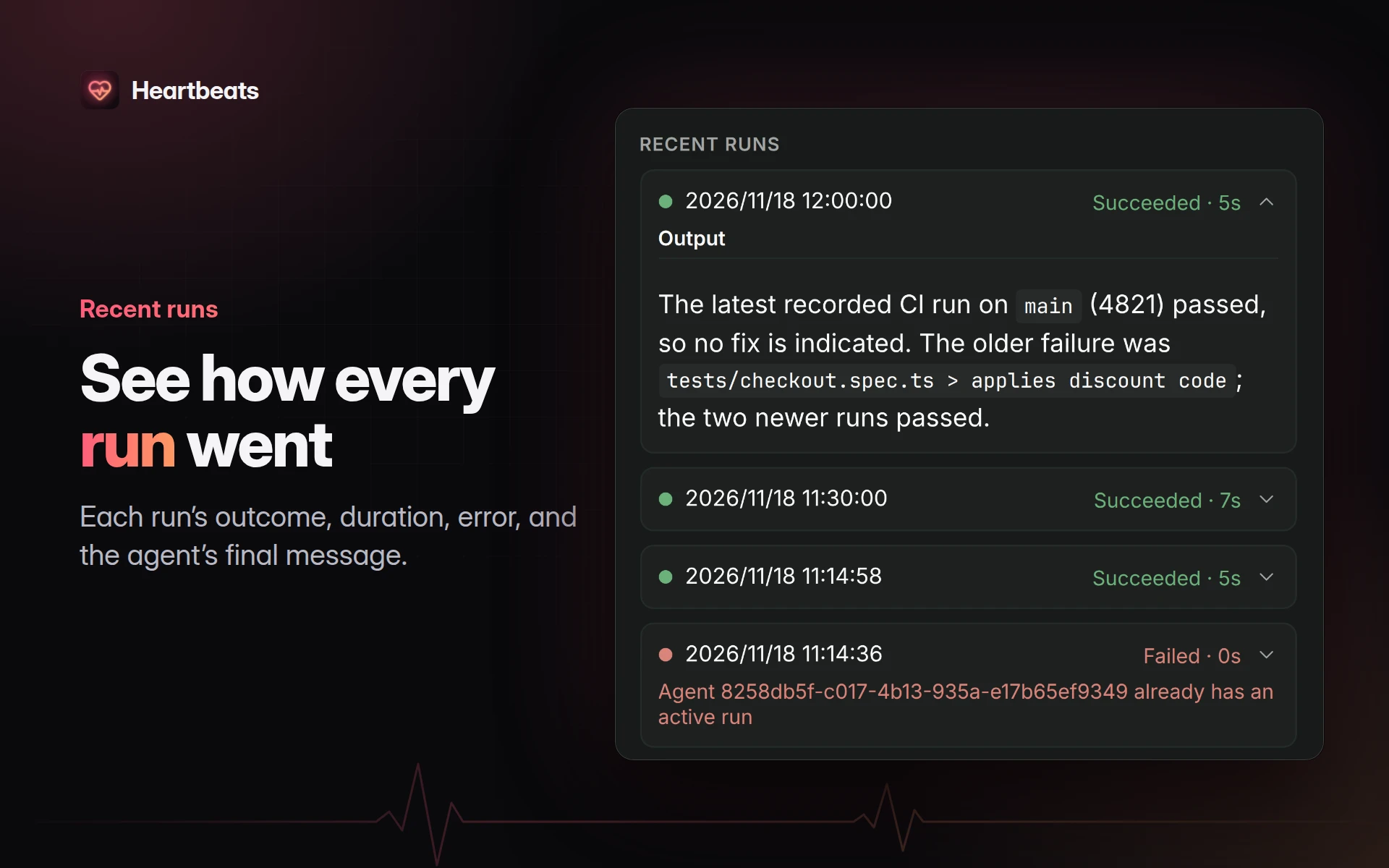
- browse its recent runs, with each run's outcome, duration, error, and the agent's final message
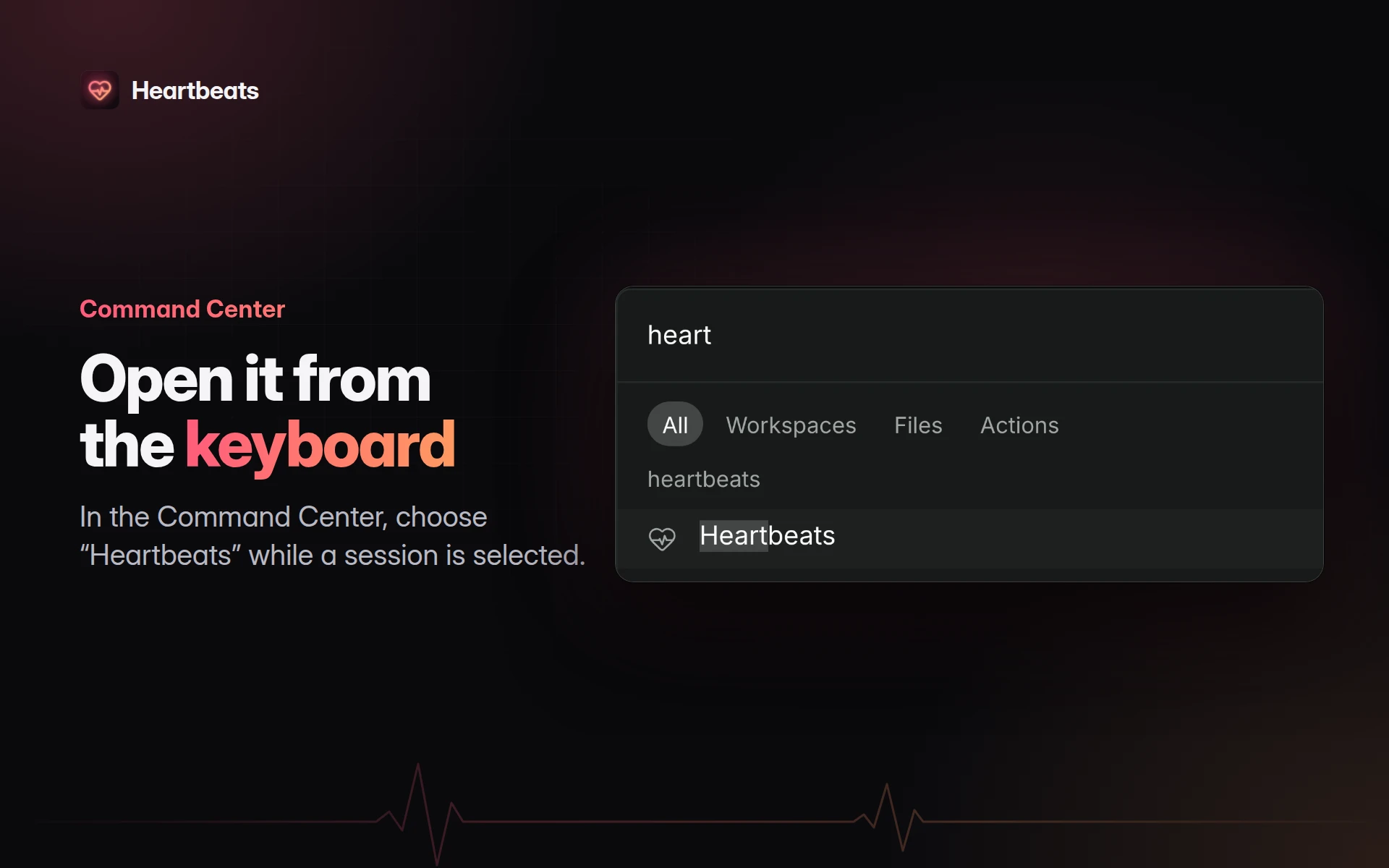
The same panel opens from the Command Center with "Heartbeats" while a session is selected.
The plugin's interface is available in English and Japanese.
How it works
The plugin's daemon side reads and changes heartbeats through the daemon's schedule API. The plugin SDK, the paseo schedule CLI, and the Paseo MCP tools do not cover heartbeats of other agents. To reach that API, the plugin opens a session to its own daemon with the same local credential the paseo CLI uses: the endpoint in paseo.pid and the token in local-credential in the daemon home, or PASEO_PASSWORD when it is set. Nothing leaves the daemon machine.
Paseo does not announce schedule changes, so the app checks for changes every 30 seconds while it is in the foreground, and right after you change something in the plugin. Changes made elsewhere, such as an agent creating a heartbeat, can take up to 30 seconds to appear.
Requirements
Paseo 0.15.0 or later, on the daemon and in the app. There is nothing else to set up: the plugin needs no accounts, tokens, or settings, and has no operating system requirements beyond Paseo's own.
Limits
- Finished heartbeats (completed after their maximum runs or expiry) do not get a pill. They still appear in the panel, where you can delete them.
- Once a heartbeat has a time zone, Paseo keeps it when the cron expression changes, so the plugin lets you change the time zone but not remove it.
- "Run now" sends the prompt immediately. If the session is busy, Paseo records the run as failed and the plugin reports why. A run that lasts longer than two seconds continues in the background, and its outcome appears in the recent runs.
- Heartbeats that run on an interval instead of a cron expression keep their interval until you enter a cron expression.
- The plugin relies on daemon internals that Paseo does not document for plugins. A future Paseo release may need a plugin update.