
Workspace Links
Quick access to workspace URLs from a JSON file, in Paseo.

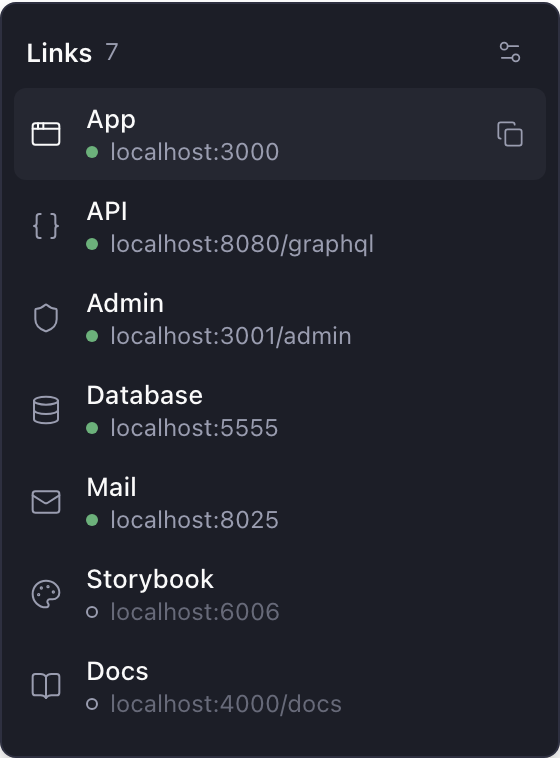
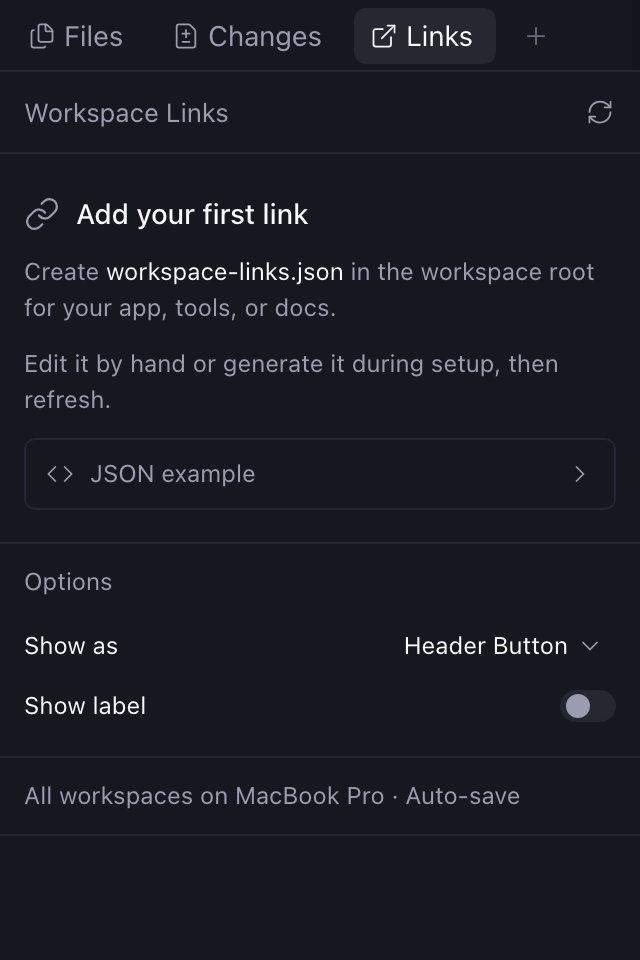
Workspace Links puts your workspace's URLs behind one Links button: dev servers, admin pages, emulators, docs. List them in a workspace-links.json file at the workspace root, by hand or from your setup script.
Open the popover to see each link's name and URL, with an icon picked from its name or URL. A green dot shows which links are running right now. Hover a link to copy its URL, or click the row to open it.
The button is a composer pill by default. A setting moves it to the workspace header. Needs Paseo 0.13 or later.
Links open on the device you're viewing Paseo from, so localhost means that device. The status dots work differently. Paseo checks them on the computer where the workspace runs. So on your phone, a green localhost link may still not open unless you forward that port to the phone.