
Better Paseo
Redraws every agent's chat timeline as compact, typed rows for tool calls, reasoning, replies, prompts and tasks.

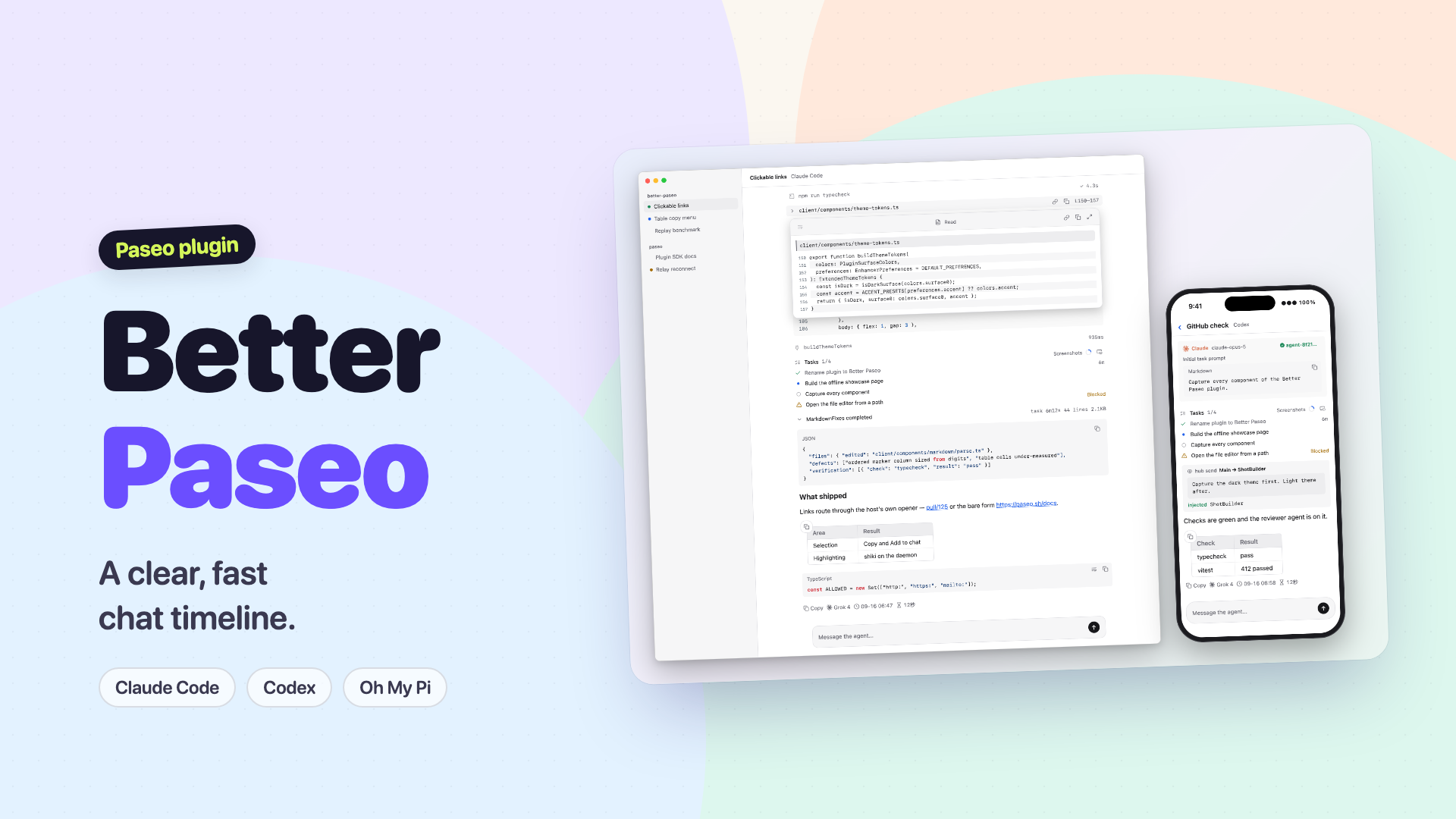
Better Paseo redraws agent conversations as compact rows for tool calls, reasoning, replies, prompts, checklists and errors. It continues Beautiful Chat, with desktop hover previews, touch previews, richer selection and copying, and block-by-block streaming Markdown.
Tool calls start collapsed. Expand a row to read its details; chosen open and closed states survive completion and remounts. Hover a collapsed row or file path on desktop, or long-press a collapsed row on touch devices, to inspect a preview. Previews support wrapping, line numbers, moving, resizing and maximizing. An image viewer provides zoom and pan.
Code, diffs and shell output receive syntax highlighting. Copy text, code, paths, tool results or tables, including a block of cells selected by holding a cell and dragging; desktop table controls also support copying an image. Where a composer is available, selected text can be added to the draft for a later message. Completed replies show copy controls and available model, time and duration information.
Setup and settings
Requires Paseo 0.8 or later; the listing image metadata requires 0.11 or later. No separate service account is needed. Open Settings → Plugins → Better Paseo to choose reply styles, spacing, fonts and preview behavior. Settings support English and Simplified Chinese and are saved through the daemon. The Git preparation step installs the committed, locked npm dependency tree, including development tools, and esbuild prepares its platform binary during installation.
Data access and limits
The plugin reads displayed conversation text, tool results and agent metadata. Syntax highlighting sends displayed code to the daemon. Local-image previews read files on the daemon and return image bytes to the connected client; supported images larger than 3 MB are not inlined. File reveal opens the daemon machine's file manager. Selected text added to the composer reaches the selected agent provider when you submit the message.
Presentation preferences use daemon settings with a browser cache. The plugin also reads the host's appearance preferences to follow its fonts and theme. The optional /bc-perf command enables diagnostic probes; /bc-perf dump writes a diagnostic snapshot, including agent identity, timing and client metadata, to the daemon's temporary directory.
Some interactions depend on the host and input device. Permission approvals remain owned by Paseo. Turning off plugin Markdown restores Paseo's reply rendering, including Mermaid and its full footer. Large expanded blocks can still be slow on development simulators. The author's compatibility and benchmark notes describe historical test conditions; they do not establish performance for every device or conversation. The listing image is the English title card from the plugin video. It shows sample desktop and phone timelines; the phone frame is illustrative.