
Paseo Watch Notify
Push a notification to your Apple Watch when a Paseo agent truly finishes or needs a permission decision.

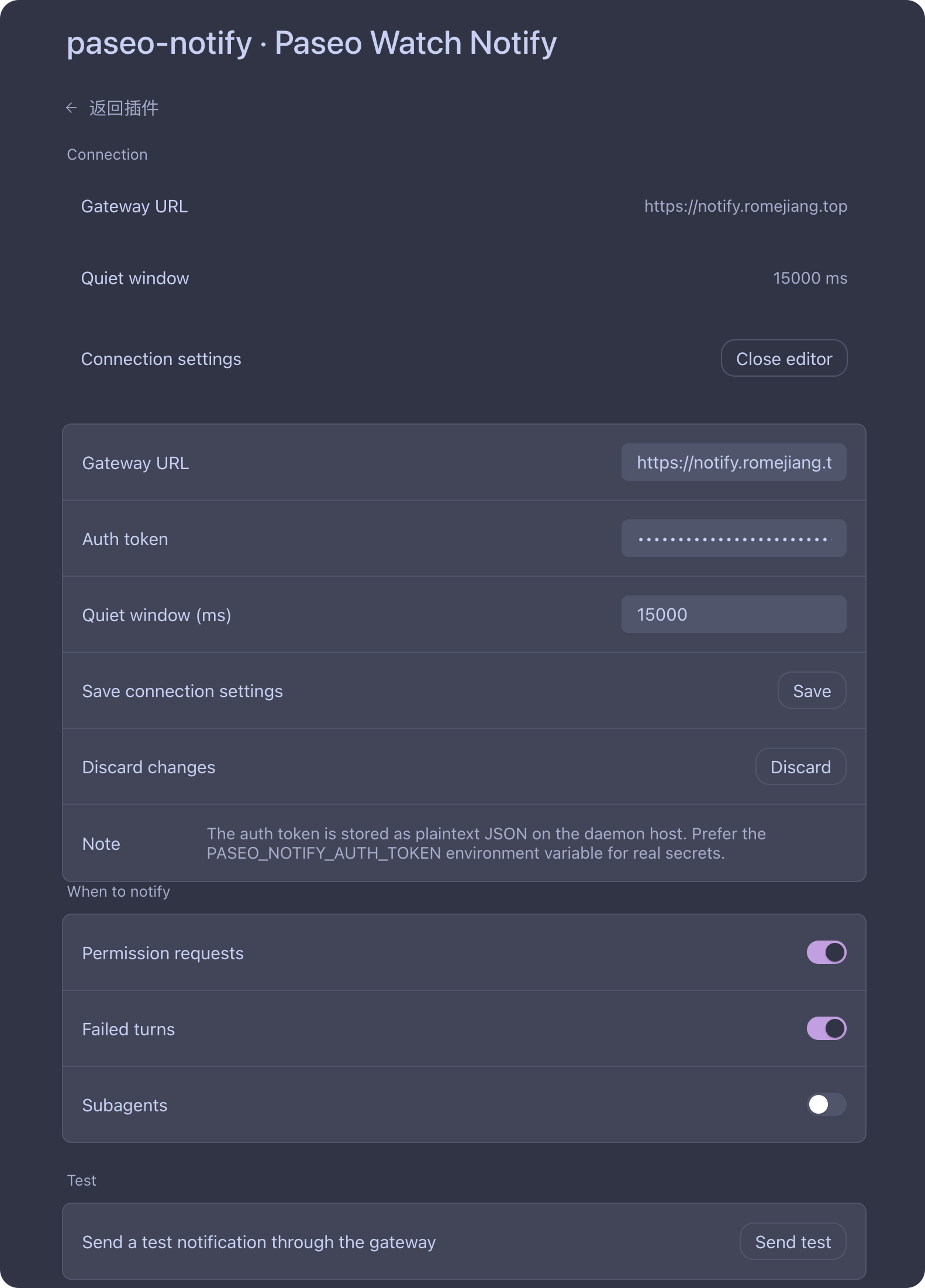
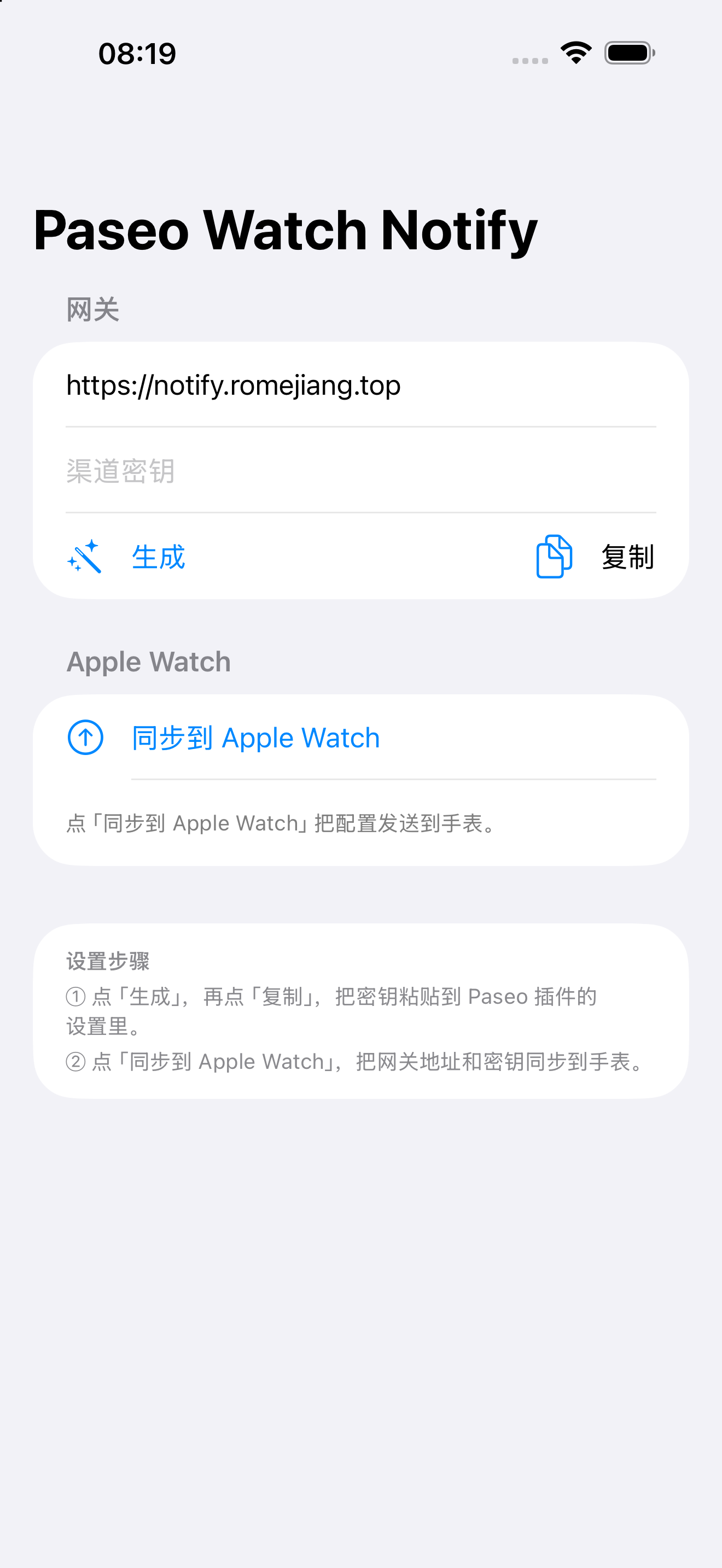
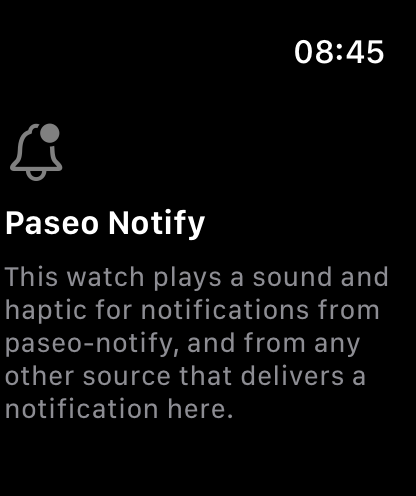
Paseo Watch Notify sends a push notification to your Apple Watch when a Paseo agent truly finishes, or when an agent is waiting on a permission or question. It is meant for people who leave long-running agents unattended and want their wrist to tell them when something needs a decision or is done.
The plugin runs on the daemon, so it does not depend on the Paseo app being open or your phone being connected. It observes agent lifecycle events and posts a small JSON payload to a gateway URL that you configure. How that payload reaches your watch is up to your gateway; the plugin only needs an HTTP(S) endpoint.
Two events trigger a notification. A permission or question becomes pending: the plugin notifies immediately and only once per request. A turn ends: because Paseo ends a turn on every message, the plugin waits for a short quiet window before deciding the agent is actually finished, so a task that spans several turns produces one notification instead of many. A follow-up turn within the window cancels the pending notification. Subagent activity is ignored by default.
Setup: open Settings, Plugins, Paseo Watch Notify (or run the Configure Paseo Watch Notify command from the Command Center). The gateway URL is pre-filled with a public gateway and can be pointed anywhere. Pair it with a channel secret: the plugin, the iPhone app, and the Apple Watch app must use the same value. The quiet window, failure notifications, subagent notifications, and permission notifications are all configurable. A test action sends a notification through the same path so you can confirm your setup. The secret is stored as plaintext JSON on the daemon host; for a real secret, set the PASEO_NOTIFY_AUTH_TOKEN environment variable on the daemon instead.
Data: each notification payload contains the agent id, the agent title, the workspace id, the provider, the working directory, a short plain-text preview of the agent's last message (or the permission request details), and a timestamp. That payload is sent over HTTPS to the gateway URL in effect. The plugin reads nothing else and stores nothing beyond its settings. The gateway receives that data, so only point the plugin at a gateway you trust.
Limits: the plugin only delivers to the configured URL. It does not talk to Apple Push Notification service itself, and it does not run on or control the watch app. If the gateway URL is left empty or is unreachable, notifications are skipped and the failure is written to the plugin log.