Clean Paseo
Bulk-archive workspaces from one screen, sorted by last activity.
$ paseo plugin add rburdet/clean

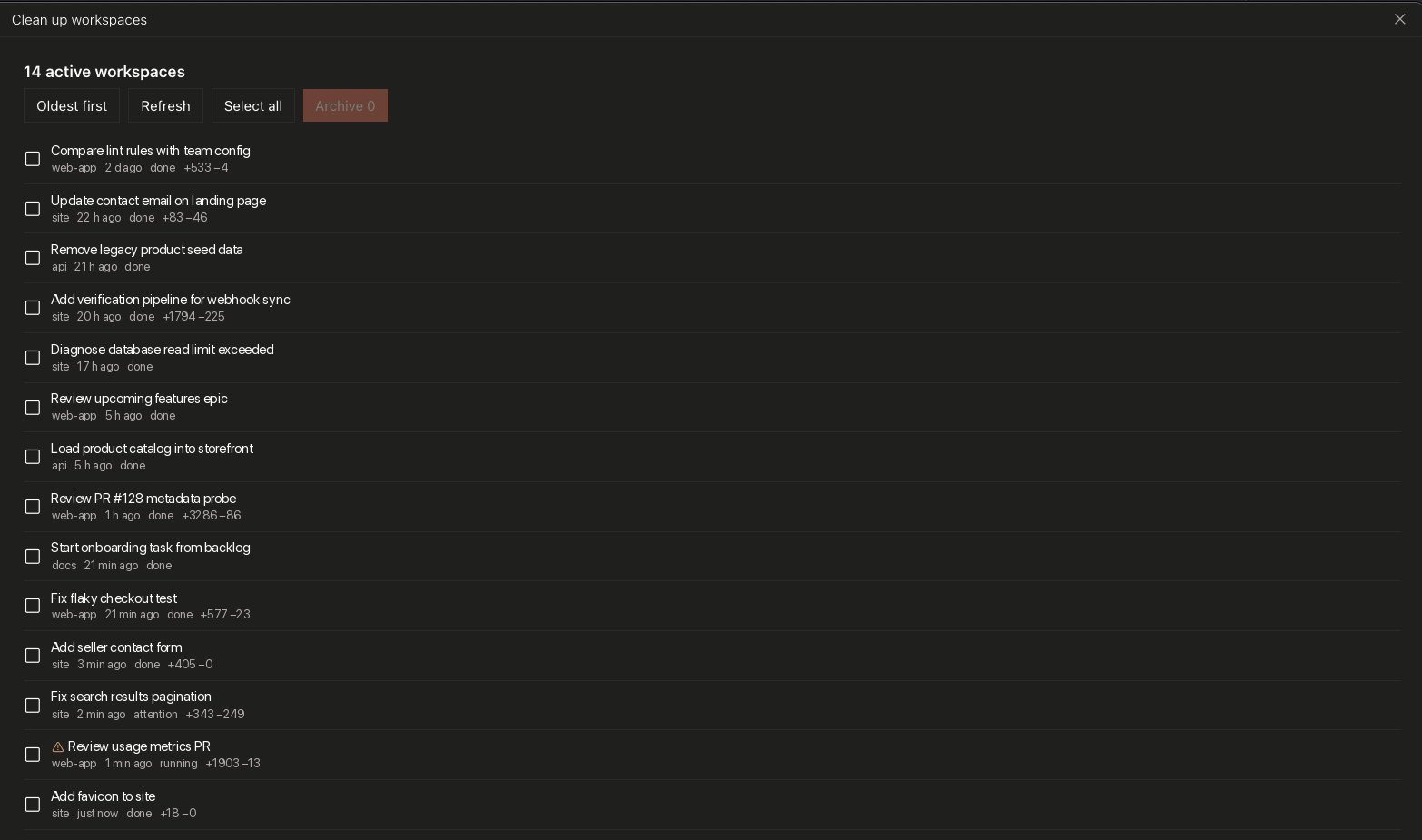
Clean Paseo lists your active workspaces sorted by last activity, oldest first by default, so you can pick many and archive them in one go. Open it from the "Clean up workspaces" item in the sidebar.
Archiving here is the same as archiving a workspace in Paseo: Paseo removes the worktree folder of archived worktree workspaces. A confirmation step lists the selected workspaces and warns when any has an active agent. Workspaces are archived one at a time, and any failures are listed with their error.
The plugin runs only in the app and reads and archives workspaces through the Paseo client. It needs no setup and sends nothing elsewhere.