
Context Mode
Provider-aware Context Mode health, savings, and MCP activation for Paseo.

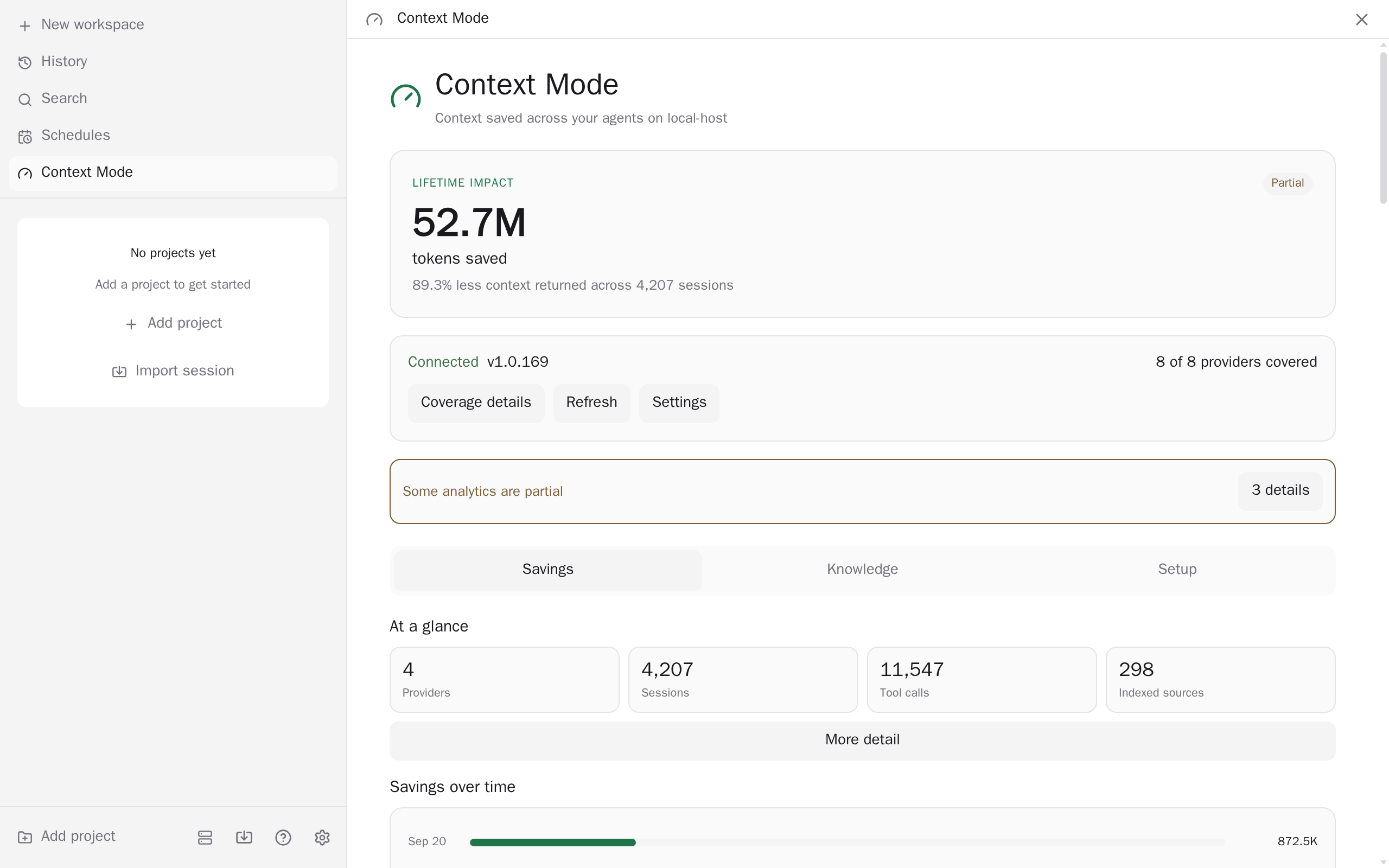
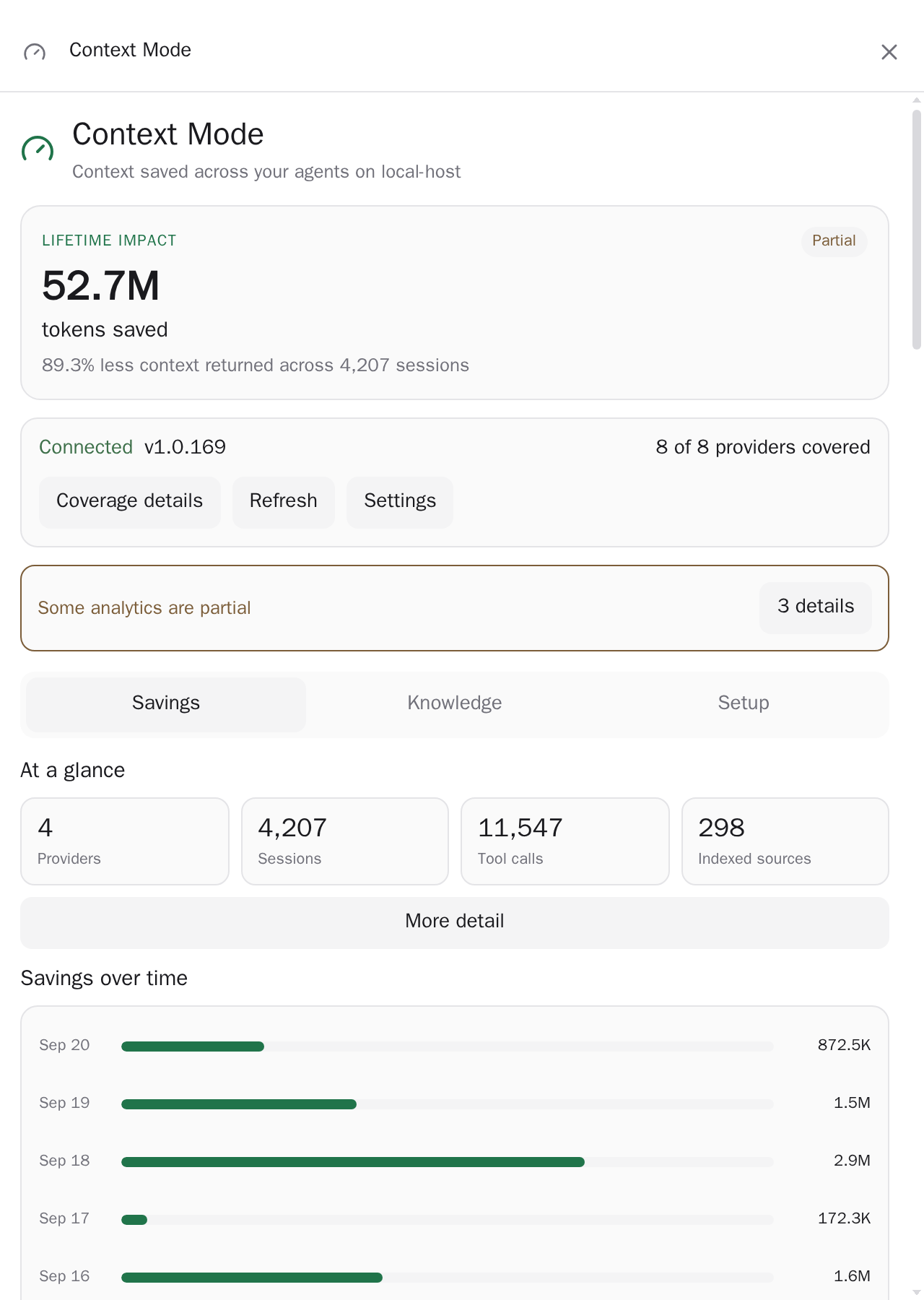
Context Mode connects Paseo agents to Context Mode, a separate tool that runs as an MCP server and gives agents tools for sandboxed execution, indexing, and searching project knowledge. The plugin bundles Context Mode 2.1.4 and adds a screen with health, savings, recent sessions, and a knowledge search, indexing, and forget panel. It adds Context Mode to new Claude, Codex, Copilot, and OpenCode agents. Pi runs Context Mode as its own extension, so the plugin only detects it and shows Pi's sessions; OMP has no Context Mode 2 integration, so the plugin only reports whether OMP has its own. It needs Paseo ^0.12.0 || ^0.13.0 || ^0.14.0 || ^0.15.0 and Node.js 24.15 or later on the daemon host.
By default, creating a supported agent adds a Context Mode MCP server to it. Existing agents do not get the server. Context Mode keeps one database per project, shared by every agent working in it. Turning off automatic activation stops the plugin adding the server from then on, and it does not remove it from agents that already have it. A server you configured yourself is kept. By default the plugin also reads each provider's config files and skips its own addition when Context Mode is already registered there.
The plugin starts the Context Mode process on the daemon host. It reads Context Mode's local databases read-only to build the savings dashboard and a list of recent agent sessions, and it can show a session's resume state. Indexing a path reads files under it on the host into Context Mode's knowledge store, and indexing a URL makes Context Mode download that page from the host. Forgetting a source or a project deletes indexed data, and forgetting a session deletes its recorded activity, each after a second confirmation. Context Mode is bundled and updates with the plugin. What the agents' Context Mode tools do is up to Context Mode.