
Translate
Translate selected text in a Paseo chat and learn from it: a word-by-word breakdown, grammar notes and sentence patterns.

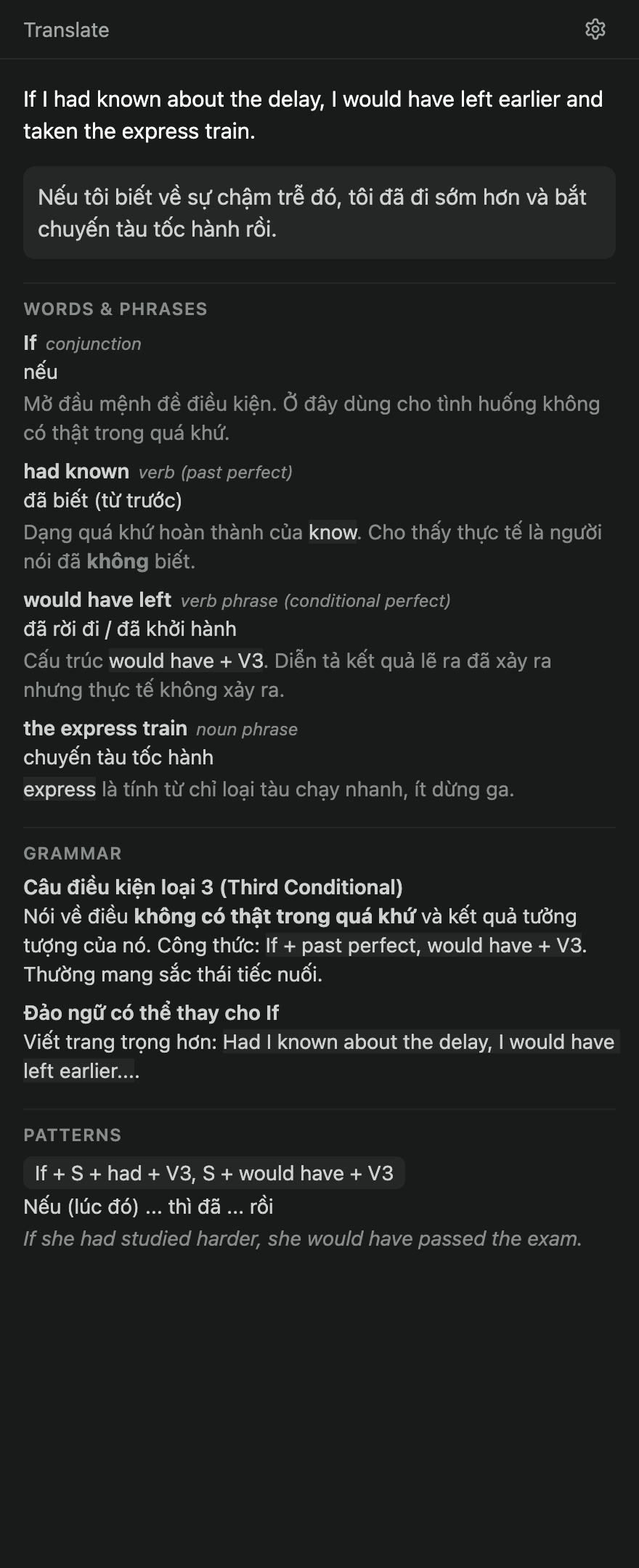
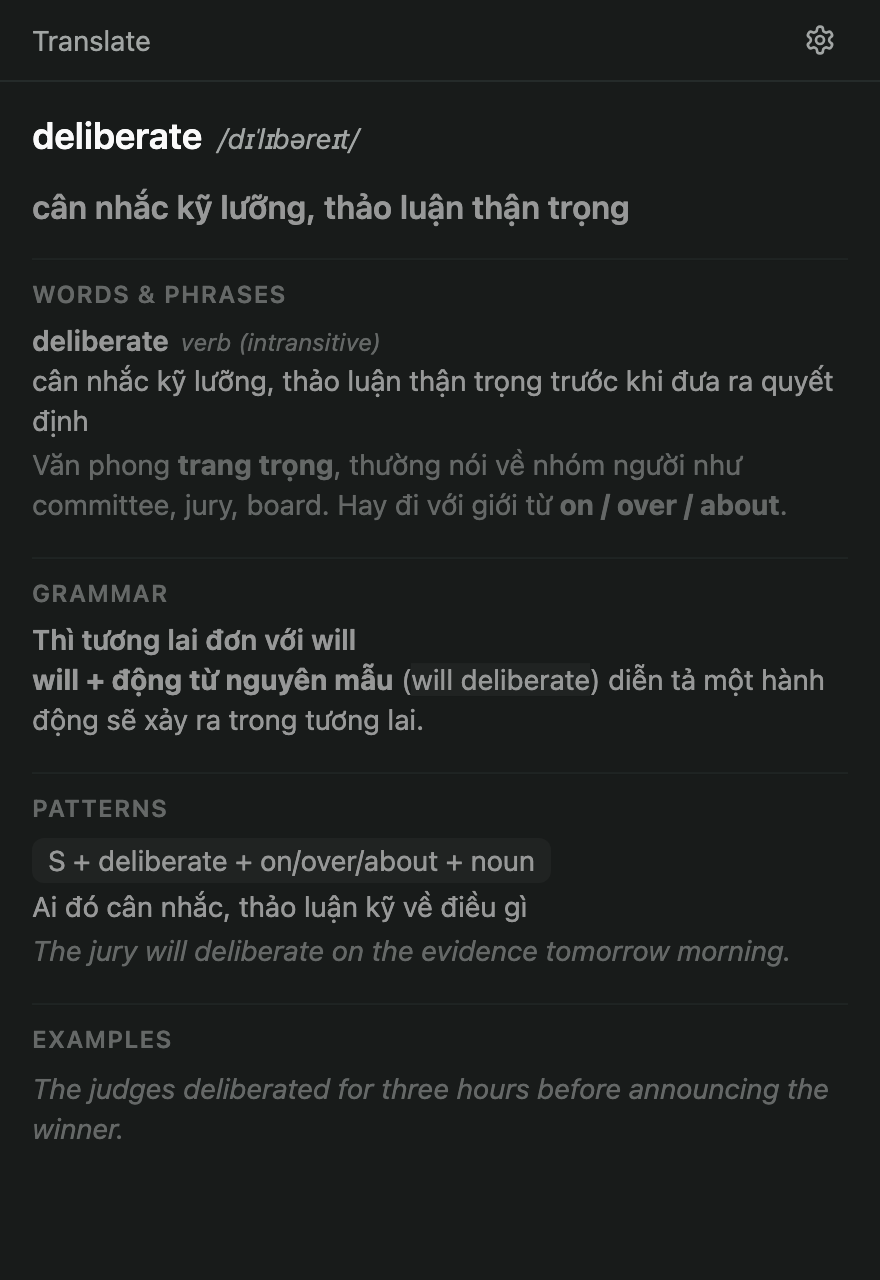
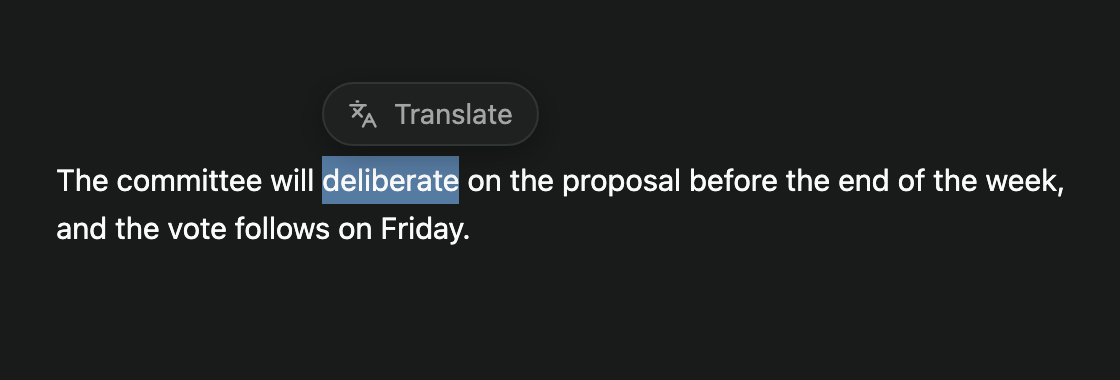
Translate turns text you select in a Paseo chat into a short English lesson. Select a word, a phrase or a whole paragraph, click the Translate button that appears next to it, and the Explorer panel fills in with the Vietnamese translation, a word-by-word or phrase-by-phrase breakdown, the grammar at work, and sentence patterns you can reuse.
Each lookup runs on a helper agent that Paseo creates in the same workspace, using the provider and model of your most recent chat there. The helper answers in structured JSON, which the panel renders as sections. The plugin sends it the selected text and up to 400 characters around it, and nothing else from the conversation. Helpers archive themselves after one answer.
The plugin works in the web app and the desktop app. The native mobile app has no text selection hook, so the button does not appear there. Your workspace needs at least one chat so the plugin can read a provider from it.
Open the plugin's settings from the gear in the panel, or under Settings, Plugins, Translate. Settings are stored on the daemon and shared by every client of that daemon:
- Translation prompt is the instruction sent to the helper, and it holds the target language (Vietnamese by default). Variables
{{text}}and{{sentence}}insert the selection and its surrounding text. The JSON reply format is always appended, so a custom prompt cannot break the result. - Extra instructions are appended to every prompt, for example a subject area to prefer.
Known limits: a lookup takes roughly 10 to 25 seconds because a full agent turn runs for each one. Archived helpers stay in your agent history and in the provider's session list, and Paseo's plugin API has no way to delete them. Helpers are told not to use tools, and that is enforced by instruction only. Selections over 5000 characters are ignored.