
Cypress Pulse
A standalone Cypress run dashboard for Paseo

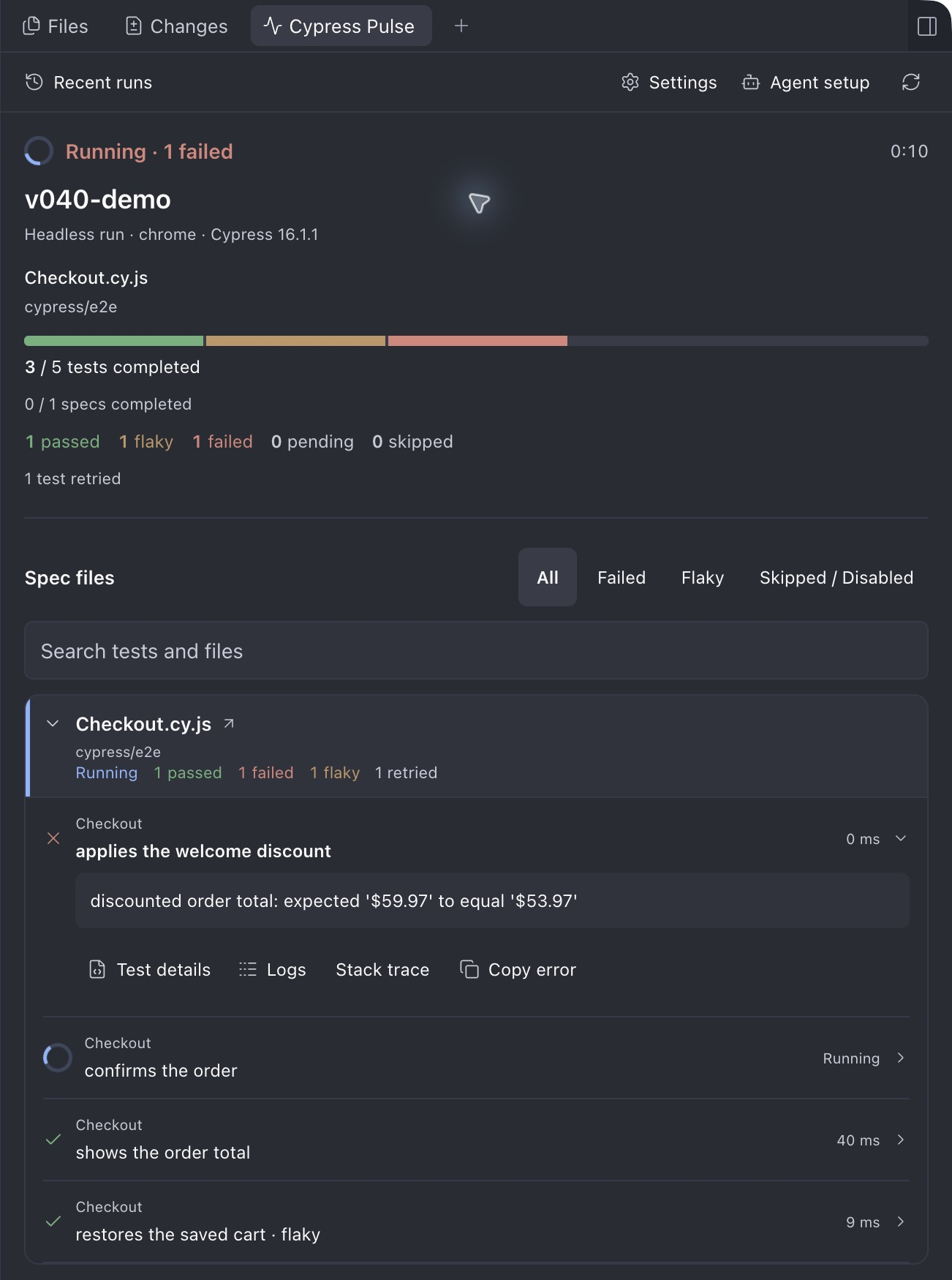
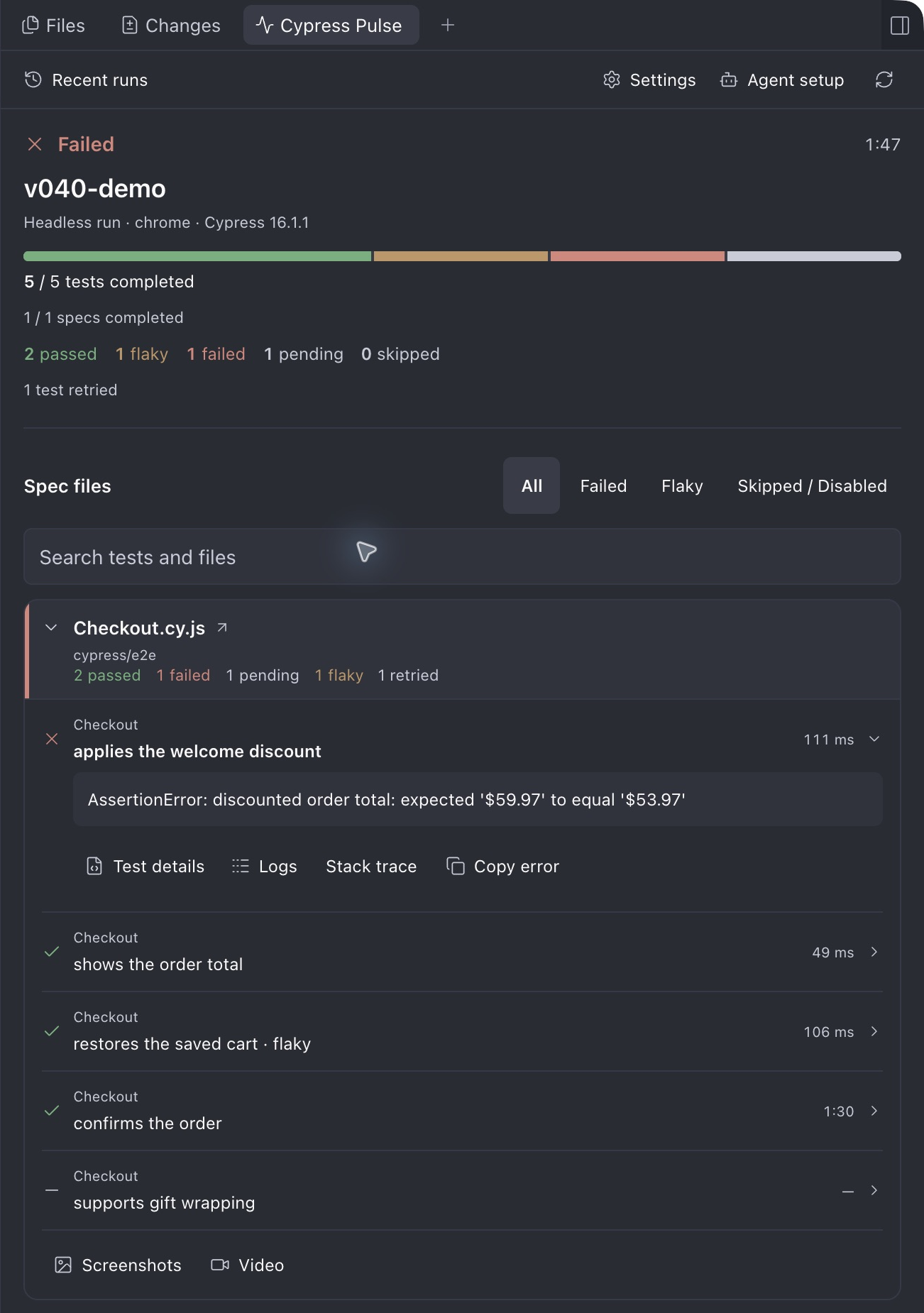
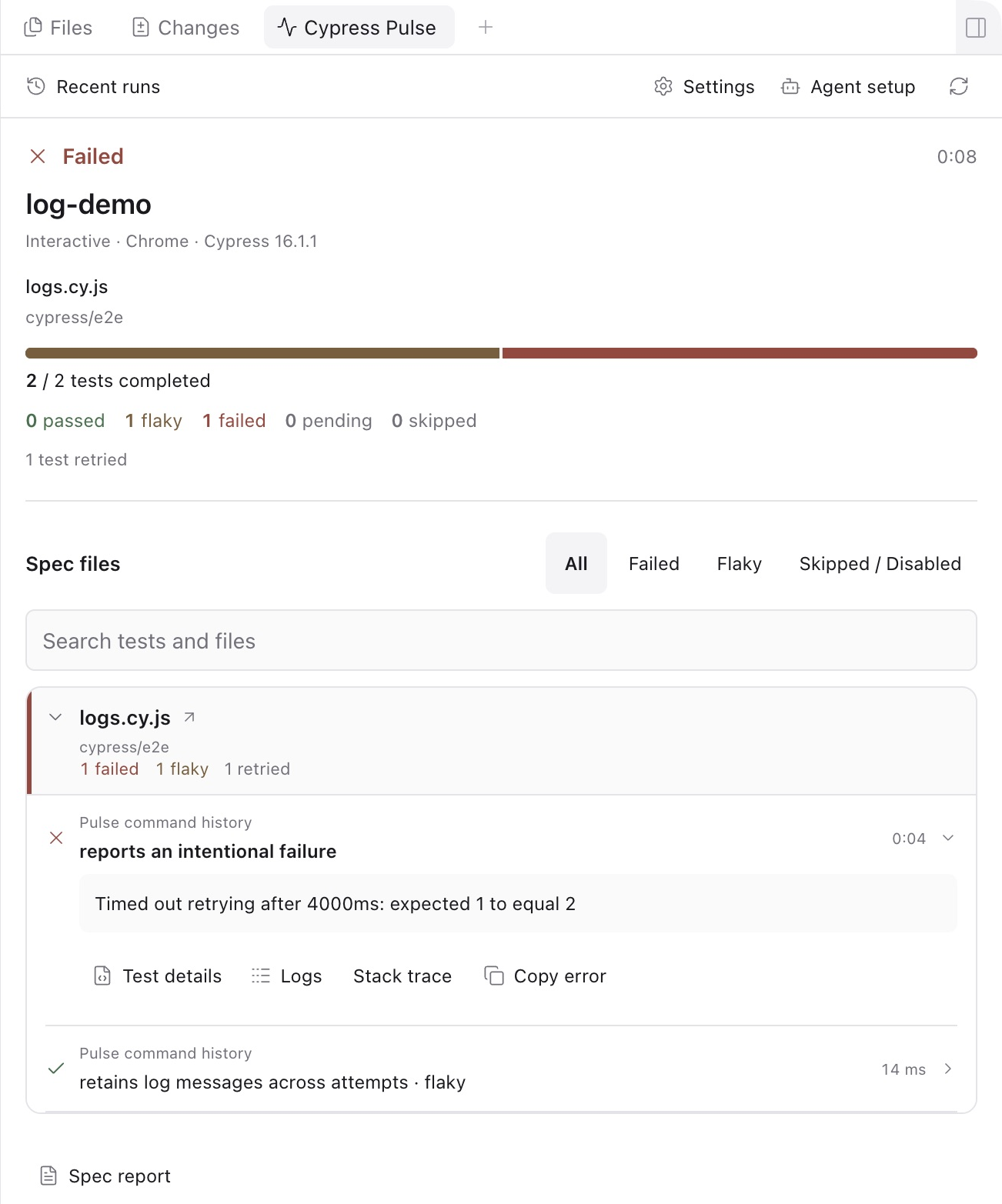
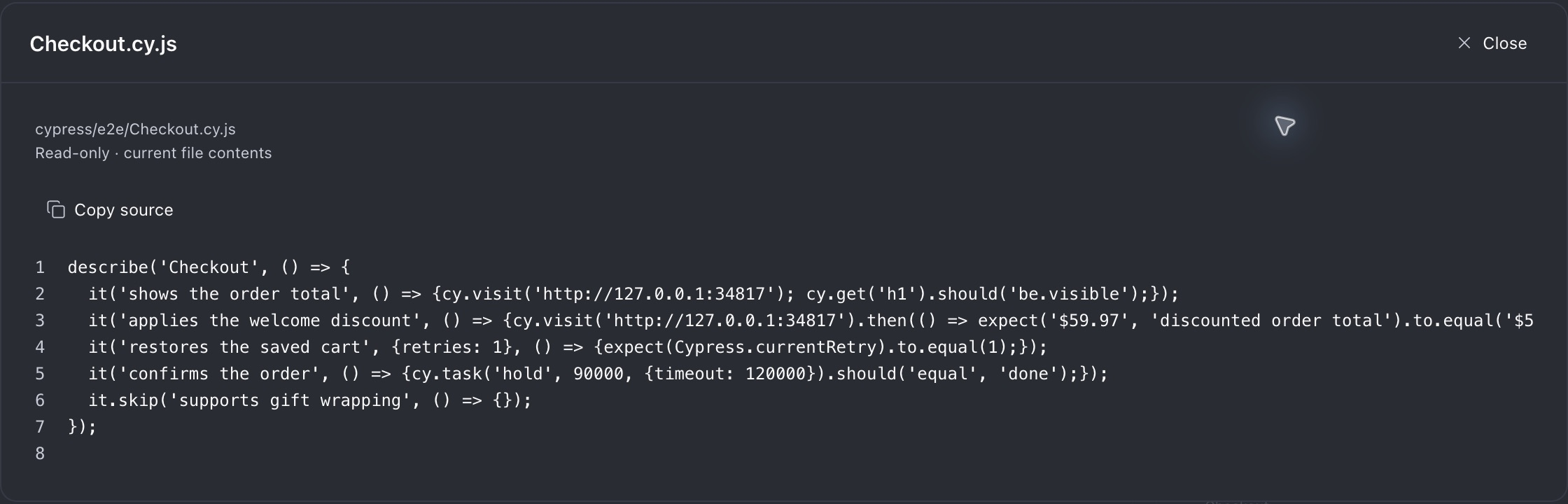



Cypress Pulse shows Cypress run progress and failures alongside your agents in Paseo. Open its Explorer panel to see active runs, completed specs, test outcomes, flaky and retry counts, and failure details grouped by spec file. Expand a file section to inspect its tests, screenshot galleries and spec videos, or click its filename for a read-only source preview with line numbers. A workspace header indicator keeps progress visible while you work elsewhere.
Batch runs use a companion launch helper that reads your existing Cypress configuration and adds reporting for that invocation. It preserves existing hooks and reporters. It does not add or edit files in the tested project's sources. Interactive Chromium sessions are observed through Cypress Tap.
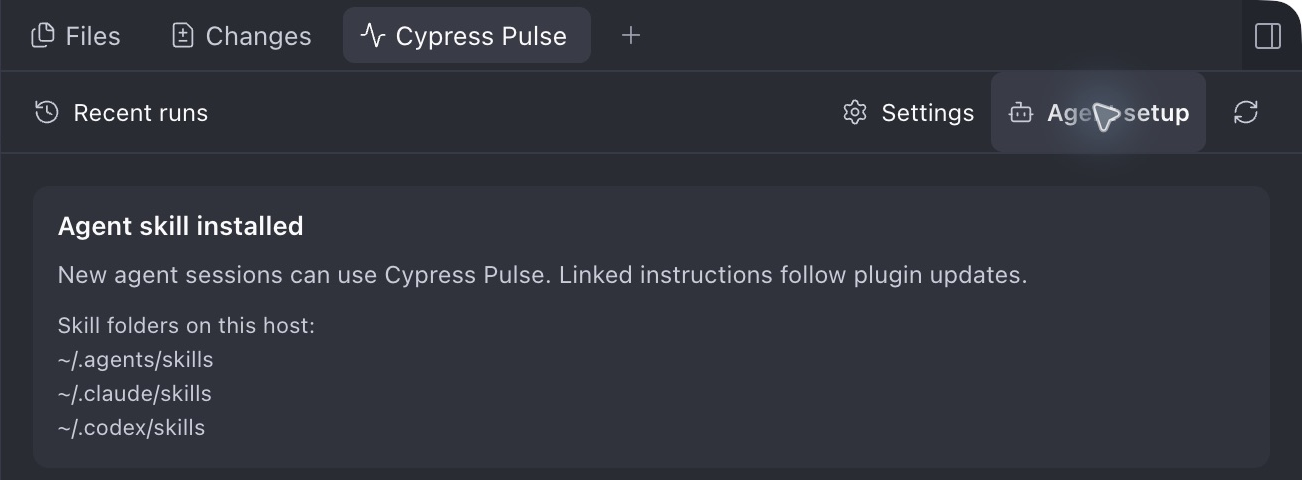
Requires Paseo app and daemon >=0.11.2 <0.13.0 (0.11.x and 0.12.x), Cypress 16.x, and Node 22.18+ on the 22.x line or Node 24.x for the helper. The Cypress CLI and interactive session must use compatible versions. Press Install skill in the panel to link the supplied instructions into the host’s user-level agent folders. Existing skills belonging to another installation are skipped. New agent sessions can then use the skill to launch monitored runs.
Progress, failure text, and screenshot references stay on the daemon host in a separate Cypress Pulse state directory. No Cypress Cloud account is needed. Agent-invoked helper output may enter the agent conversation and be sent to its configured provider. Runs for removed projects/worktrees are omitted from workspace history without deleting their journals. Workspace scoping follows canonical paths, and corrupt records or unexpected filesystem errors remain visible as notices. Run history and helper versions are not automatically deleted; the display limits do not limit disk retention. The plugin reads local run data and queries local Cypress sessions; it sends this information through Paseo to the connected client. Screenshots and videos inside the Cypress project can be previewed (8 MB images, 32 MB videos). Video playback is supported on desktop/web. Clicking a spec filename reads its current source inside the workspace and sends it to the connected Paseo client for a read-only preview.
Headless or headed batch runs must start through the helper to appear. Interactive monitoring currently covers Chromium-family browsers. Completed test results update while a spec is still running. A segmented progress bar shows clean passes, flaky passes, failures, and pending/skipped outcomes. Batch totals are labeled as known tests until every spec has loaded. Source previews use a wider desktop dialog. Failure images retain their original resolution and offer fit and pixel-zoom controls. Search tests and files matches file paths and full suite/test titles case-insensitively, combined with the selected status filter, before the display limit. All/Failed/Flaky/Skipped filters focus the displayed tests without changing file totals. Screenshot galleries provide Previous/Next navigation; spec videos provide playback and seeking on desktop/web. Higher-resolution capture is an optional host default or per-run helper setting for Chrome, Chromium, or Edge; it changes device pixel ratio and can affect visual assertions. The panel shows up to 300 test details per selected run, with failures and running tests first, while run and file counts cover the full execution.
macOS desktop is verified; Ubuntu CI covers batch operation. Windows, Linux desktop, mobile clients and component testing remain unverified.
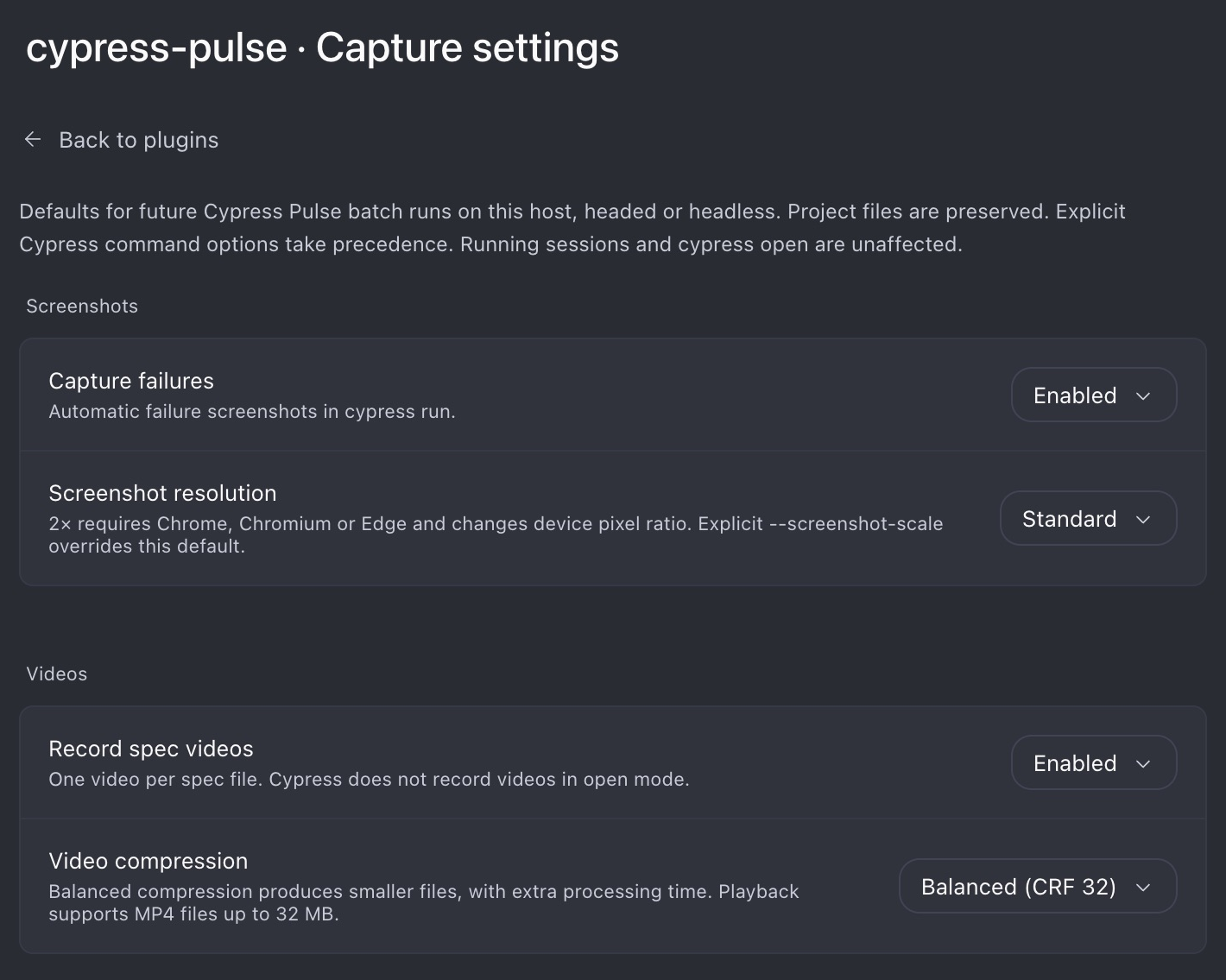
The plugin keeps its helper and telemetry outside repositories. Helper versions remain available after a plugin reload or removal so running tests can finish. Tests themselves may still create their normal screenshots, videos, or reports according to the project's configuration and any capture defaults selected in the plugin settings. Host settings apply only to future Pulse batch runs, with explicit invocation overrides taking precedence. Cypress records one video per spec in run mode; open mode does not record video.
Open Settings in the panel for capture defaults: failure screenshots, standard or 2× resolution, video recording, and compression. Settings are shared by clients of this daemon host and survive plugin reloads. Initial defaults preserve the project’s capture settings and standard resolution.
Distributed as the npm package paseo-cypress-pulse; displayed in Paseo as Cypress Pulse. Current version: 1.1.1. See release notes for changes in each version.
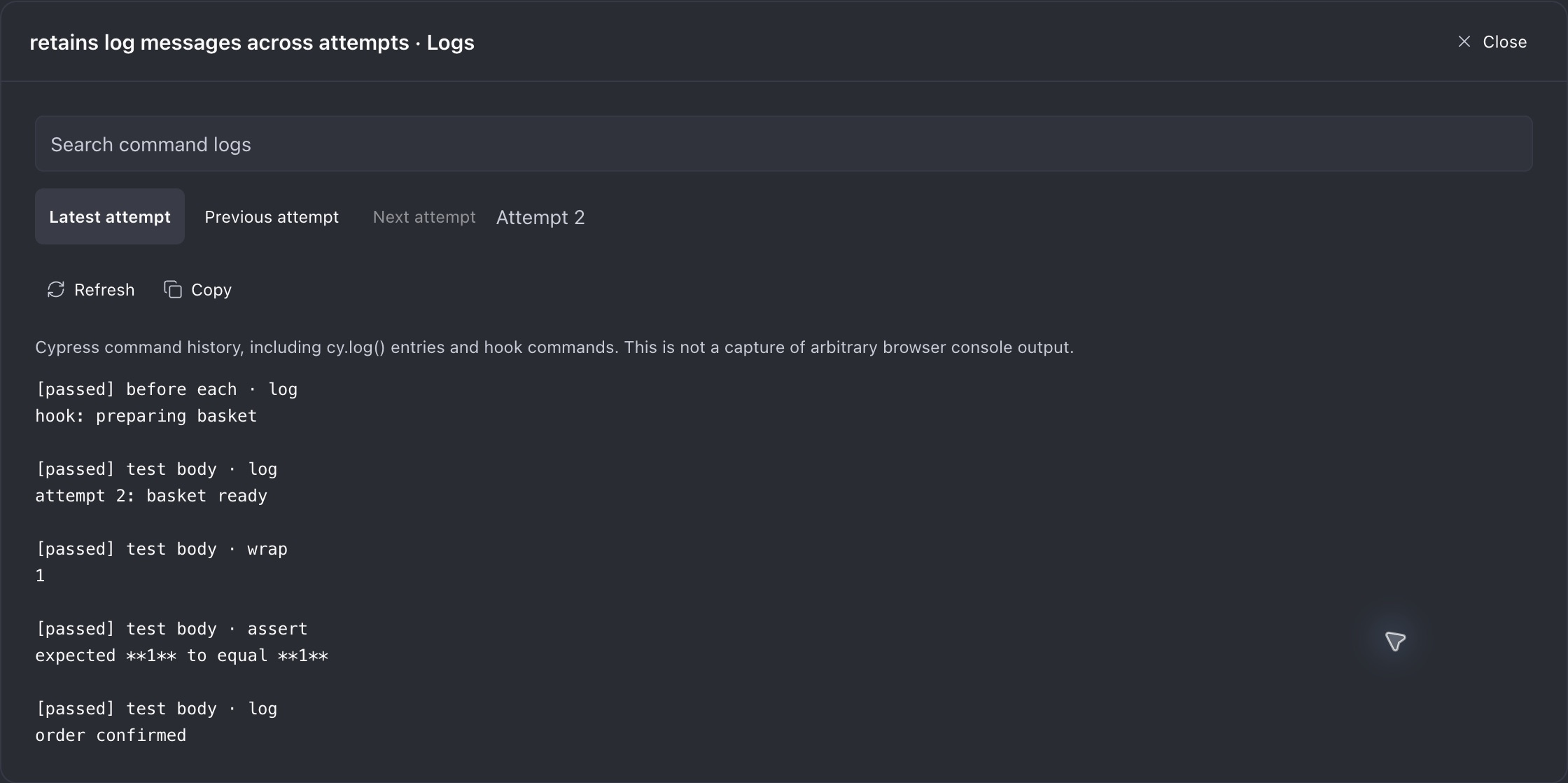
Each expanded test offers Test details (with a FileCode icon) and Logs. Details include a read-only test declaration with original line numbers, Copy source, and Open full file for the spec preview. Matching uses the full suite/test title; ambiguous or generated declarations show a fallback notice. Source represents current file contents and is parsed without executing test code. Interactive logs include Cypress command history, cy.log entries, hook attribution and retry attempts, with search/copy/refresh controls. They require the original live session/run; browser-console output is not captured. Batch runs retain test metadata and errors but do not capture per-test command logs.