Cross Daemon
Let Paseo agents on different daemons list, message, start and archive each other.

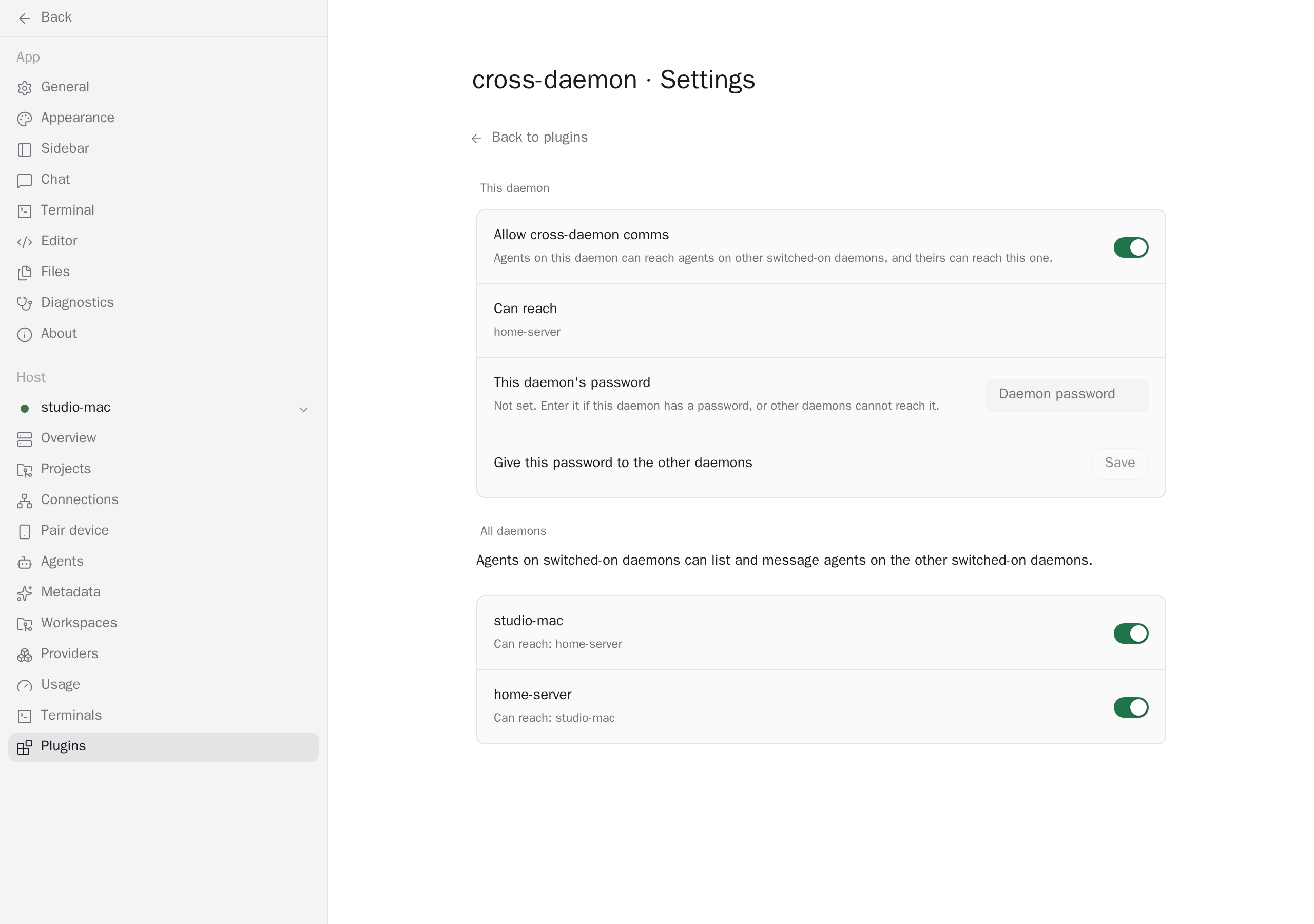
Cross-daemon lets agents on one Paseo daemon list agents and workspaces, read agent activity, send messages, and start and archive agents on other participating daemons. Every participating daemon needs this plugin and Paseo 0.9.2 or newer.
Open Settings → Plugins → cross-daemon → Settings. Enable the daemons you want to connect. Under Per-daemon access, choose separately which peers this daemon can reach and which peers can reach it. Only connect daemons you trust with access to workspaces, agents and conversations.
For a password-protected daemon, save its password under This daemon's password to share it with permitted peers. If a peer does not share its own password, enter it using Password for on the calling daemon. Each remote CLI call receives only its destination's password through an environment variable.
The plugin encrypts passwords on disk using a key derived from the daemon's relay key. Access to both the stored passwords and the daemon key allows decryption. If Paseo replaces the key, re-enter saved passwords or let peers share them again on sync.
The app syncs peers on connection, after a settings change and every minute while open. Unresponsive peers can remain listed while offline. Turning off access stops future sharing. Rotate the daemon password to revoke access from a peer that saved it.
Every new Claude, Codex or OpenCode agent gets the cross-daemon MCP tools. Earlier agents do not get them, and a switched-off daemon has no peers to reach. Claude and Codex tools are pre-approved, including remote creation and archiving; OpenCode tools are not pre-approved. Prompts and returned activity or finish messages pass between the selected daemons and their agent providers.
Messages to idle agents are delivered immediately. Messages to working agents wait in a persistent queue until they are idle. A send cut off by a restart or timeout is not retried, because delivery is uncertain. Finish notifications include the remote agent's last message and also wait until the sender is idle. The calling tool process supplies the sender's agent ID; without it, messages are labeled as from a user or script and have no reply instructions or finish notice. Message and tool-call timeline rows expand to show their text.
create_agent starts work in an absolute directory on the selected daemon, joining its existing workspace for that directory or creating a local workspace. It defaults to the auto permission mode; callers can select another mode and provider. The first prompt is limited to 30,000 characters and passes on the CLI command line, where other operating-system users can see it. The tool reports an uncertain start after a timeout rather than retrying automatically.
archive_agent accepts only idle agents recorded as created by this plugin on the calling daemon. It also tries to archive the workspace it created, which closes that workspace's agents and terminals. It keeps the workspace if another listed agent has the same directory, or if the daemon returns 200 agents and the list could be incomplete. The CLI check uses directories rather than workspace membership: an agent placed in the workspace with a different directory can be archived with it. Workspaces the plugin did not create are kept.
This plugin entry was imported from paseo.cafe.