Codex Voice
Talk to a Codex voice coordinator and manage Paseo agents from a desktop panel.

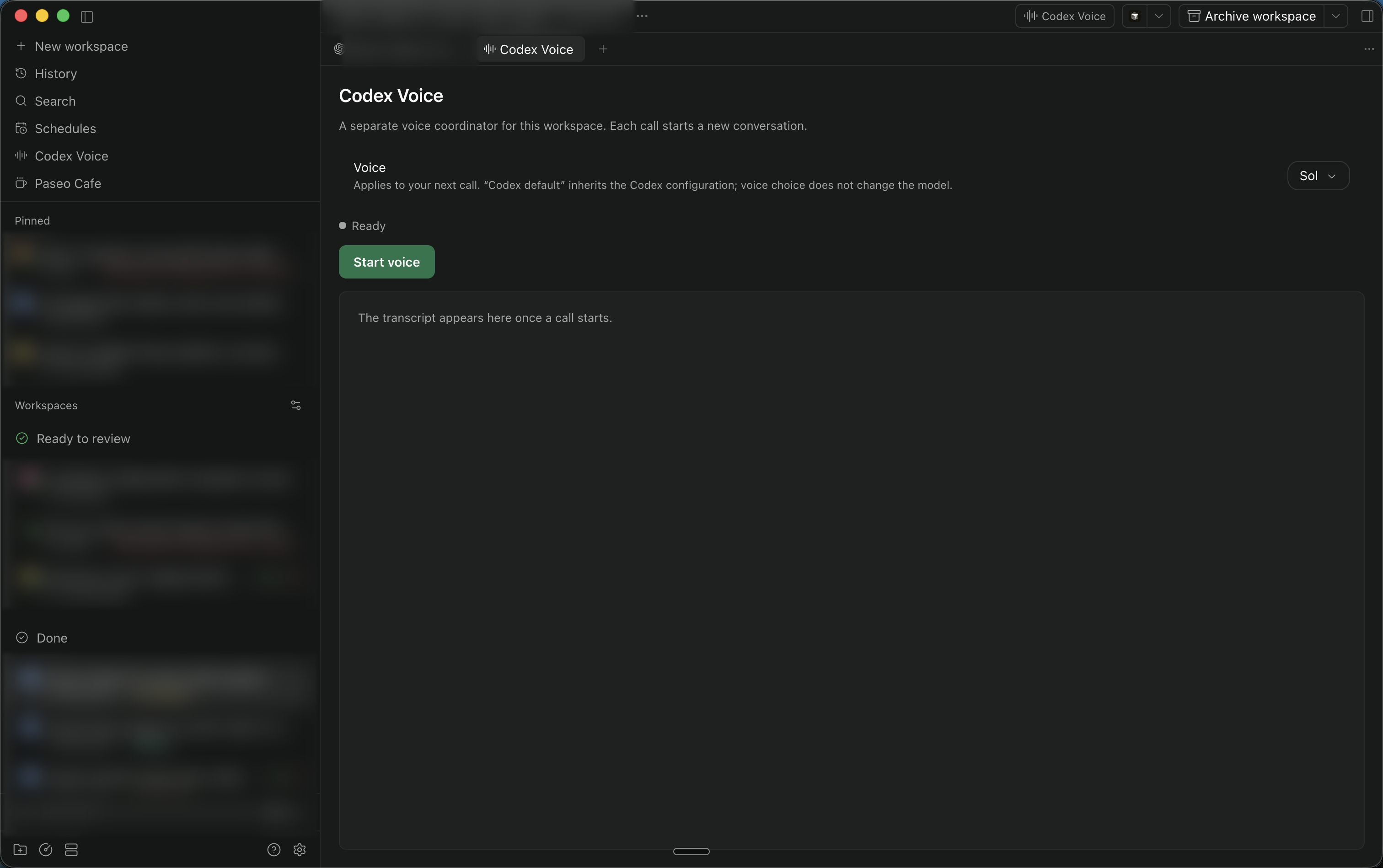
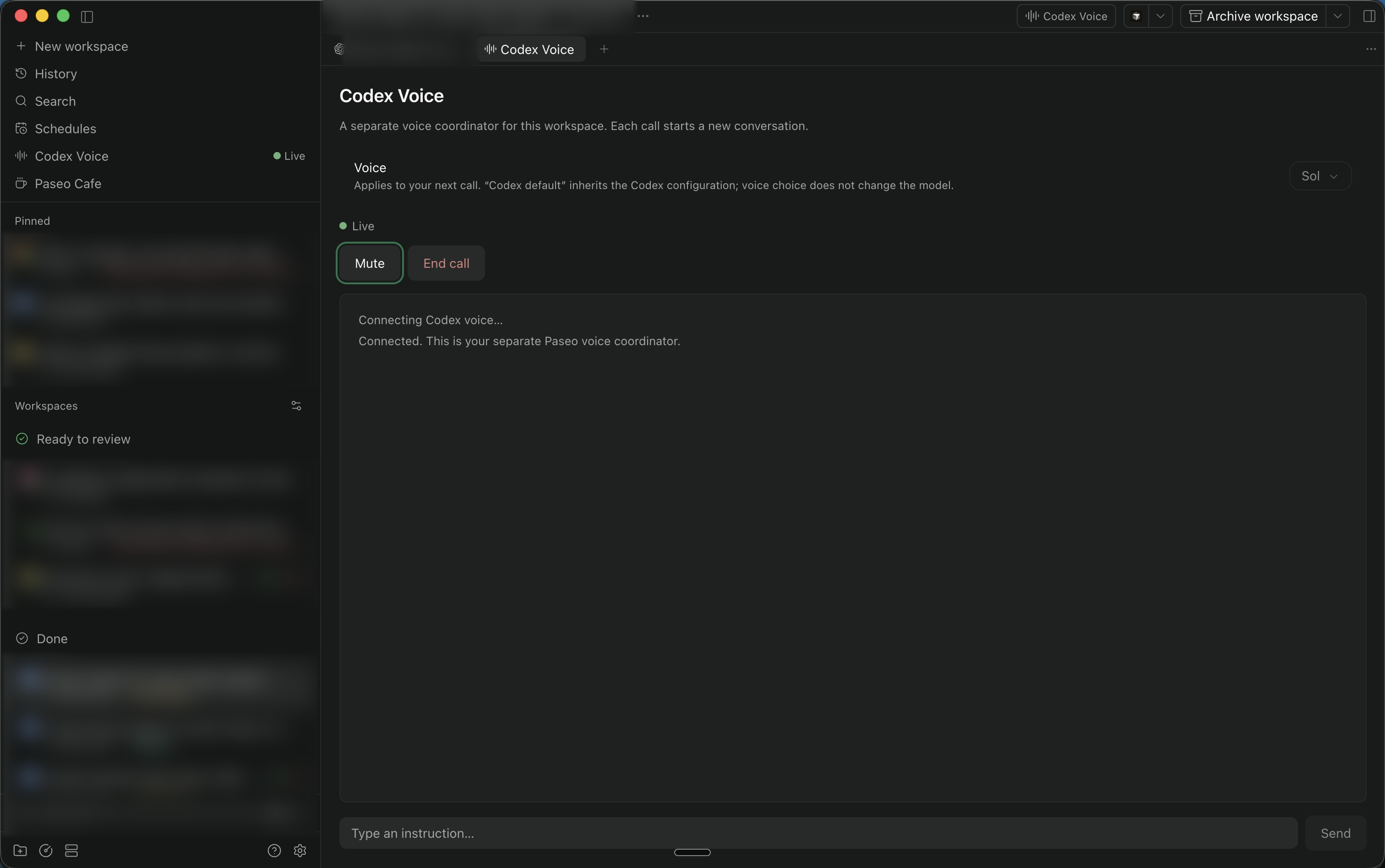
Talk to a separate Codex voice coordinator inside Paseo desktop. Open Codex Voice from the workspace header, left sidebar, workspace tab menu, or the workspace Command Center, then press Start voice. The sidebar lets you choose a workspace and opens its voice panel before a chat exists; the header uses the workspace already open.
Choose a voice on the page before starting. Available choices come from the installed Codex CLI; the saved host preference applies to new calls and does not change the model. Codex default inherits the host’s Codex voice configuration.
The sidebar shows a green Live indicator and counts for active voice sessions across that host’s workspaces. A composer pill appears only for existing calls in the chat or workspace; it returns to the owning local panel, or offers a chooser for multiple calls. Calls owned elsewhere open status and Stop controls without starting a new call. Open the page to find their workspaces or associated Paseo threads and stop individual calls. Status refreshes periodically; unavailable status is shown explicitly. The indicator requires a visible sidebar item and does not aggregate other hosts.
The coordinator can discover providers, inspect tasks, create workspaces and workers, send follow-up prompts, and report worker results. Workers appear as ordinary Paseo agents and retain their normal permissions. Ending voice leaves those workers running.
Requires Paseo 0.14.x, Codex CLI 0.162.1 or a compatible version with native WebRTC voice, a signed-in Codex account with voice access, and microphone permission. This version targets the desktop app and compatible browsers; native mobile audio is not supported.
Audio goes directly from your device to Codex’s voice service using WebRTC. The plugin runs a separate Codex app-server process using the daemon host’s existing Codex sign-in. It passes the selected workspace and agent IDs, requested task messages, and worker results to the coordinator. The voice conversation is separate from the selected agent’s history and ends when the panel closes. Session transcripts are held in memory. Account availability and usage limits follow the Codex service.
The existing Paseo voice button remains available. Use a Codex Voice entry point for this plugin. Closing or unloading the owning voice panel ends its call; workers keep running.
This community plugin uses experimental Codex voice APIs. It inherits the host’s Codex configuration, including configured MCP tools; its coordinator instructions and read-only sandbox do not isolate those external tools. It is not an official OpenAI or Paseo product.