Chat-Share
Share conversations for viewing and downloading in a browser.

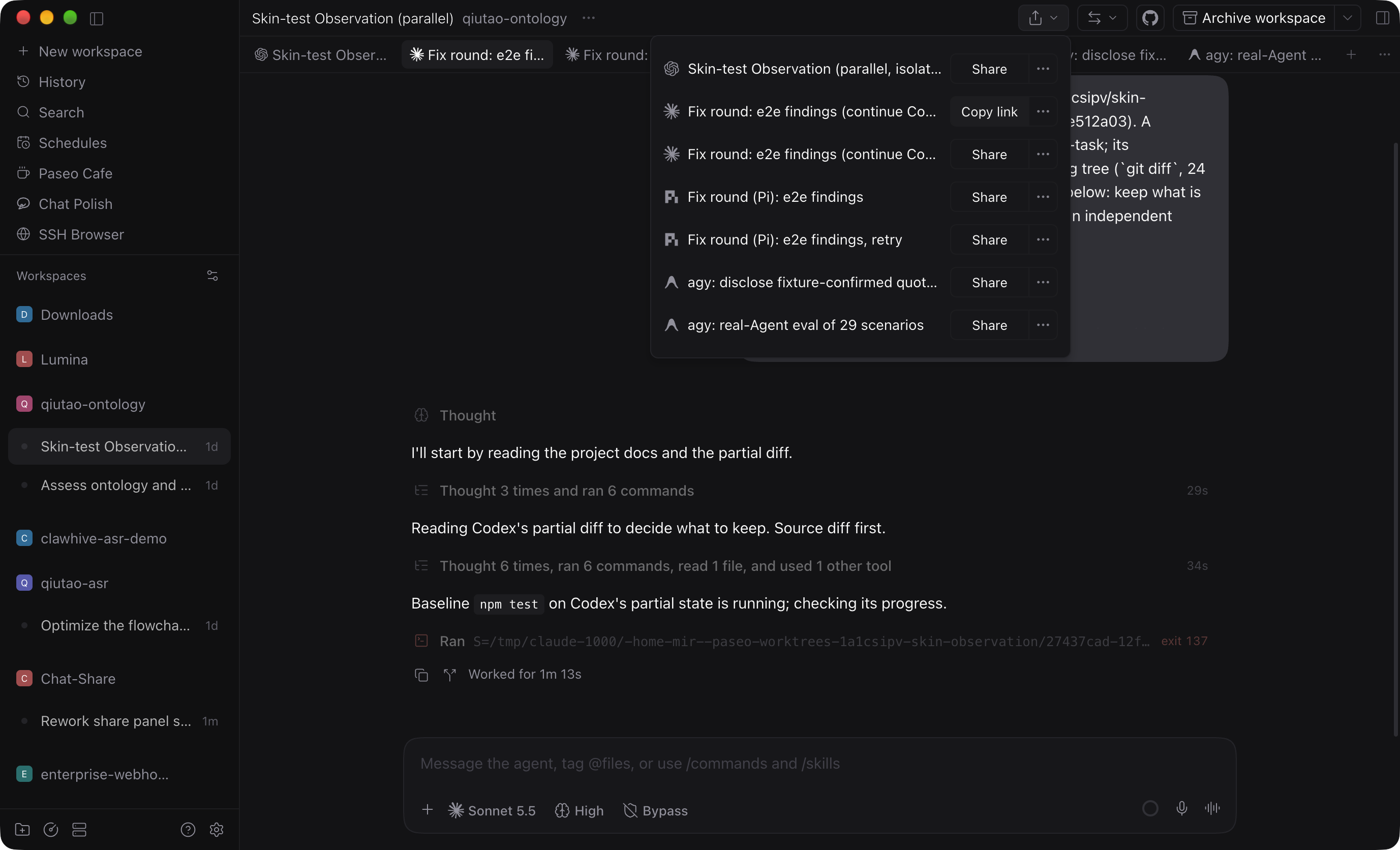
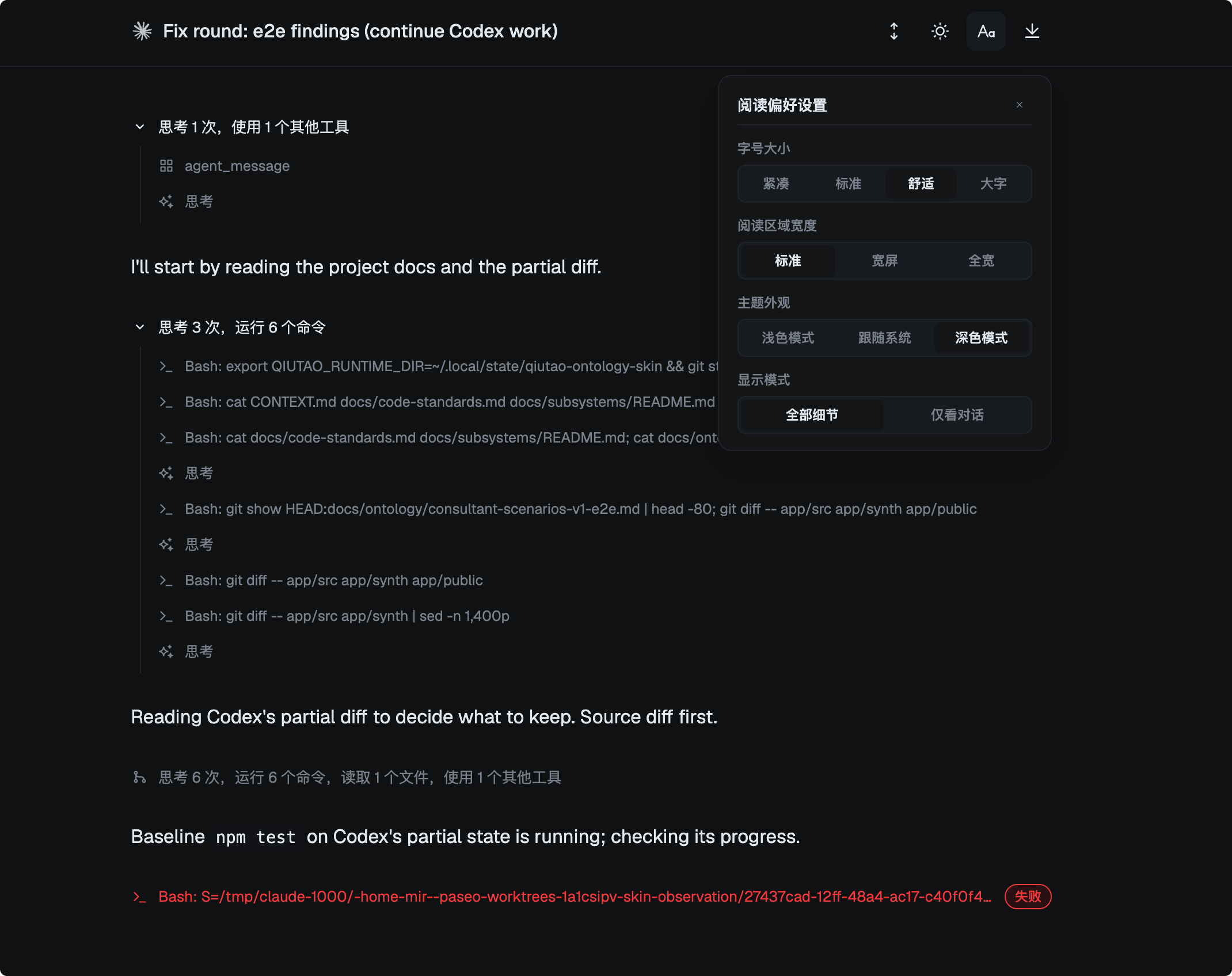
Share a Paseo agent conversation as a link that others can read and download in a browser. The viewer displays messages, reasoning, tool calls, diffs and errors.
From the workspace header, choose a conversation to create a snapshot. Chat-Share uploads it to a secret GitHub Gist and copies a link to the hosted viewer. You can create a new snapshot, copy an existing link, or manage and delete shared Gists.
The daemon needs Paseo 0.14.0 or later, Node.js, npm, and the GitHub CLI authenticated with permission to create Gists. The viewer URL can be changed in the plugin settings.
Shares are unencrypted by default and are not scanned for secrets. Anyone with the link can read the snapshot. Optional encryption uses a generated six-digit password; it does not protect against determined offline guessing. The password is stored on the daemon so you can copy it again. Deleted Gists can remain readable briefly due to caching. Shares are limited to 10,000,000 bytes.