Files & Notes
Markdown reading, safe text editing and fast workspace file search in Paseo.

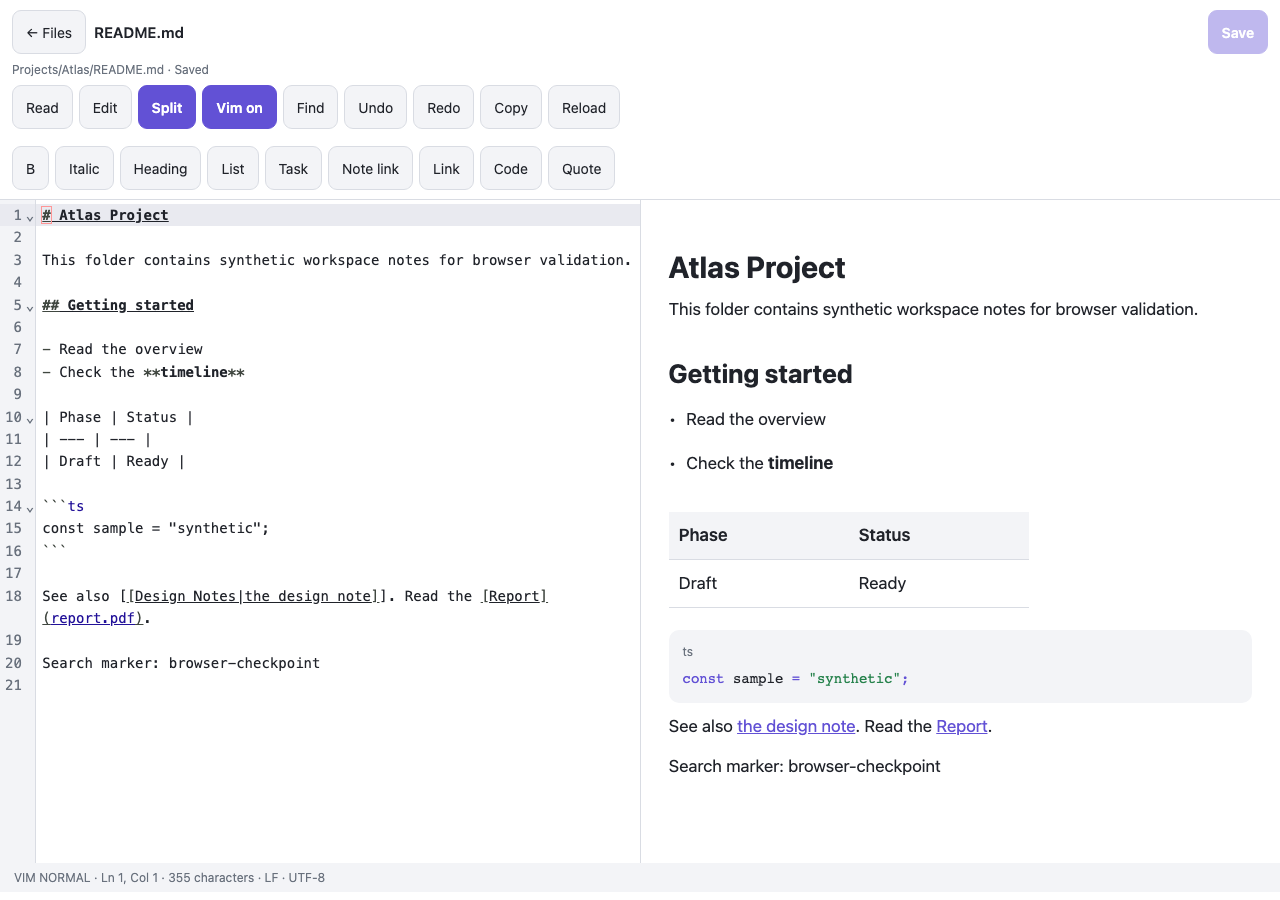
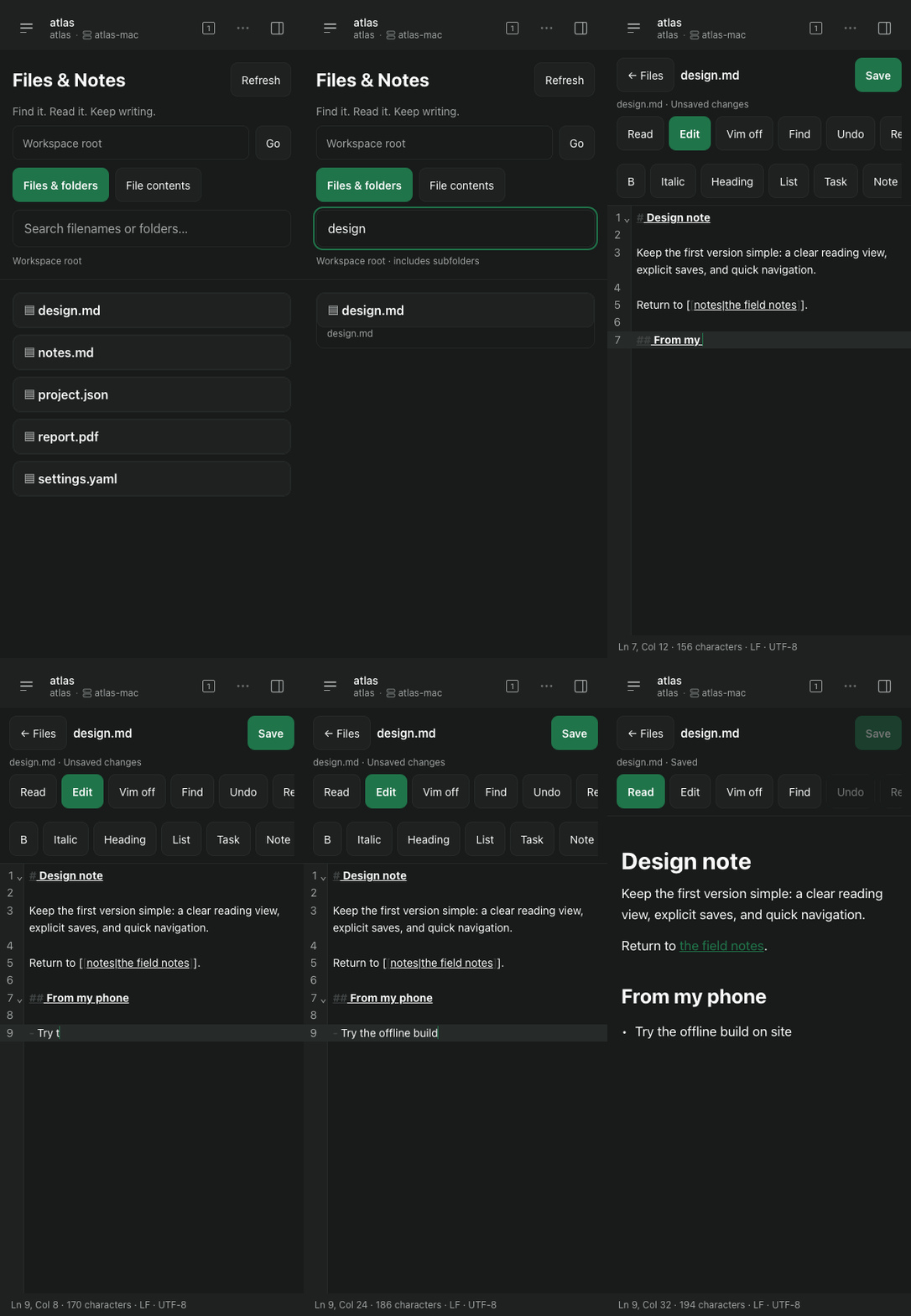
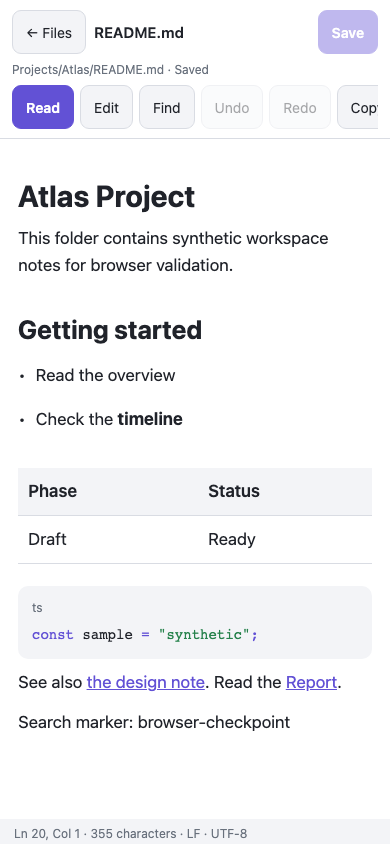
Read Markdown, edit notes and source files, search a workspace, and open PDFs inside Paseo. Native mobile clients use their platform text input for editing. The CodeMirror editor and full Vim mode run on the web editor, including desktop and tablet browsers; the native mobile app does not provide full Vim mode.
Start in Files & Notes in the sidebar and choose a workspace. Search filenames/folders or file contents. Open a note to switch between Read and Edit; Save writes changes explicitly and rejects a stale file revision. Open a PDF to use the integrated native-compatible document viewer.
Text edits are limited to regular UTF-8 files up to 512 KiB in the selected workspace. Search is bounded and marks incomplete results. Drafts and viewed contents can be retained by the connected client. No agent turn hooks, automatic messages or global content index are installed.
The PDF/Office reader reuses the MIT-licensed nkwib/paseo-doc-viewer at commit 5b7cee29d7e9d57505b9e435bdf7af0a78a126ff. See README and THIRD_PARTY_NOTICES for attribution, limits and installation details.