
OpenCode Zen Usage
OpenCode Zen console quota in Paseo — your monthly budget across every workspace you belong to.

OpenCode Zen Usage shows your OpenCode Zen budget policies in Paseo’s Usage view, with spending, limits and remaining amounts in USD for selected OpenCode workspaces. It requires Paseo 0.11.0 or later and an OpenCode Zen account.
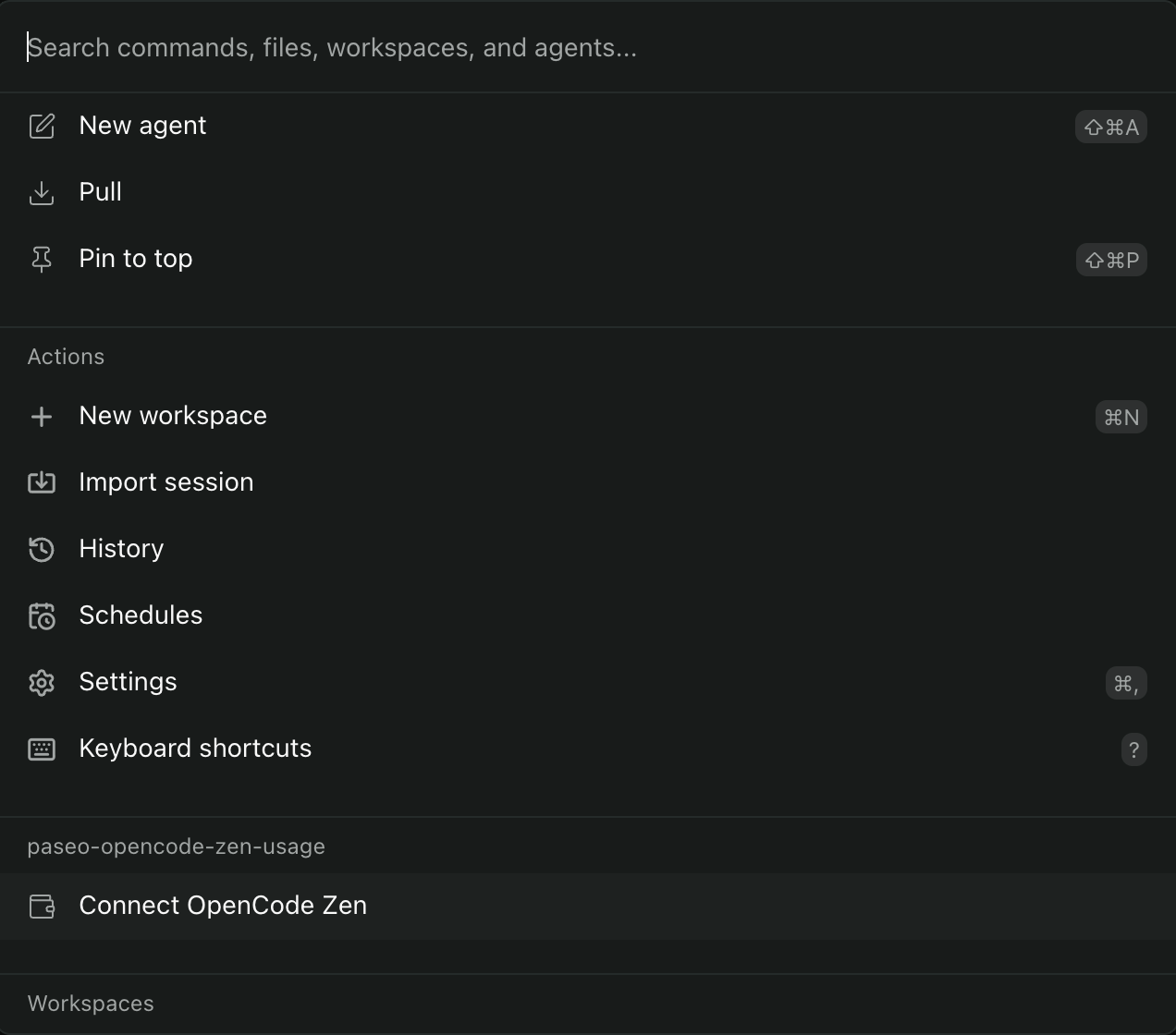
Open Connect OpenCode Zen in the Command Center, start the connection and approve the displayed device code in your browser. After connecting, use the workspace checkboxes and Apply to choose which budgets appear. All workspaces returned on the first discovery are selected initially. Disconnect removes the saved credentials and preserves your workspace selection.
The daemon exchanges device codes and refresh tokens with https://opencode.ai/console, then uses the access token to read your workspace list and current budget policies from that service. Account labels, workspace names and budget values are returned to connected Paseo clients. Access and refresh tokens stay in paseo-opencode-zen-usage/cred.json beneath the daemon’s XDG data directory, or ~/.local/share by default, with owner-only file permissions. The watchlist is stored alongside it in selection.json.
An expired login requires reconnection. Workspaces without a current budget policy have no quota to display. Existing workspace choices are retained; newly joined workspaces must be selected explicitly after the initial discovery. The plugin reads the console’s API and depends on its response format and availability.