
File preview
Preview PDFs, images, video, audio, and HTML from your workspace in a Paseo browser tab.

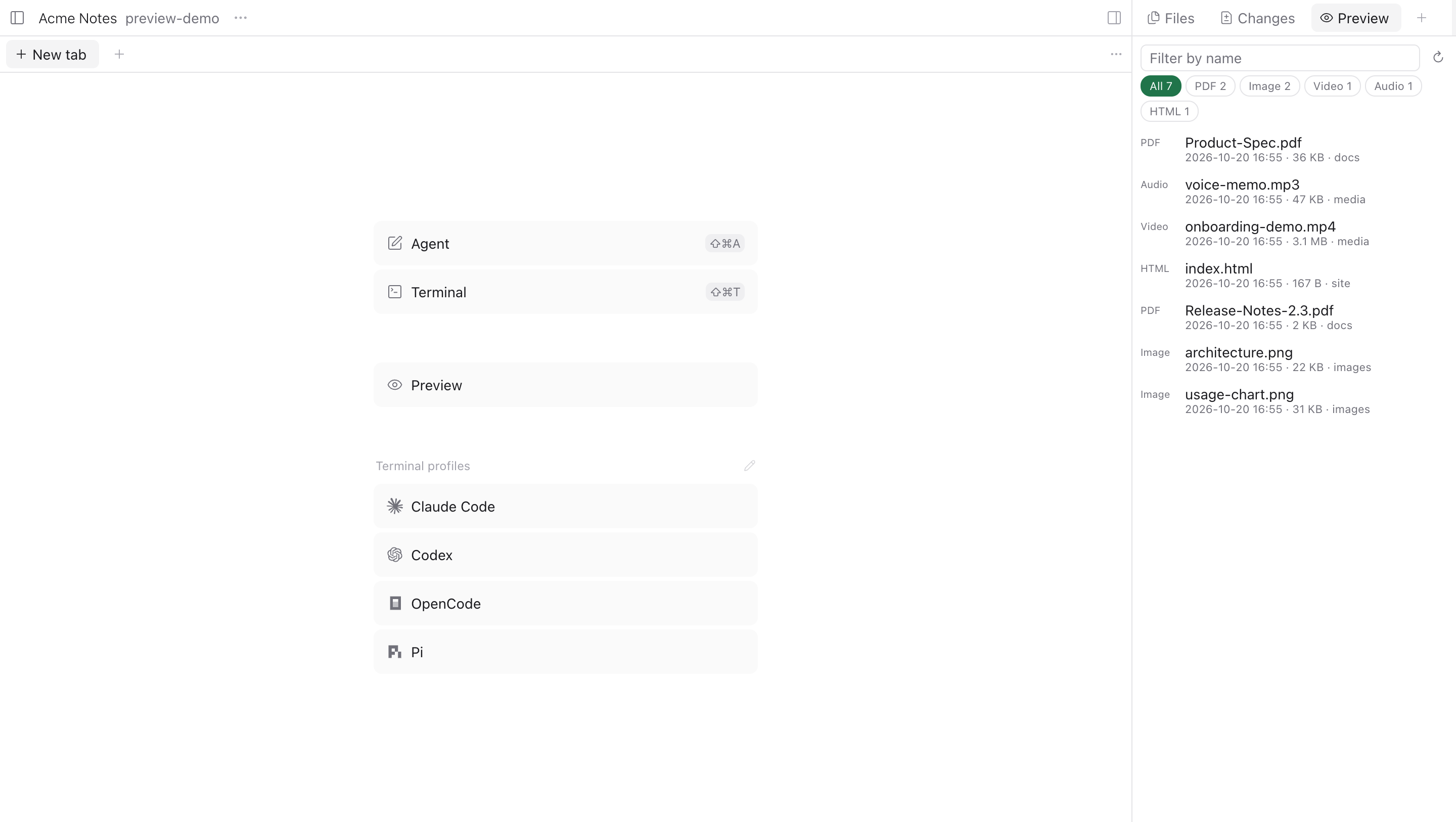
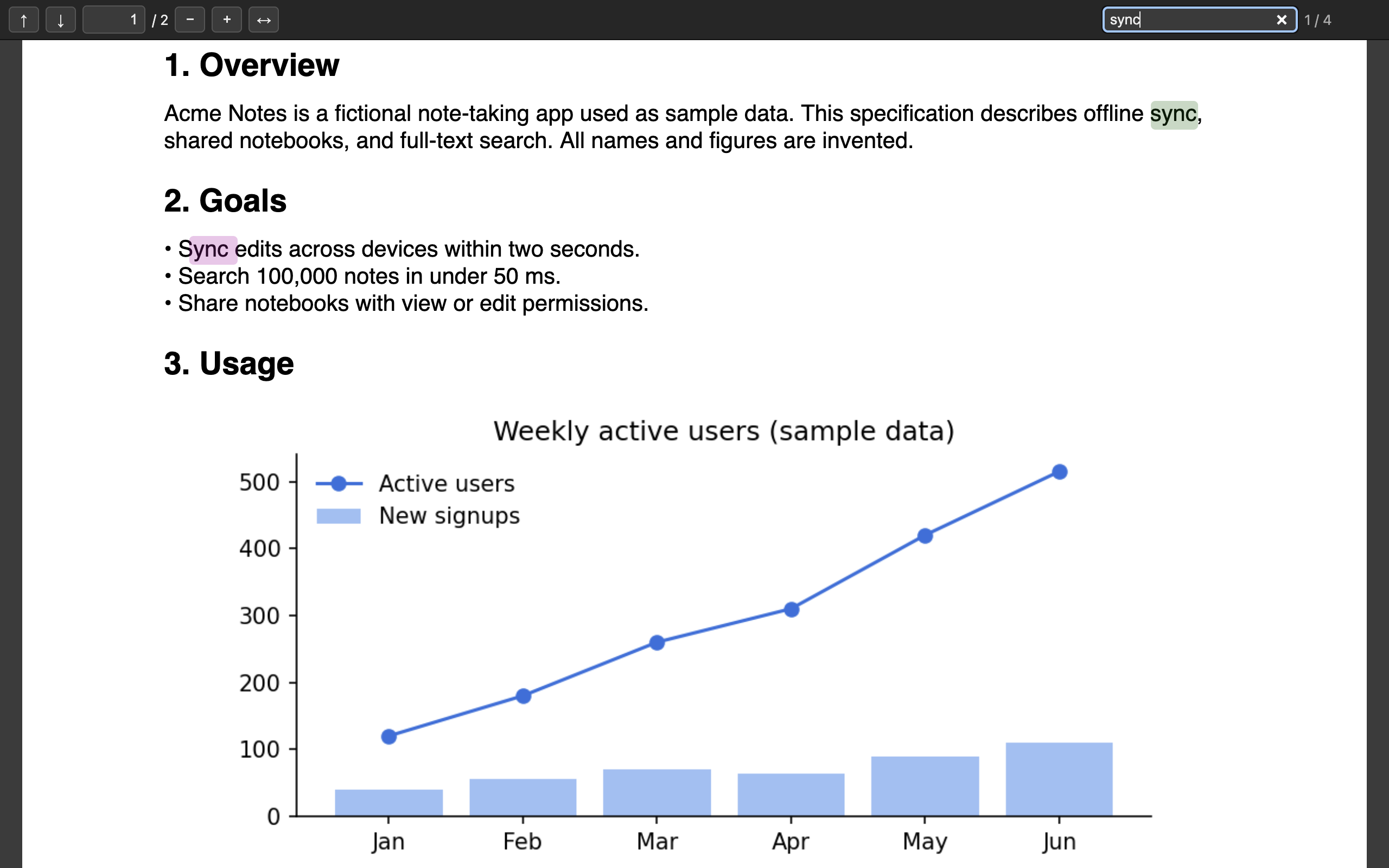
Paseo's file panel shows "binary preview unavailable" for PDFs, videos, and other binary files. This plugin adds a Preview panel that lists the workspace's PDFs, images, videos, audio, and HTML files, newest first. Selecting one opens it in a Paseo browser tab.
PDFs open in a bundled pdf.js viewer with page navigation, zoom, fit to width, full-text search, and password prompts. Korean, Chinese, and Japanese PDFs render with the bundled character maps. Images, video, audio, and HTML use the browser's own rendering, with video seeking supported.
How it works
The daemon side scans the workspace directory, skipping hidden folders and build folders such as node_modules, dist, and build. It lists up to 5,000 most recently modified files. When you open a file, it starts a local HTTP server on 127.0.0.1 with a random port and a secret URL token. That server serves only files inside workspaces you opened from the panel. It rejects requests with another Host header and runs workspace HTML and SVG in a sandbox, so their scripts cannot read other files. Nothing leaves your machine.
Requirements and limits
- Paseo 0.11.1 or newer with plugins enabled. npm must be available on the daemon host so installation can fetch pdf.js. Without it, PDFs cannot open but other files still preview.
- Works when Paseo Desktop and its daemon run on the same computer, which is the default setup. Previews open in the in-app browser.
- Not supported when you view a daemon on another computer (relay, LAN, or Tailscale) or use the mobile app. The preview server listens on
127.0.0.1of the daemon host, and Paseo does not forward browser tabs to a remote daemon. - The panel follows your system language: Korean or English.
- Files cannot be shown inside the file tab itself. Plugin panels cannot embed web pages, so previews open in a separate tab.
- Office documents are not supported. HTML pages that load JavaScript modules may not work inside the sandbox.