
Workboard
Workspace tasks and draft ideas in a label-linked board or list for Paseo

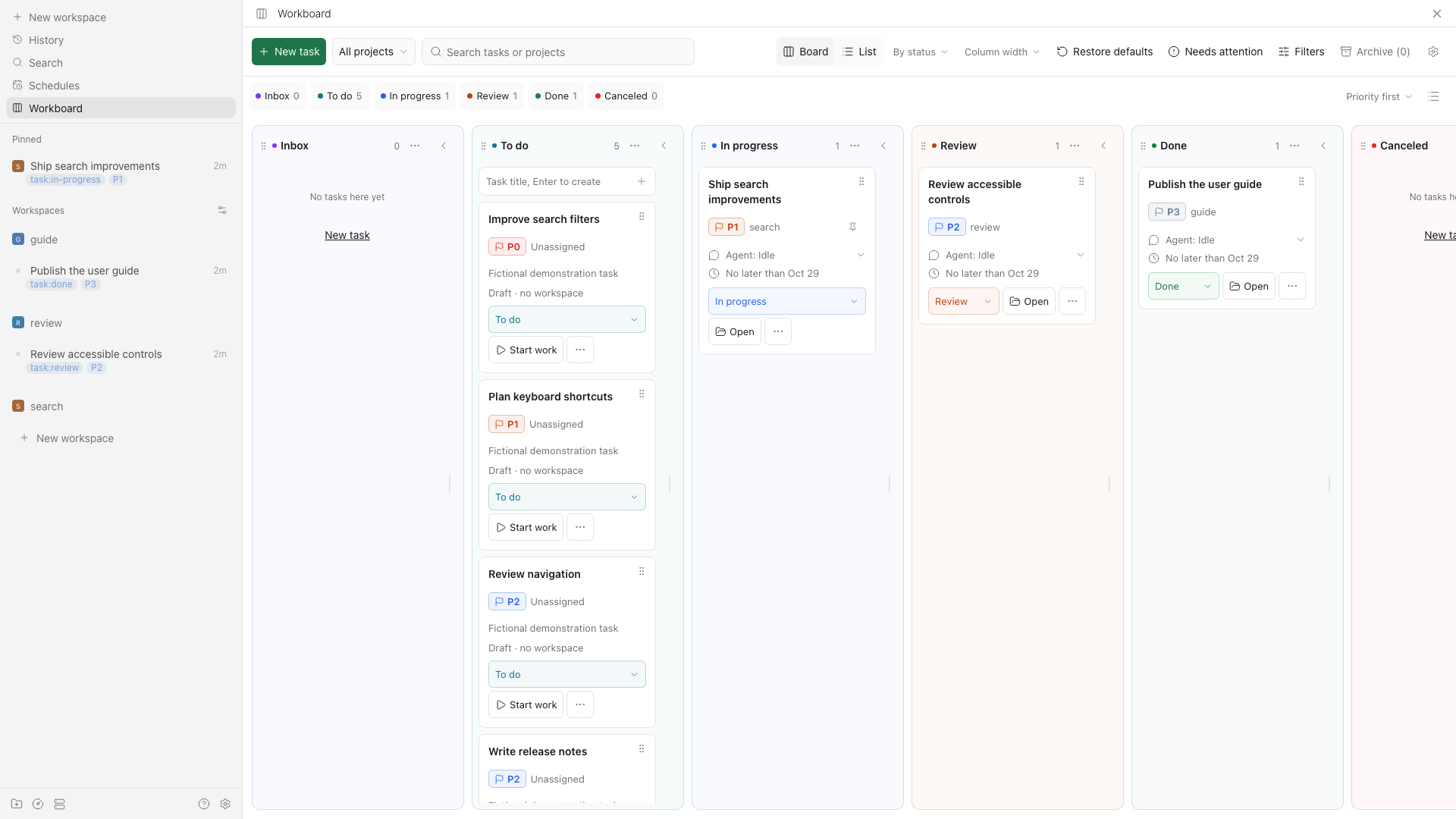
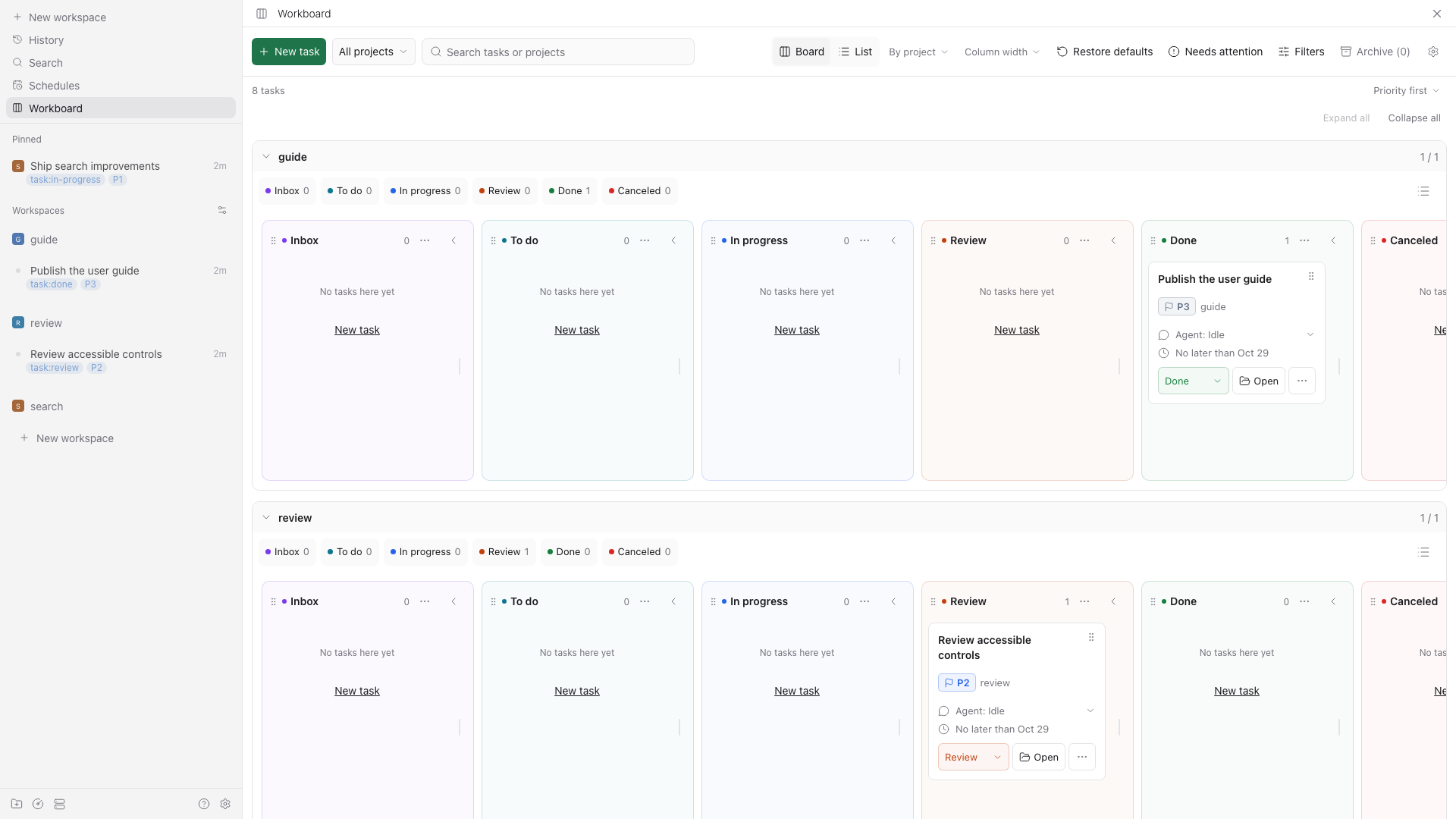
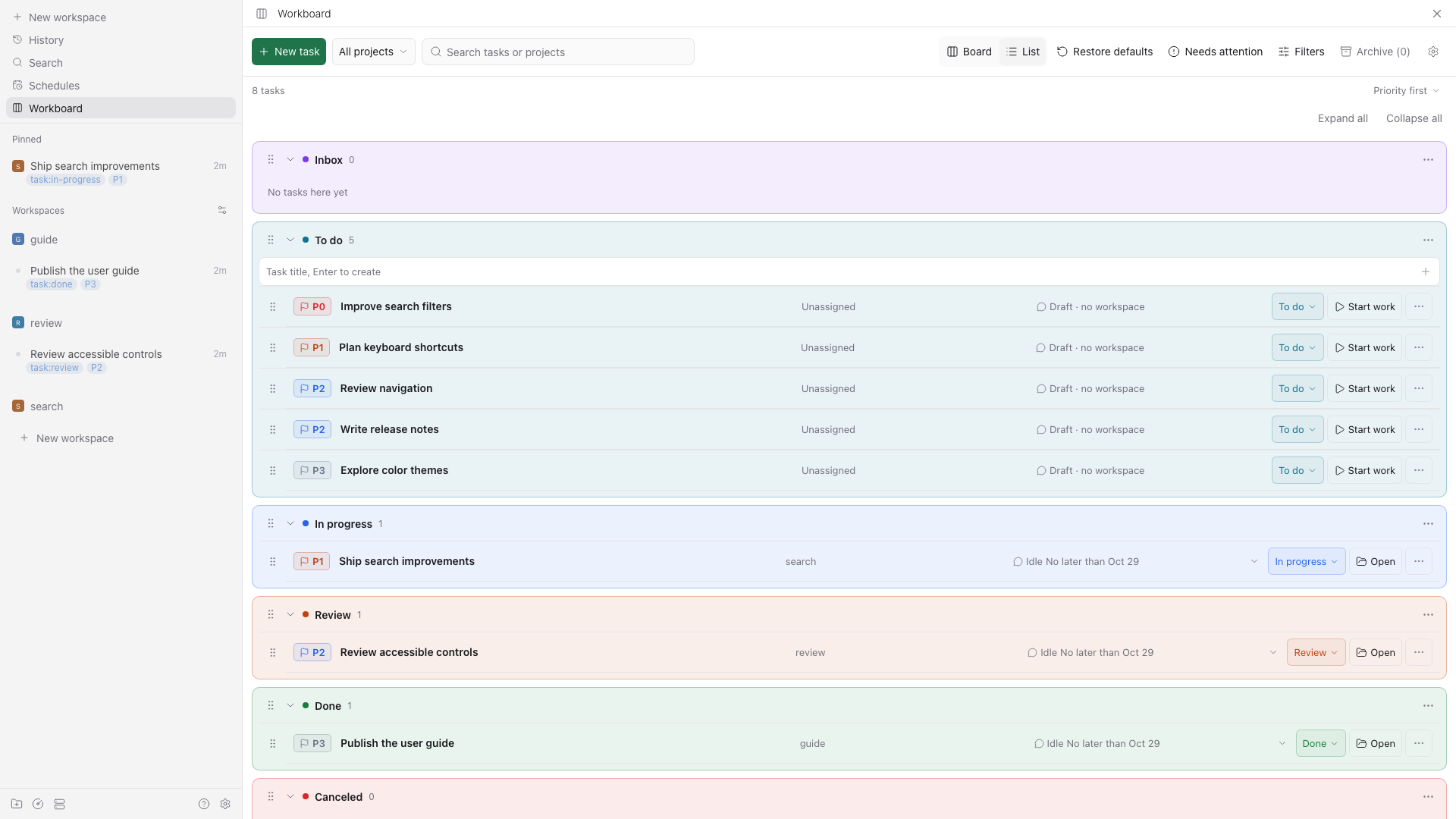
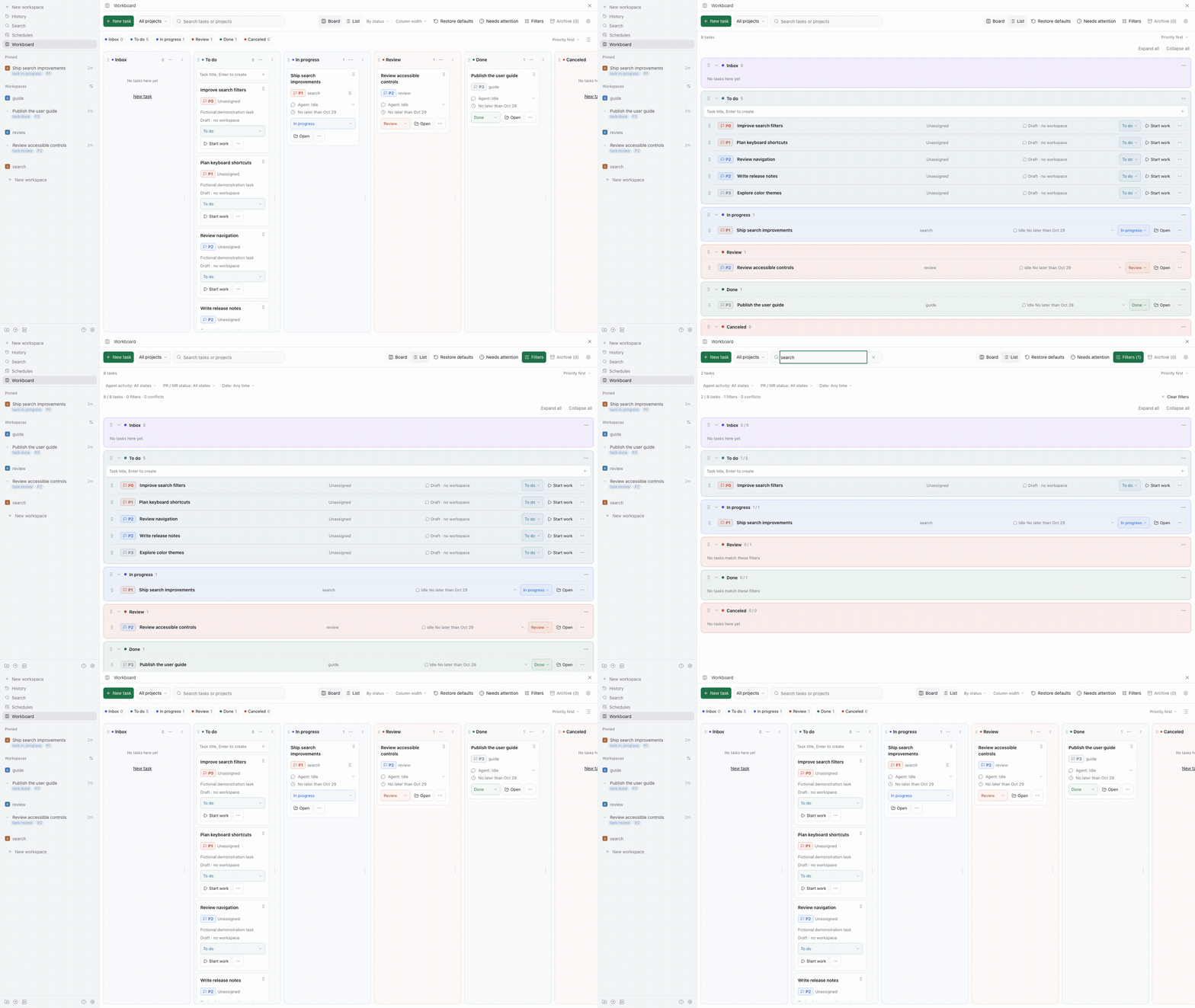
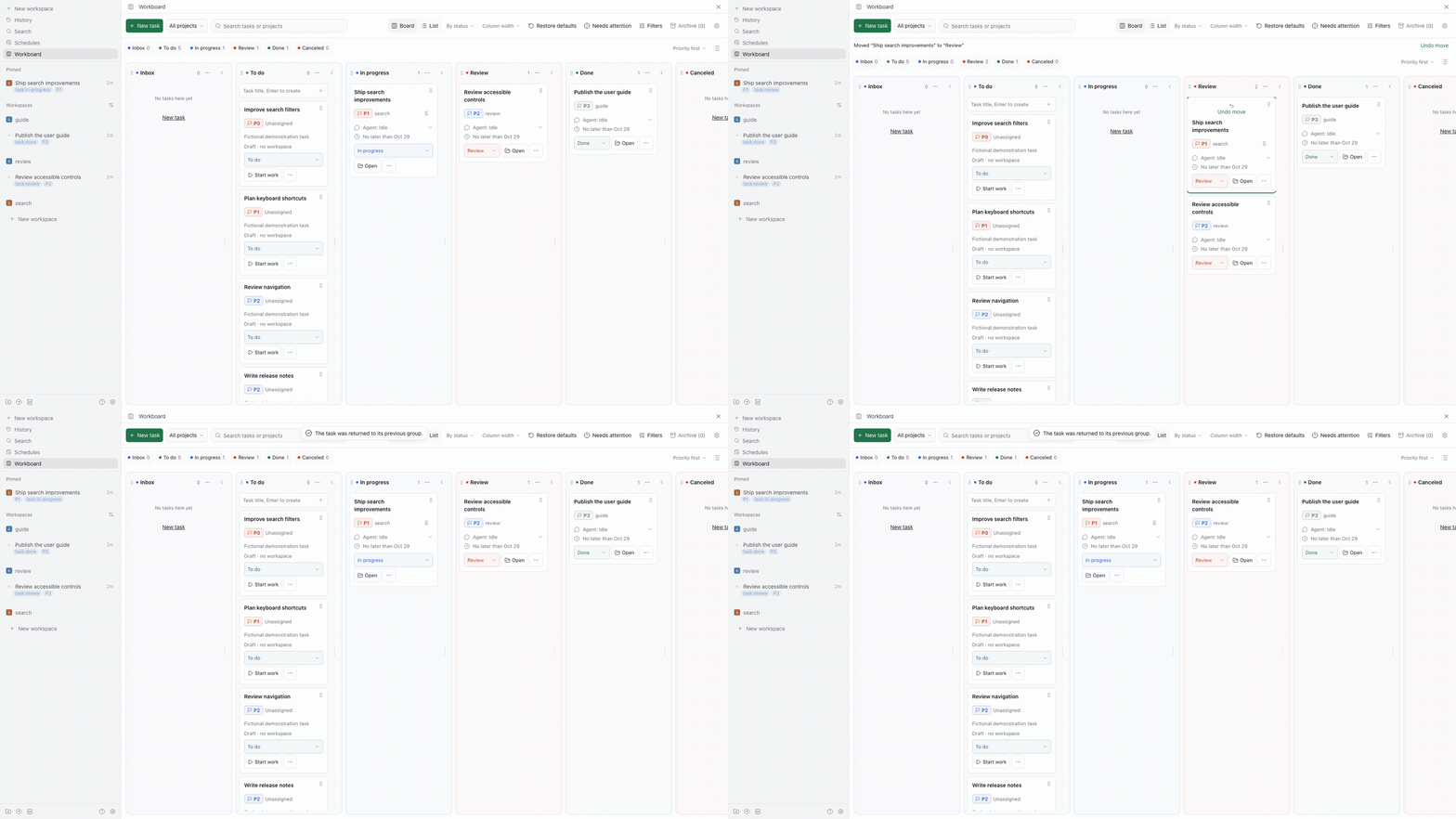
Workboard gathers active Paseo workspaces and unbound ideas into a task board and grouped list. One active workspace appears as one task; a title-only draft has no workspace until you create or attach one. You set task status. An Agent finishing a turn does not mark a task done.
The board and settings follow host changes automatically. An unchanged view receives a small heartbeat instead of another full snapshot. Hidden browser pages pause observation; returning or reconnecting revalidates the view before edits are enabled. Refresh performs a full host check. Server checks continue when the board is closed.
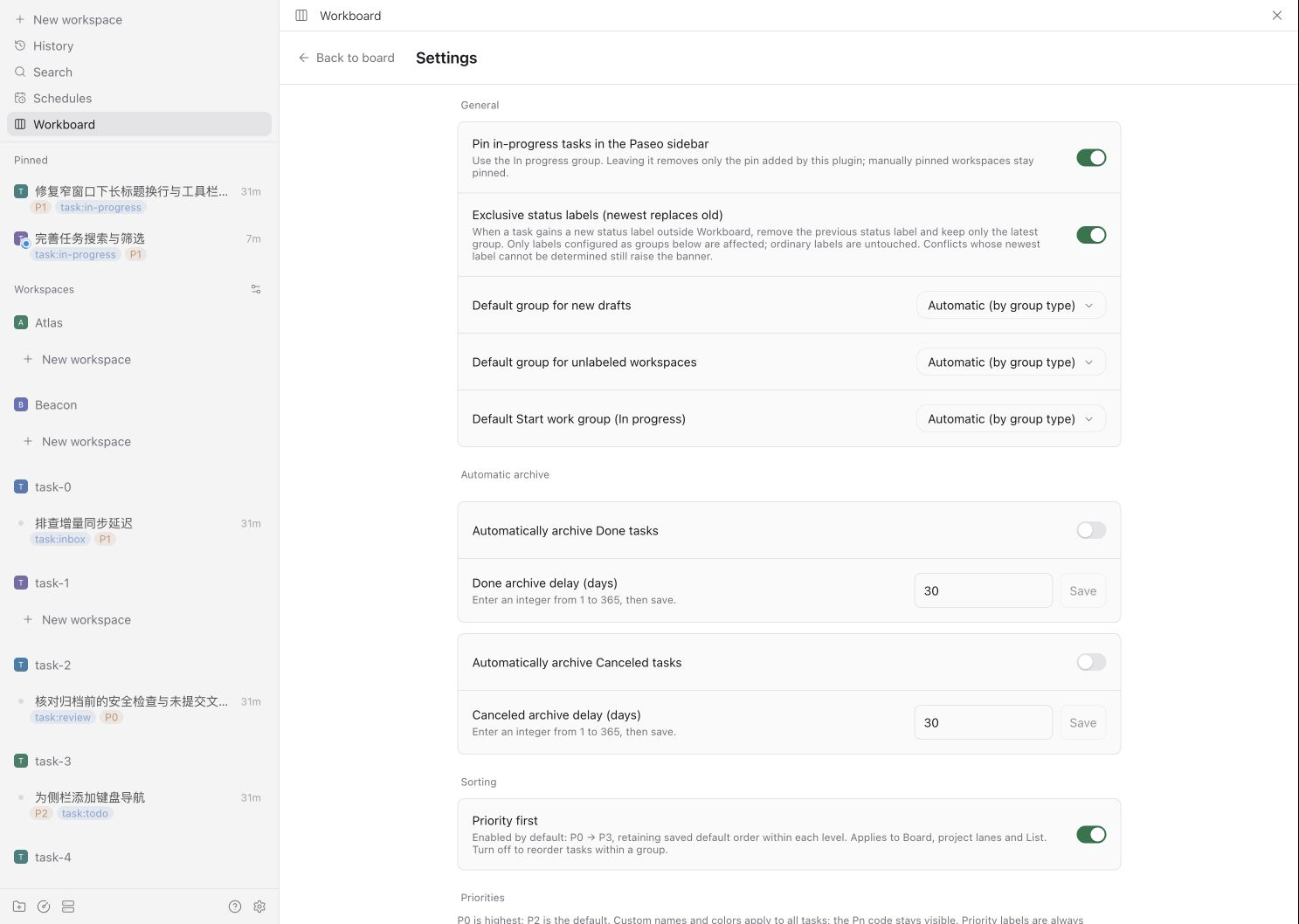
Group the board by project to keep each project’s status columns together, with Expand all and Collapse all for the visible projects. Set P0–P3 on cards: P0 is highest and P2 is the unlabeled default. Board, project lanes and List sort by priority by default, preserving saved order within each level. Choose Default order in the toolbar, or turn off Priority first in Settings, to restore manual ordering. Settings also lets you name and color each level while its Pn code stays visible. Native P0/P1/P2/P3 labels sync both ways and are always exclusive. A unique new label replaces the previous cleanly observed label; ambiguous conflicts await an explicit choice. Merged drafts keep their original priority for restoration. Grouping, sorting and project folds are remembered per client and host.
The Column width menu applies Compact (220px), Standard (280px), or Wide (360px) to all columns, including hidden project lanes; single-column dragging remains available. Restore defaults clears all filters and resets every column to 280px.
Move tasks between groups to update their managed Paseo status labels, or change those labels in Paseo to update the board. Ordinary labels stay intact. Exclusive status labels, enabled by default for new installations, resolve a new, identifiable status label against the previous one; ambiguous conflicts still need your choice. Board and list share tasks, filters, and saved ordering. Status and Open or Start work are visible on each task. All status groups use vertical columns; narrow host containers show one group at a time. Active filter chips remain visible when the filter panel is closed. Filter by project, attention, Agent activity, PR/MR condition, or last conversation date. Paseo supplies PR/MR information. Board and List, including compact rows, show CI status icons with counts and review text beside the status icons. Missing check details fall back to the supplied aggregate CI result. Workboard does not query a forge separately.
Settings let you customize groups and their defaults, pin In progress workspaces in the sidebar, and enable automatic archiving. Archiving is off by default. Done and Canceled have independent switches and delays; turning both off stops automatic archive. Waiting-period controls stay visible and can be saved while a rule is off without enabling it. Changes that make tasks due show the full candidate list for confirmation before saving; canceling keeps the saved settings unchanged. When enabled, each rule waits for its configured delay after the last provable conversation and checks Agent, terminal, conversation, and Git safety before calling Paseo's native archive. Incomplete provider-child inventory, unbounded child history, or a previously observed child disappearing from the list postpones automatic archive while preserving the displayed conversation time. Subscription recovery requires a fresh child inventory before archive. Failed enumeration for an unarchived parent is retried after one minute. Native archival may stop Agents and terminals and remove a managed worktree. Archive shows only Workboard automatic archives, with completed records selected by default and unresolved operations under Needs review. Undo archive uses Paseo recovery, which depends on retained directories and branches; it pauses automatic archiving until the task changes groups. Manually archived drafts remain recoverable in Settings → Archived drafts.
Workboard requires Paseo 0.15.0 or later on both the daemon and client app. Managed updates that require a newer daemon are rejected while the installed plugin remains available. Its daemon-side code uses the selected host's authenticated Paseo session to read workspaces, labels, conversation evidence, and Git safety data and to store task settings and perform requested host operations. View preferences and filters are stored locally in the client for that host. Starting a task defaults to a Git worktree created and named by Paseo for Git projects, and the project directory for non-Git projects; custom directories and existing workspaces remain available. It does not create an Agent or send a prompt. Plugins run as trusted code on the daemon host. Upgrade notes for each version are in GitHub Releases; setup and full usage are in the README and user guide.