
Telegram
Connect Telegram DMs, groups and topics to Paseo chats and workspaces, with optional Bots profiles.

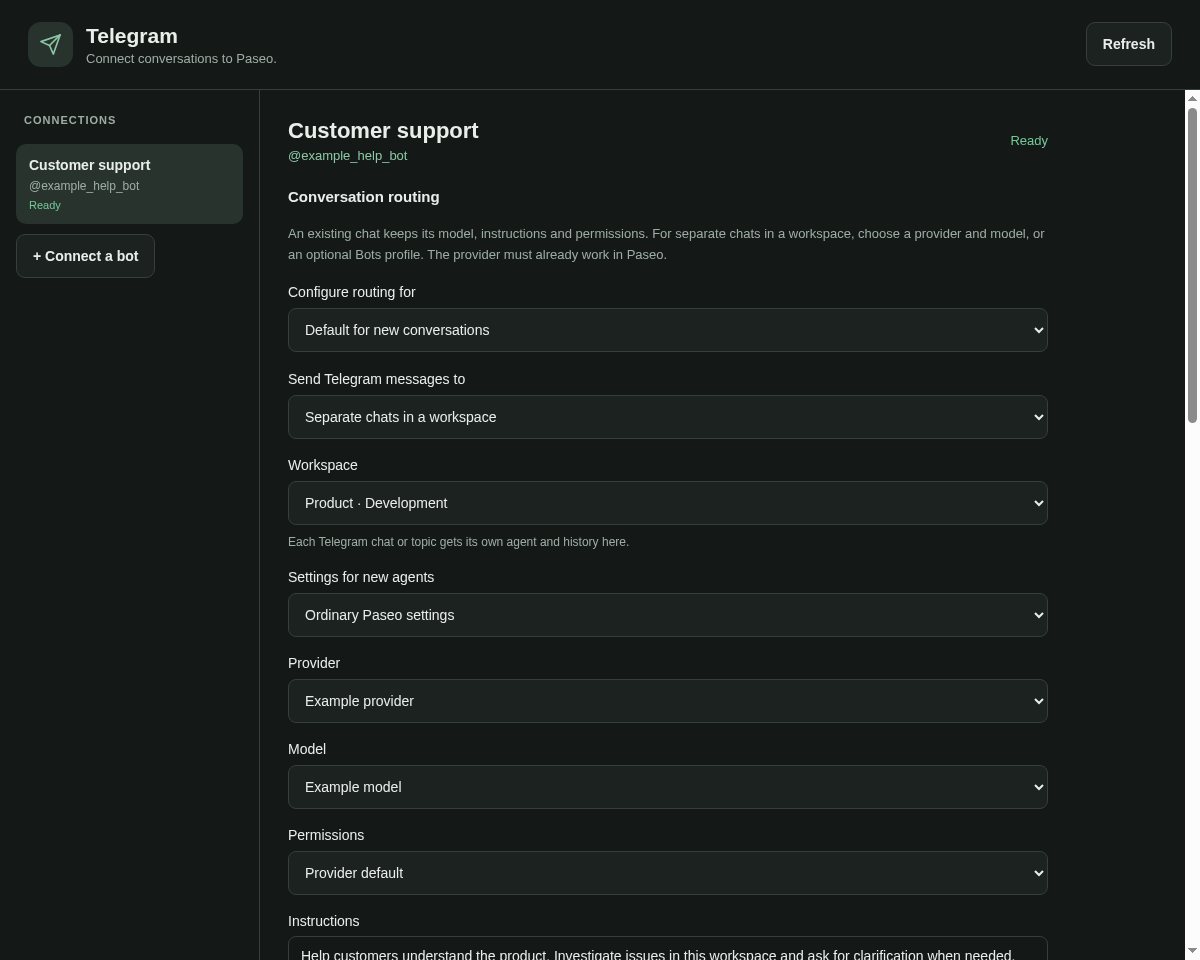
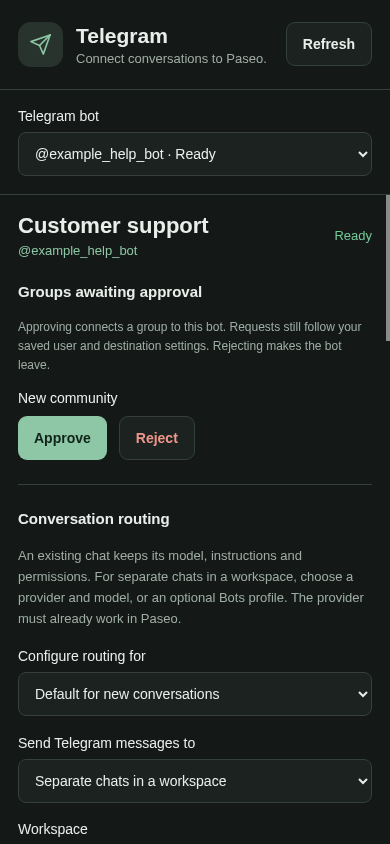
Connect Telegram direct messages, groups and forum topics to ordinary Paseo chats. Link an existing agent, or create a separate chat per conversation in a workspace. Optionally use a profile from the Bots plugin.
Set up your bot
A new, empty bot from @BotFather is enough. No bot code or separate hosting is required.
- Open Telegram in Paseo's sidebar and connect the bot's token.
- Create the private setup link, open it with your Telegram account and press Start to confirm the owner.
- Choose an existing Paseo chat, or a workspace with a provider/model or optional Bots profile. Set who can use it and select Save settings.
- Message the bot privately, or add it to a group from the paired account.
A token alone does not enable replies. The screen shows the remaining setup step until an owner and destination are saved. The selected model provider or subscription must already work in Paseo. For ordinary group mentions, disable Group Privacy in BotFather before adding the bot; Inline Mode is not required.
How replies work
The daemon receives messages with polling, so no public webhook endpoint or open app is required. Requests reach the chosen Paseo agent's provider; its public progress and final answer return to the original Telegram conversation. Private reasoning and raw tool output are not forwarded.
Telegram requests use the chosen Paseo agent's tools and permissions. This connector does not supply a model subscription or grant additional tools.
Group access
Choose who can connect groups: the owner, the owner and allowed users, anyone, or approval in Paseo for each new group. Separately choose who can request work inside admitted groups: the owner and allowed users, Telegram group administrators, or all members. The paired owner can always request work.
Pending groups cannot run work. Approve or reject them in the sidebar; rejection makes the bot leave. Existing installations keep their access settings on update. Connector service messages are English; agent answers keep their own language.