
Wiki Viewer
Paseo plugin: browse a workspace in wiki-viewer from the Explorer sidebar, and open chat file links there


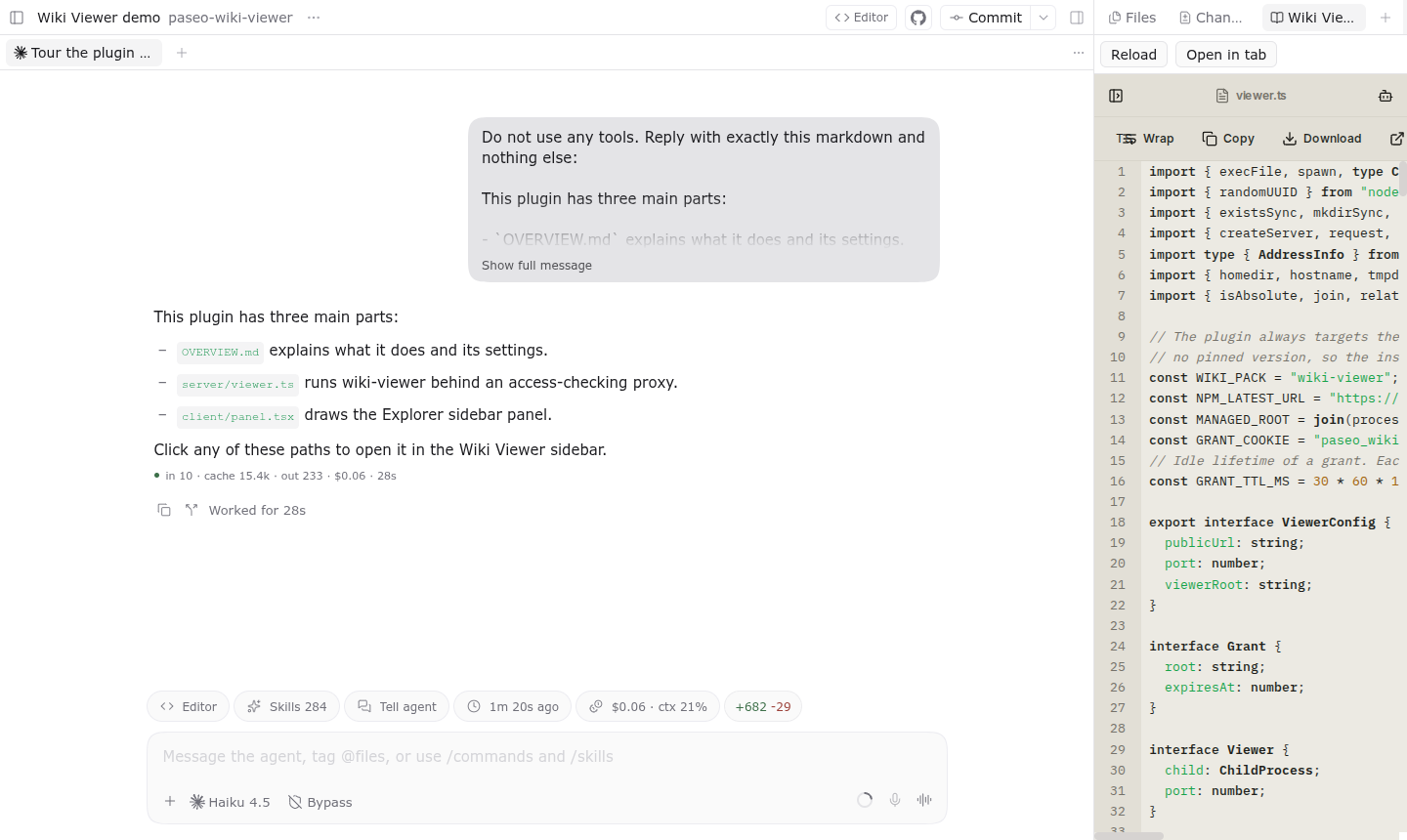
Wiki Viewer opens a Paseo workspace in wiki-viewer, a local file viewer for markdown, HTML, PDFs, notebooks, office documents, and more.
Search for "Open Wiki Viewer" in the Command Center to open it in the Explorer sidebar, or add the Wiki Viewer panel to a workspace. The panel installs or updates wiki-viewer from npm when you press its button; it never downloads anything on its own. On desktop and in the browser the wiki shows inside the panel, with Open in tab for a full browser tab. On iOS and Android the panel opens it in your system browser.
On desktop and in the browser, clicking a file path in an agent's chat opens that file in the Wiki Viewer sidebar instead of a Paseo file tab. Alt-click (Option-click) keeps Paseo's file tab. A bare or partial name such as panel.tsx opens the most recently modified workspace file whose path ends with it. Links that match no file in the workspace still go to Paseo.
How it works
The daemon runs wiki-viewer on 127.0.0.1 and puts a small access-checking proxy in front of it. Each open link carries a random grant tied to one workspace directory; the proxy rejects requests without a valid grant and fixes the browsed root to that directory. Because a frame inside Paseo cannot keep cookies, the proxy adds a small script to each viewer page that attaches the grant to the page's own requests. A grant expires after 30 minutes without use.
Settings
Under Settings, Plugins, Wiki Viewer:
- Open chat file links in Wiki Viewer: on by default. Turn it off to leave chat links to Paseo's file tab.
- Public URL: the base URL your devices use to reach the daemon. Empty uses
http://<daemon hostname>:<port>. Set it when the daemon is reached through another name, a tunnel, or HTTPS. - Port: the proxy port. 0 picks a free port at each start; pin it if a firewall must allow it.
- Viewer root: run an existing wiki-viewer build or source checkout instead of the managed install in
~/.paseo/wiki-viewer.
Limits
The proxy listens on all interfaces of the daemon machine and uses plain HTTP, so anyone on that network who obtains a grant URL can read that workspace until the grant expires. The managed install needs npm and tar on the daemon's PATH and is about 30 MB. Looking up bare file names needs rg (ripgrep) on the daemon's PATH; the plugin keeps a list of each workspace's files in memory, and in a very large workspace the first lookup can take several seconds.