
Image markup
Annotate images in Paseo chats (pen, arrow, rectangle, text, blur, crop) and add the result to your message.

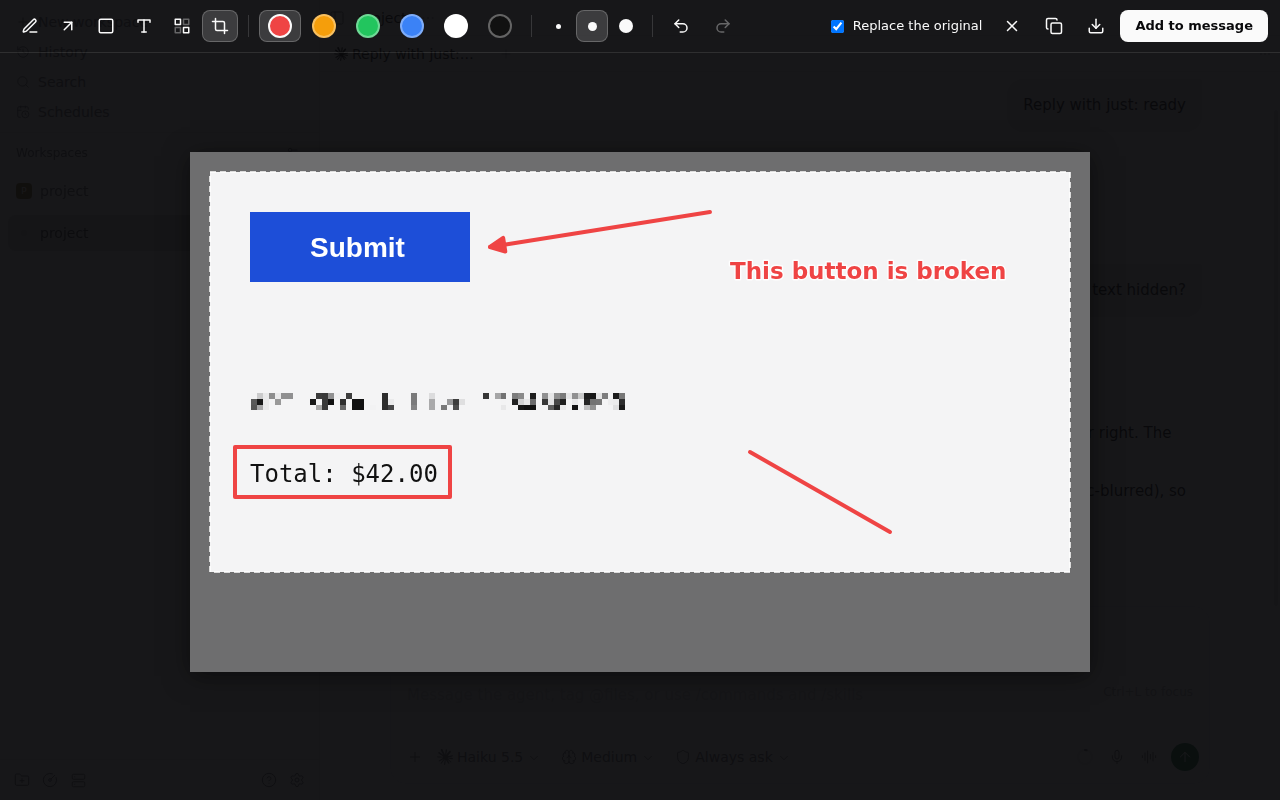
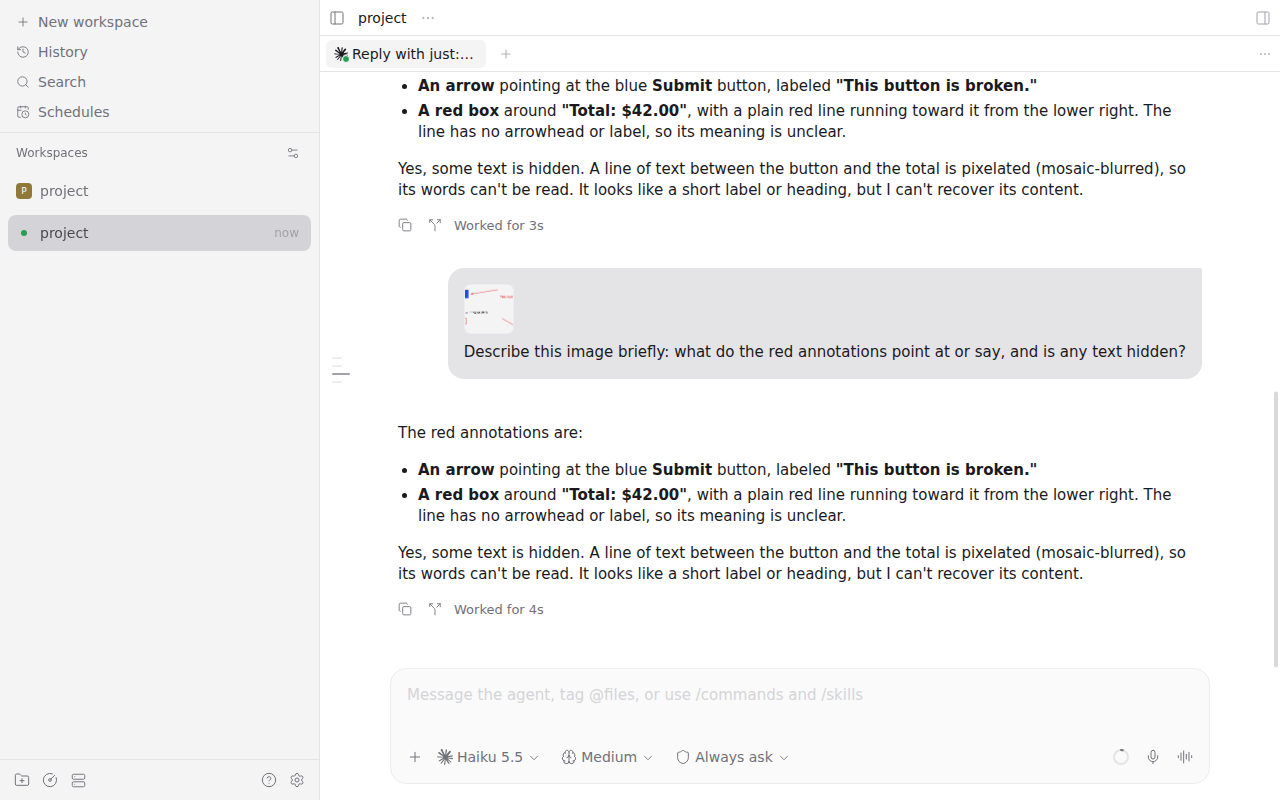
Image markup lets you mark up a screenshot before you send it to an agent, without leaving Paseo: draw on it, point at things, hide secrets, crop it, and the result lands in your message box.
Paste or attach an image, click its thumbnail in the message box to open it, and press Annotate in the top-left corner of the viewer. The same button appears on images in sent messages and in the agent's replies.
The editor has:
- Pen (P), Arrow (A), Rectangle (R) and Text (T) in six colors and three sizes. Text goes where you click; Enter finishes it, Shift+Enter starts a new line.
- Blur (B) pixelates a region into coarse blocks, so passwords, tokens and names cannot be read back.
- Crop (C) keeps the region you drag; a click with the tool clears the crop.
- Undo and redo (Ctrl/Cmd+Z, Ctrl/Cmd+Shift+Z), Copy to the clipboard, and Download as PNG.
Add to message (Ctrl/Cmd+Enter) puts the marked-up PNG, at the image's full resolution, into the message box of the chat it came from. When you opened an image from the message box, Replace the original (on by default) also removes the unmarked one. Images from sent messages and replies are added as a new attachment. Escape closes the editor without changes.
Setup
Requires Paseo 0.12 or later, in the web app or the desktop app. On Paseo 0.13 or later the plugin shows its text in the app's language, English or Simplified Chinese; earlier versions show English.
What it reads and sends
Everything runs in the app on your device. The plugin reads the image the viewer shows and hands the result to the message box as if you had pasted it, so the app stores and sends it like any pasted screenshot. It has no server part and sends nothing anywhere itself.
Limits
- Web and desktop only. The iOS and Android apps do not run it.
- Paseo has no plugin API for composer attachments, so the plugin works with the app's page: the image viewer, the message box and its image thumbnails. A Paseo update that changes them can break it until the plugin is updated.
- The message box takes the image only while the host is connected and voice input is off, as with a normal paste.
- An image hosted on another site opens only if that site allows it (CORS); attachments and pasted screenshots always do.
- Paseo shows images in sent messages only in the window that sent them, so after a reload only the agent's images and the message box can be annotated.