Quick Chat
Chat with an agent without picking a project, and connect the chat to a project later.

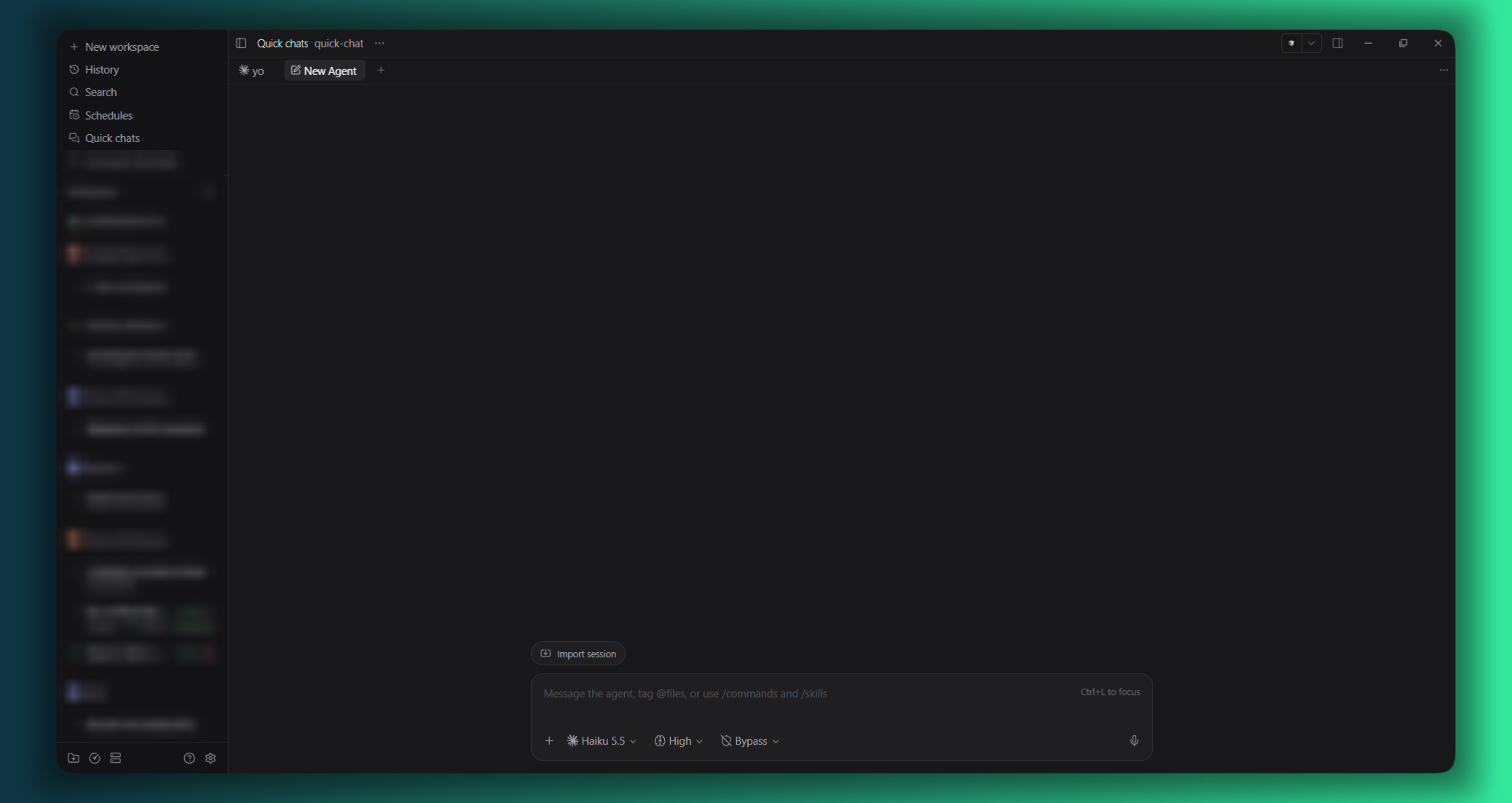
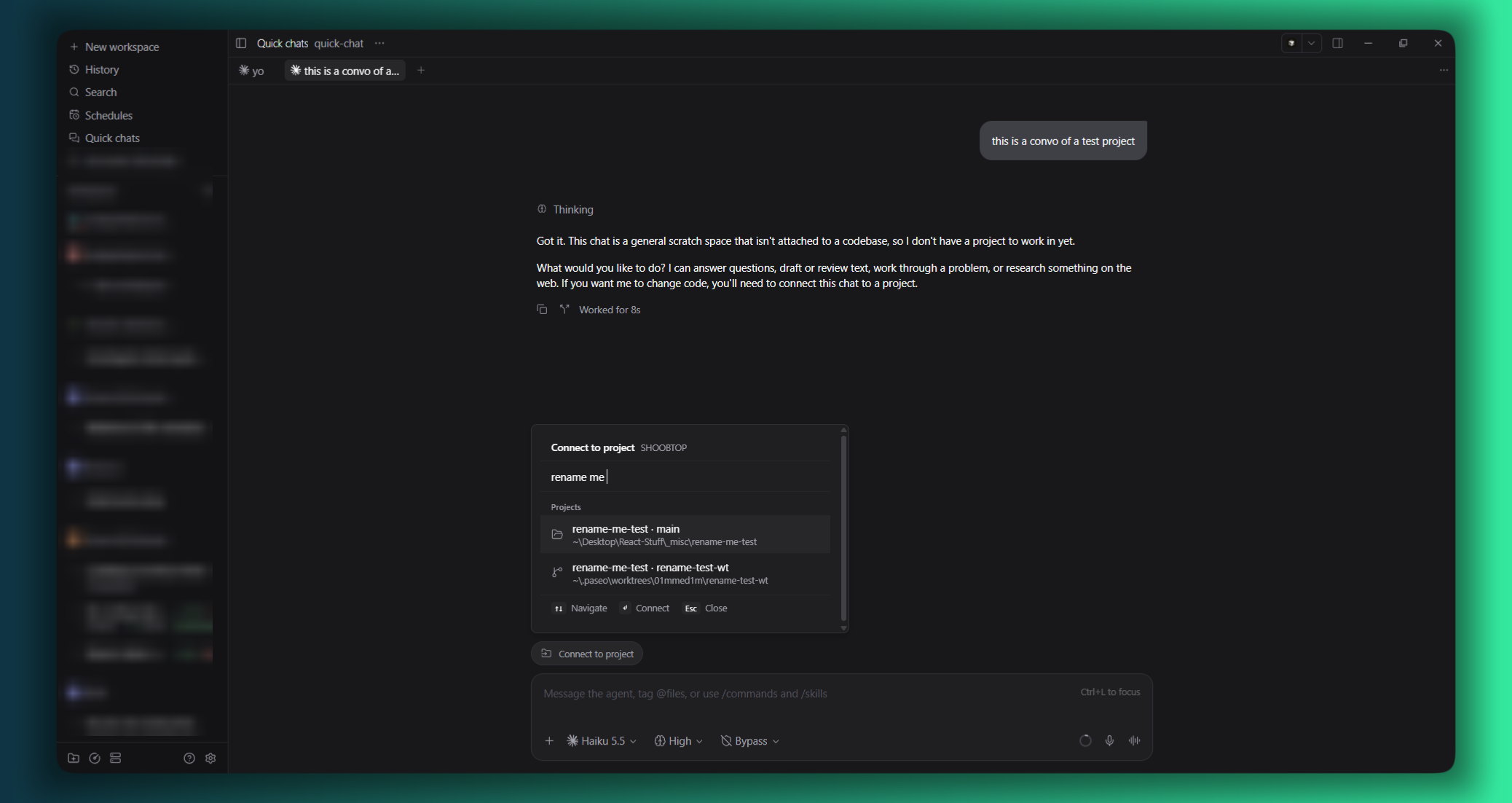
Quick Chat lets you talk to an agent without choosing a project first. When a chat turns into work on a codebase, you can connect it to a project and the conversation carries on there.
How it works
Clicking Quick chats in the sidebar opens a workspace in Paseo's own chat view, with the usual provider and model picker. Paseo agents always run in a folder, so quick chats run in a scratch folder in Paseo's data directory (~/.paseo/quick-chat). That workspace is hidden from the sidebar's project list.
Agents started there get a short system note saying there's no project, so they answer directly instead of looking for code.
Connect to project, in a chat's message box or the command center, starts a new agent in the project you pick (or a folder you search for, which is added as a project) and gives it the chat's transcript as its first message. The new agent uses the provider's default mode, so the project's usual permission prompts apply. By default the original chat is then archived.
Setup
Requires Paseo 0.15 or later and at least one agent provider (Claude Code, Codex, OpenCode or another) on the host. Tested on Windows.
Preferences:
- Archive a chat after connecting it to a project (on by default).
- Tell chats there's no project (on by default).
Data
Chats go to the agent provider you pick, like any Paseo agent. Connecting a chat sends its transcript (your messages, the replies, and one line per tool call) to the provider of the new agent in the project. Quick Chat stores nothing else; it labels the agents it creates in projects with the chat they came from.
Limitations
- The agent in the project gets the chat as text, not the original session, so tool output and reasoning aren't carried over.
- Files a chat wrote stay in the scratch folder, not in the project.
- Other plugins that don't look in hidden workspaces can miss quick chats. The README lists known cases.